
Environment variables & secrets
How to add API keys without putting them in files.
Why not just put them in .env #
Secrets in files are a footgun: they end up in git, in agent context, in screenshots. Vibe stores secrets encrypted in the database and injects them as env vars only at container runtime.
Adding a secret #
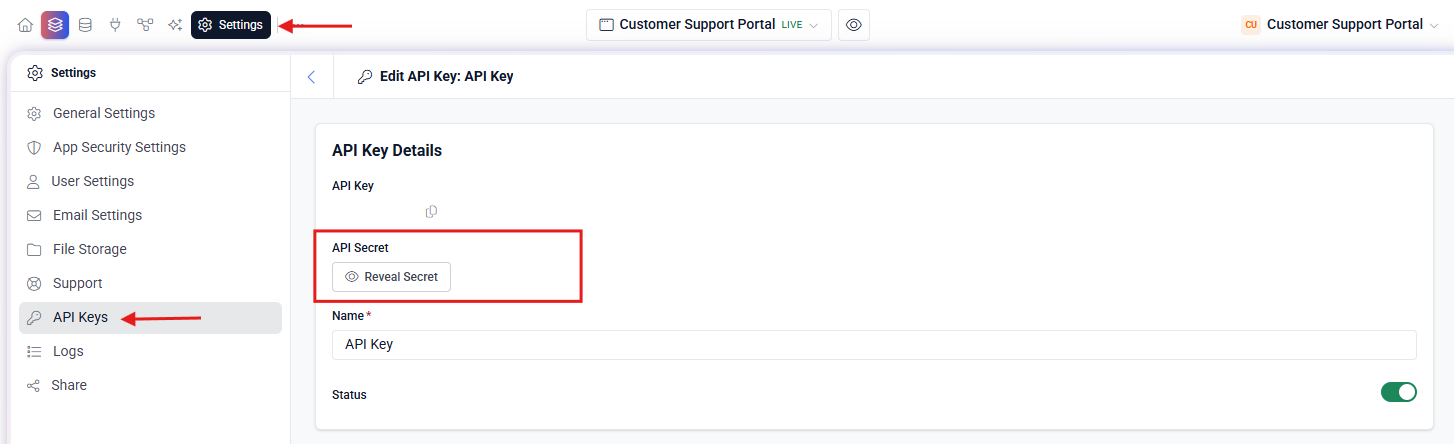
- Open Settings → Secrets Or ask the agent: “add a secret named STRIPE_API_KEY.”
- Paste the value It's encrypted before it touches the DB. No file is created.
- Use it in code Read it via process.env.STRIPE_API_KEY from any backend route.
The agent can request secrets #
If you ask the agent to build a Stripe checkout, it will say something like “I need a STRIPE_API_KEY.” It can declare the secret slot, but you fill in the value — the agent never sees it.