
Deploy history & rollback
Every publish is kept. Roll back in one click.
On this page
The Deploys tab #
The Deploys tab lists every release with its timestamp, deploy message, and status. Each row has a Rollback button.
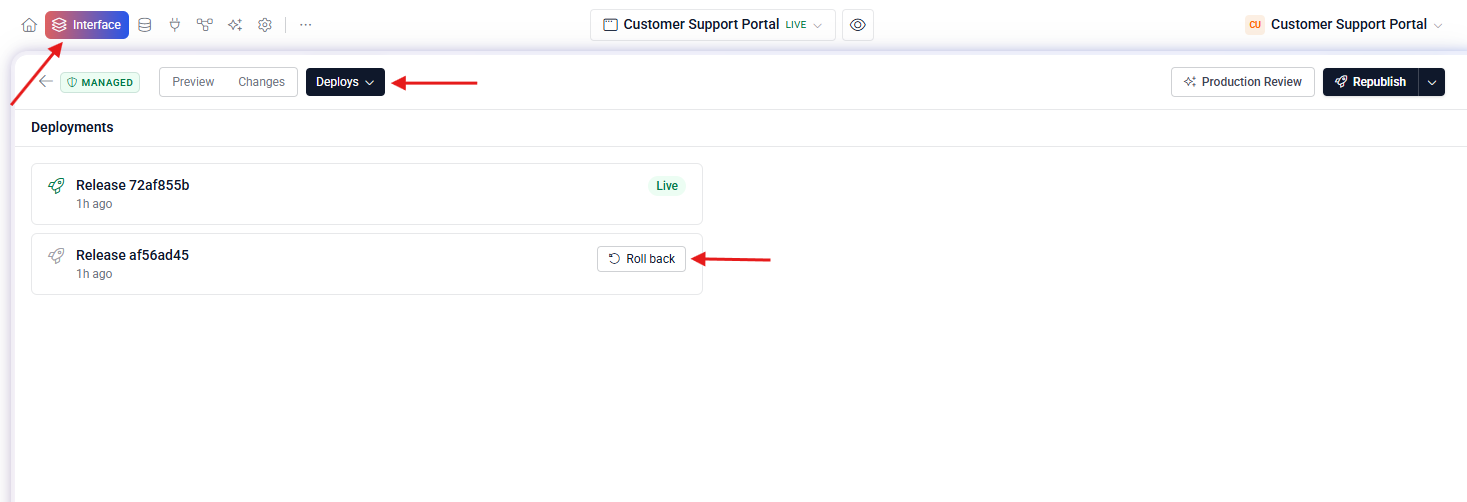
How rollback works #
Rollback re-routes traffic to the older container image — it does not rebuild. That means it takes seconds, not minutes. Your code is untouched in the editor; the old release is just promoted back to live.