
QR/Barcode Scanner
Product update · Jun 12, 2022
We're excited to finally release the built-in QR code scanner. It can now be enabled in any text or number field of a form.
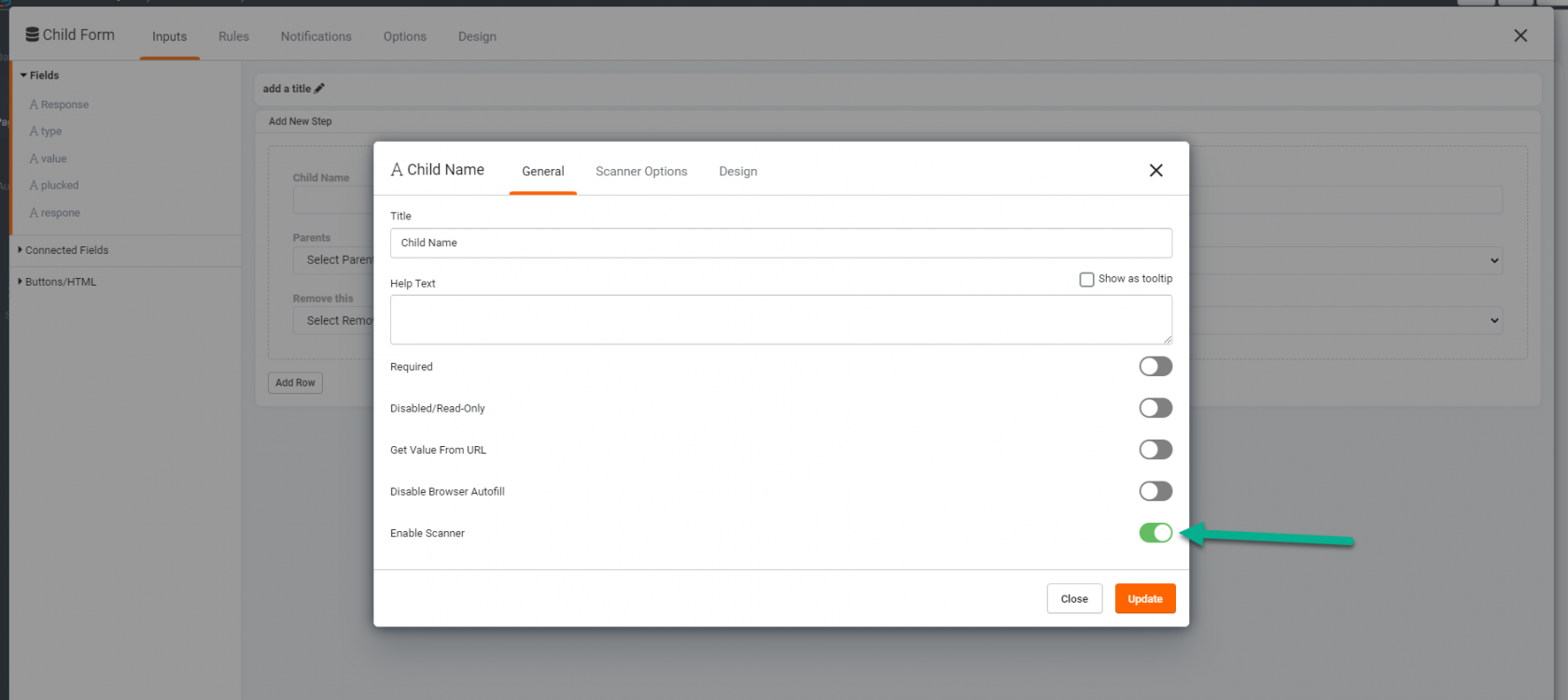
To enable the scanner, select the field in the form and enable the scanner option by clicking "Enable Scanner"
Once enabled, a scanner option will appear next to the field.

{{LearnMoreQRCode}}