
PDF Signature Field Editor
The PDF Signature Field Editor Plugin transforms your Tadabase application into a lightweight yet powerful PDF editor and signer. It enables users to…
- Not yet re-checked
- Classic builder
Moved from our previous help site and not yet re-checked against the current product. Last edited Sep 8, 2025.
On this page
Overview #
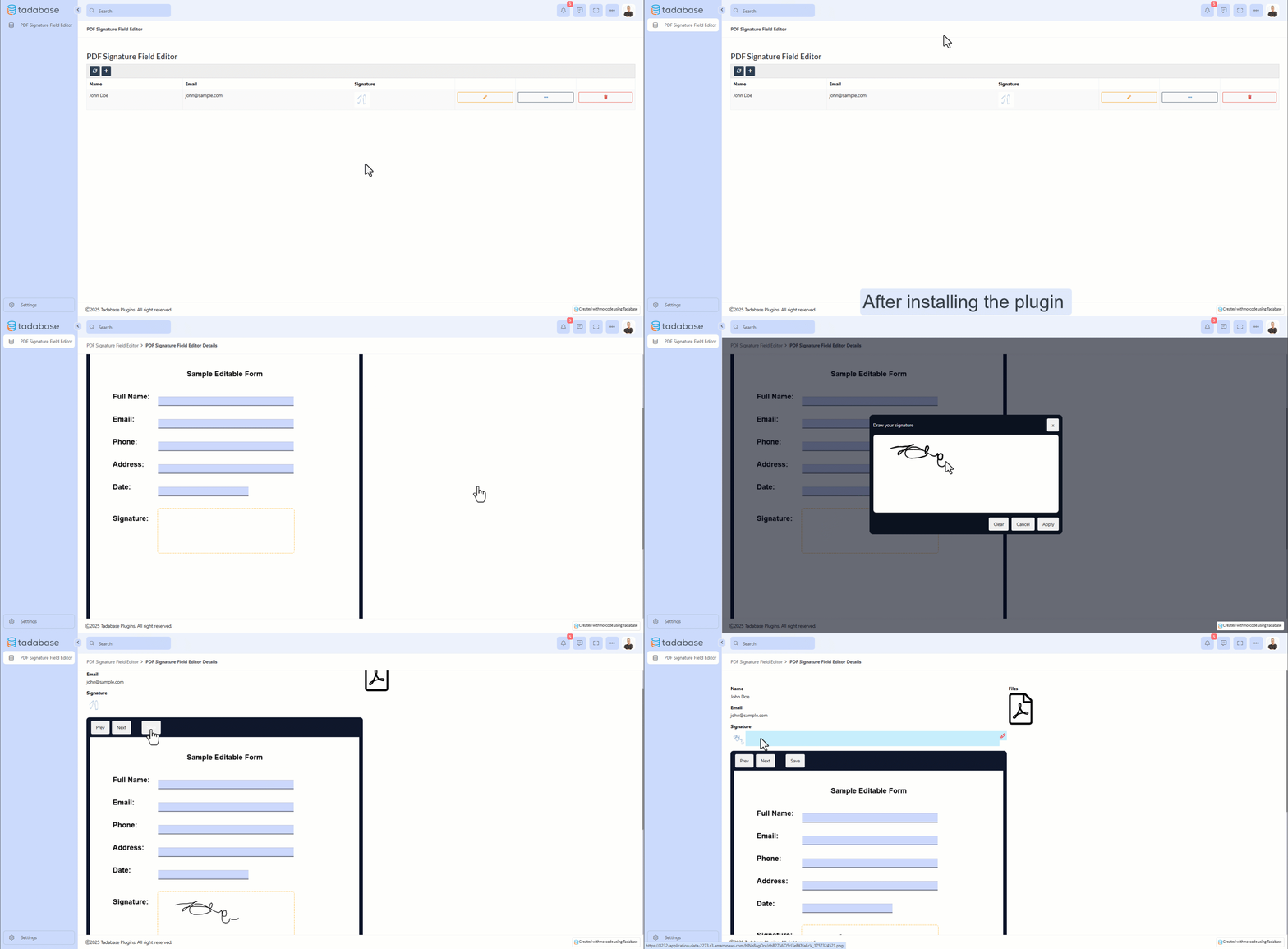
The PDF Signature Field Editor Plugin transforms your Tadabase application into a lightweight yet powerful PDF editor and signer. It enables users to load PDFs directly from Tadabase file fields and interactively place signature fields anywhere on the document. These fields can be freely cleared, or removed, offering precise control over the signature process. Users can then sign the document directly within the app, creating a seamless signing experience without the need for external tools.
Use Cases #
This plugin is ideal for applications that require in-app document completion and signature workflows. This real-time, in-app signing experience streamlines document workflows, ensures faster turnaround times, and improves the overall usability of your application—especially in use cases where precision, compliance, and user interaction are critical.
Installing the plugin #
Prerequisites:
- The page must have a details component and enable inline editing.
- The details must have an attachment and signature fields
- Javascript must be enabled (applicable if your're on trial account)
Step-by-Step Installation:
- Navigate to the page with this details, this can be a parent or child page.
- Click on the Plugins
- Find the PDF Signature Field Editor plugin
- Select the details
- Select the attachment and signature fields
Removing the Plugin #
To remove the plugin, find the Javascript code that is surrounted with a comment for the plugin name and delete the code. Do the same for the CSS as well.
Was this page helpful?
Something wrong or missing on this page? Tell us.