
ABA Practice Management
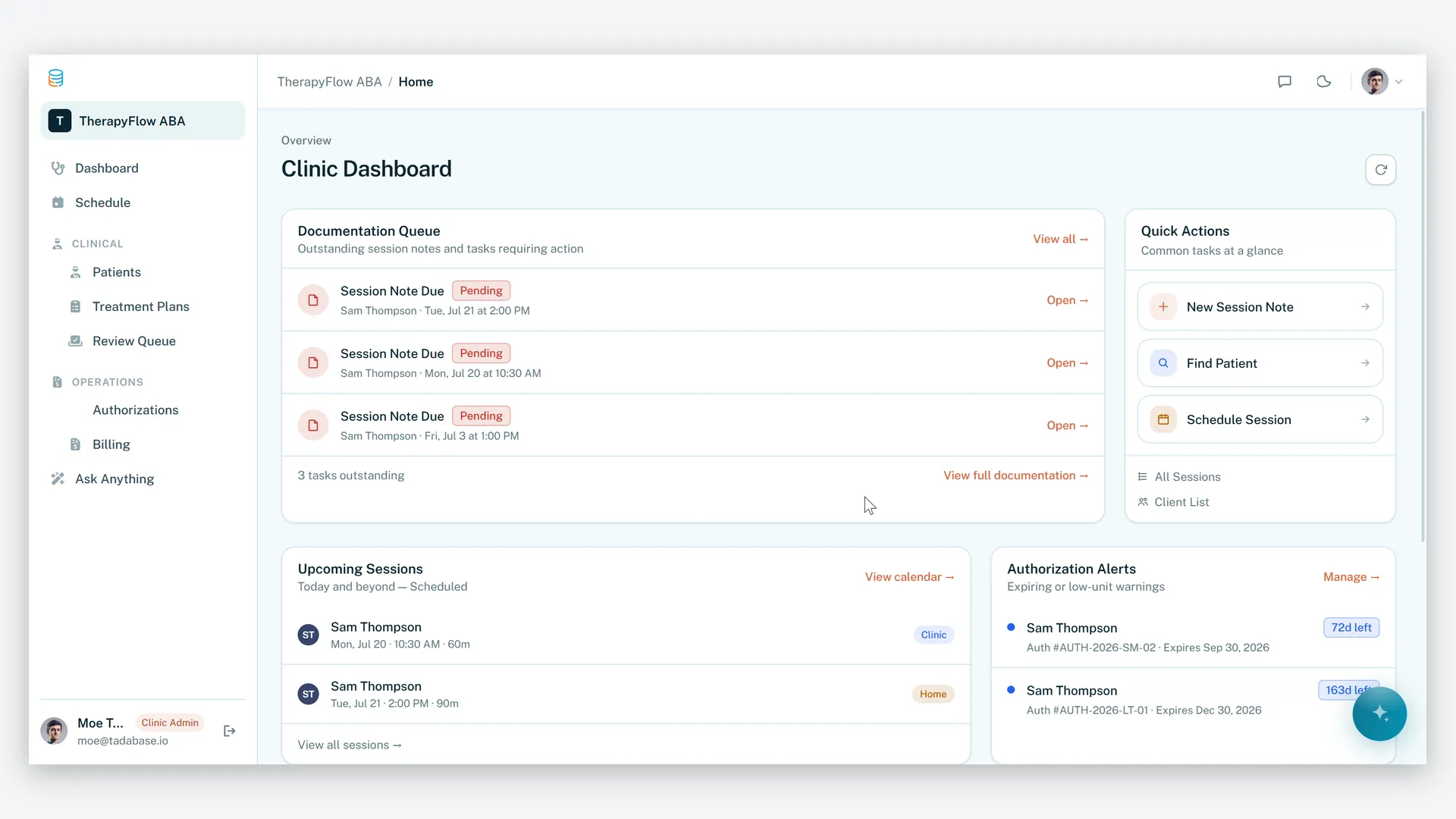
Keep therapy delivered, documented, and paid — therapists collect trial data in session, BCBAs review notes and watch goal mastery climb, billing records generate themselves when a note is approved, and authorization alerts fire 30 days before coverage runs out.
- Categories
- ABA, Healthcare, HIPAA
- Includes
- 4 roles, 8 tables, 5 workflows
Describe your version of ABA Practice Management — we’ll build it now.
Start from this template, or describe your own version and Tadabase AI builds that instead.
What’s inside.
Everything here installs with the template, running on the same backend as every Tadabase app.
- 4 user roles
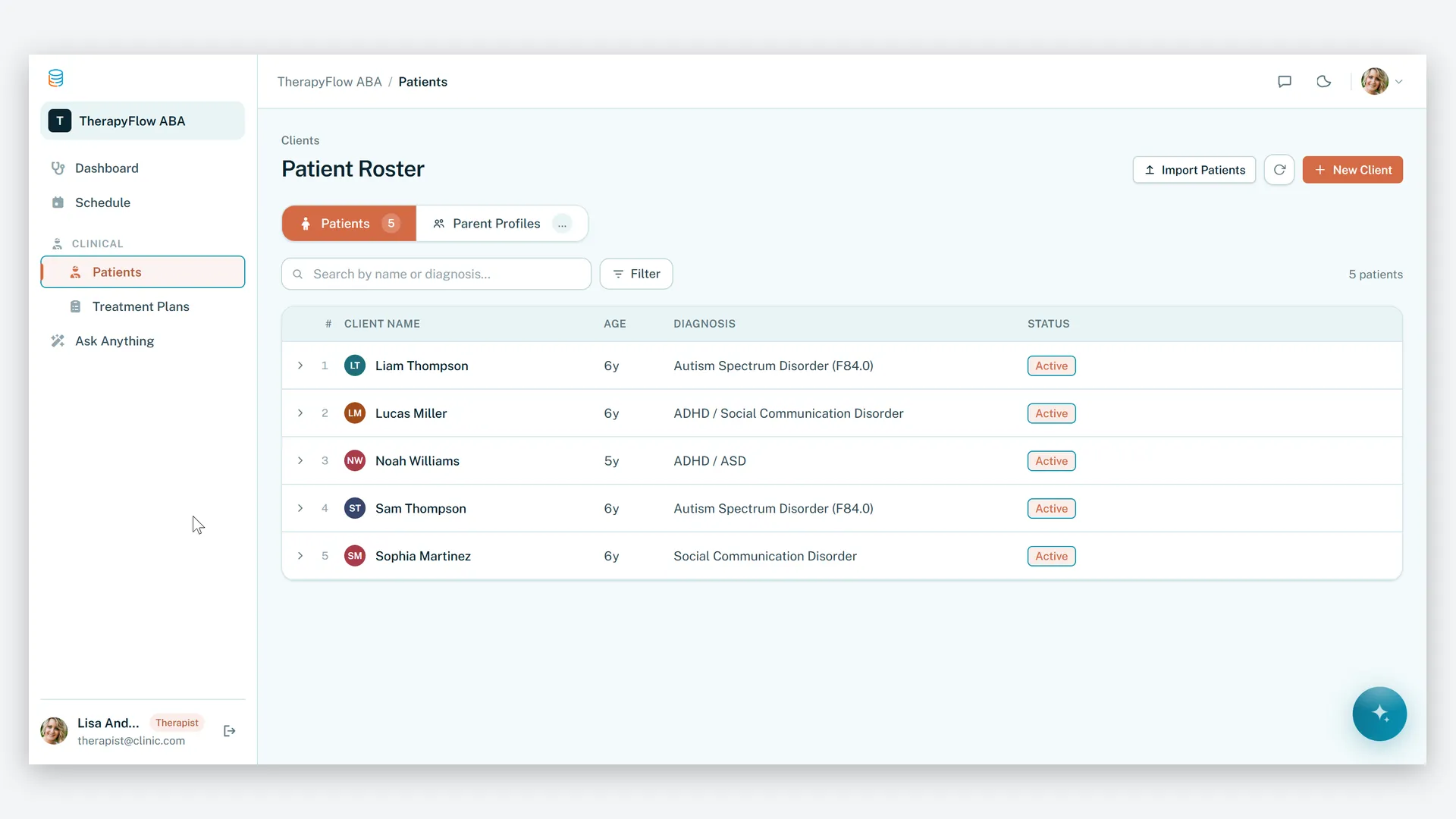
- Clinic Admin, BCBA (Supervisor), Therapist, Parent
- 8 data tables
- Clients, Authorizations, Treatment Plans, Goals, Sessions, Session Data, Billing Records
- 5 workflows
- Auth expiry alerts, note review routing, parent progress updates, auto-billing
- 3 email templates
- Auth renewal reminder, note review request, progress update
- 3 AI agents
- Clinical Supervisor Assistant, Auth & Unit Monitor, Therapist Assistant
- 2 AI prompts
- Clinical session note summarizer, authorization risk assessment
- 3 imports, 3 exports
- Client, authorization and session imports; billing, goal progress and session log exports
- Sample data
- Demo clients, sessions and authorizations — optional at install
- Row-level security
- On every table — parents see only their child; therapists never see billing
The data model, drawn.
8 tables and 10 relationships, with row-level security on all 8. Real tables with real fields, not a mock-up.
-
Parents 5 fields, row-level security on
Referenced by other tables
-
Clients 8 fields, row-level security on
Links to Parents (Parent Profile)
-
Authorizations 10 fields, row-level security on
Links to Clients (Client)
-
Treatment Plans 8 fields, row-level security on
Links to Clients (Client)
-
Sessions 12 fields, row-level security on
Links to Clients (Client), Authorizations (Authorization)
-
Goals 4 fields, row-level security on
Links to Treatment Plans (Treatment Plan)
-
Billing Records 5 fields, row-level security on
Links to Sessions (Session), Authorizations (Authorization)
-
Session Data 6 fields, row-level security on
Links to Sessions (Session), Goals (Goal)
Who does what.
Built for ABA clinics where units, notes and authorizations have to line up — or sessions go unbilled.
Your therapists can
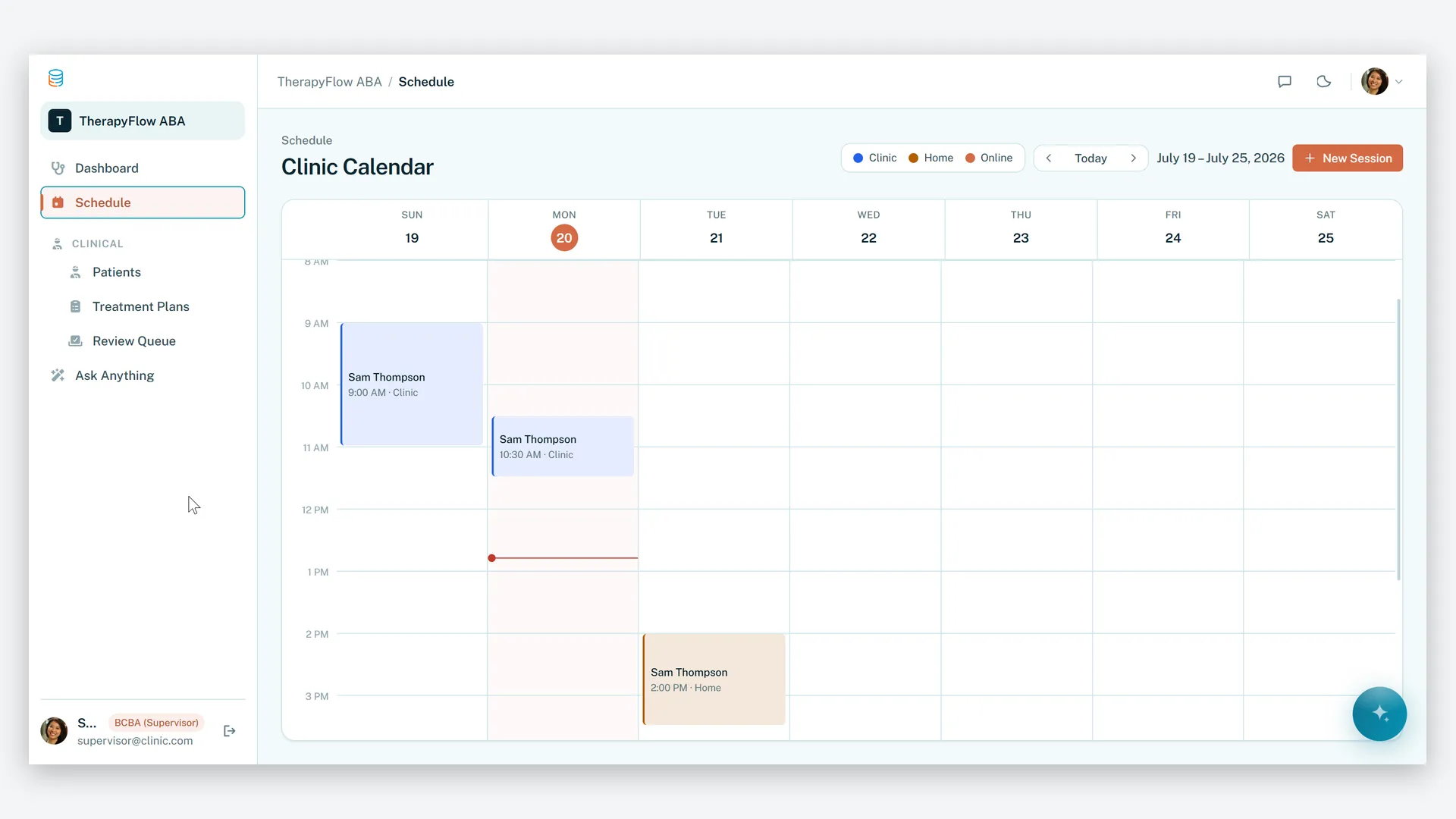
- Run their session schedule and record real-time goal data — successful vs. total trials — during therapy
- Submit clinical notes for BCBA review, with an AI summarizer that turns raw session data and observations into a professional clinical summary
- Get warned at session creation when insufficient insurance units remain
Your BCBAs can
- Build treatment plans and goals and watch mastery percentages aggregate automatically as data comes in
- Get emailed the moment a therapist submits a note, then review and approve it in place
Your clinic admin can
- Track every insurance authorization — units approved vs. consumed, and expiration dates
- Get a daily alert when an authorization is within 30 days of expiring
- Watch billing records generate automatically when a session note is approved
- Run role-specific dashboards — monthly revenue trend, goal progress over time, documentation queue
Parents can
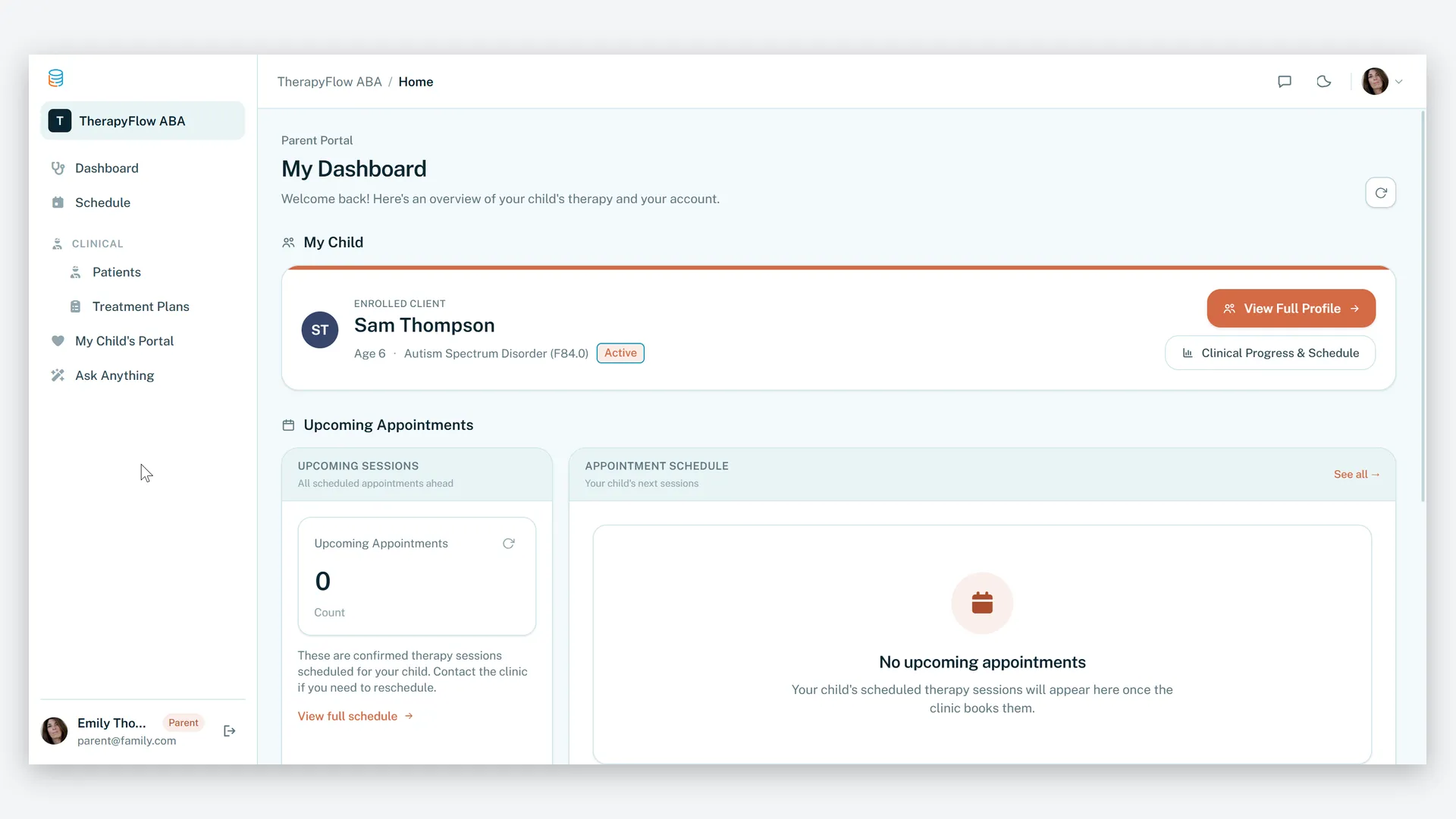
- Follow their child's schedule and progress, and get notified when session notes are approved
Row-level security restricts parents to records connected to their own child and keeps therapists out of billing data. An Authorization Risk Assessment AI evaluates remaining units against session frequency to predict coverage gaps before they happen.
Related templates.
See all templates-
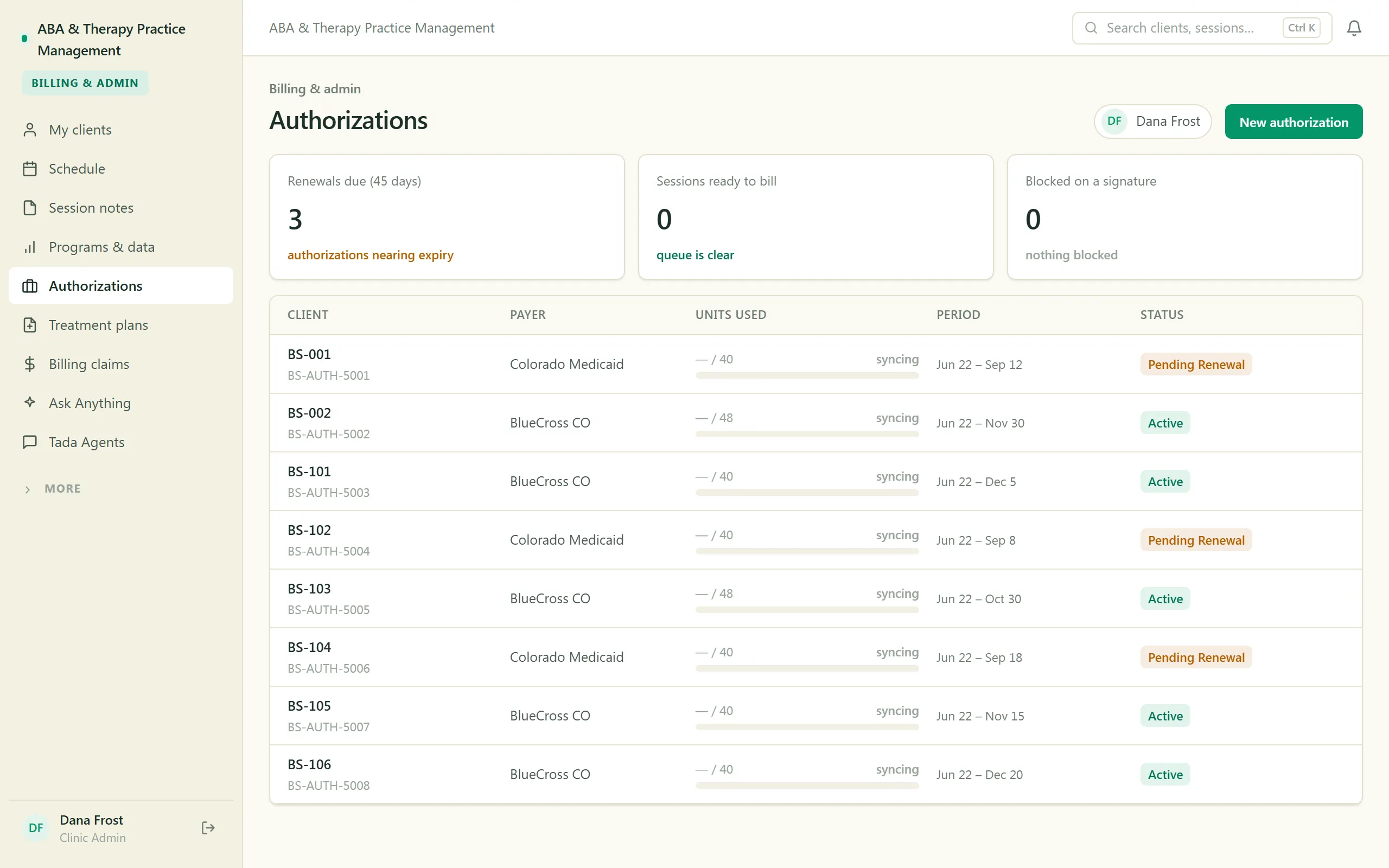
ABA & Therapy Practice Management
Run an ABA practice end to end — scheduling, session notes, treatment plans, authorizations, and billing, with a family portal.
-
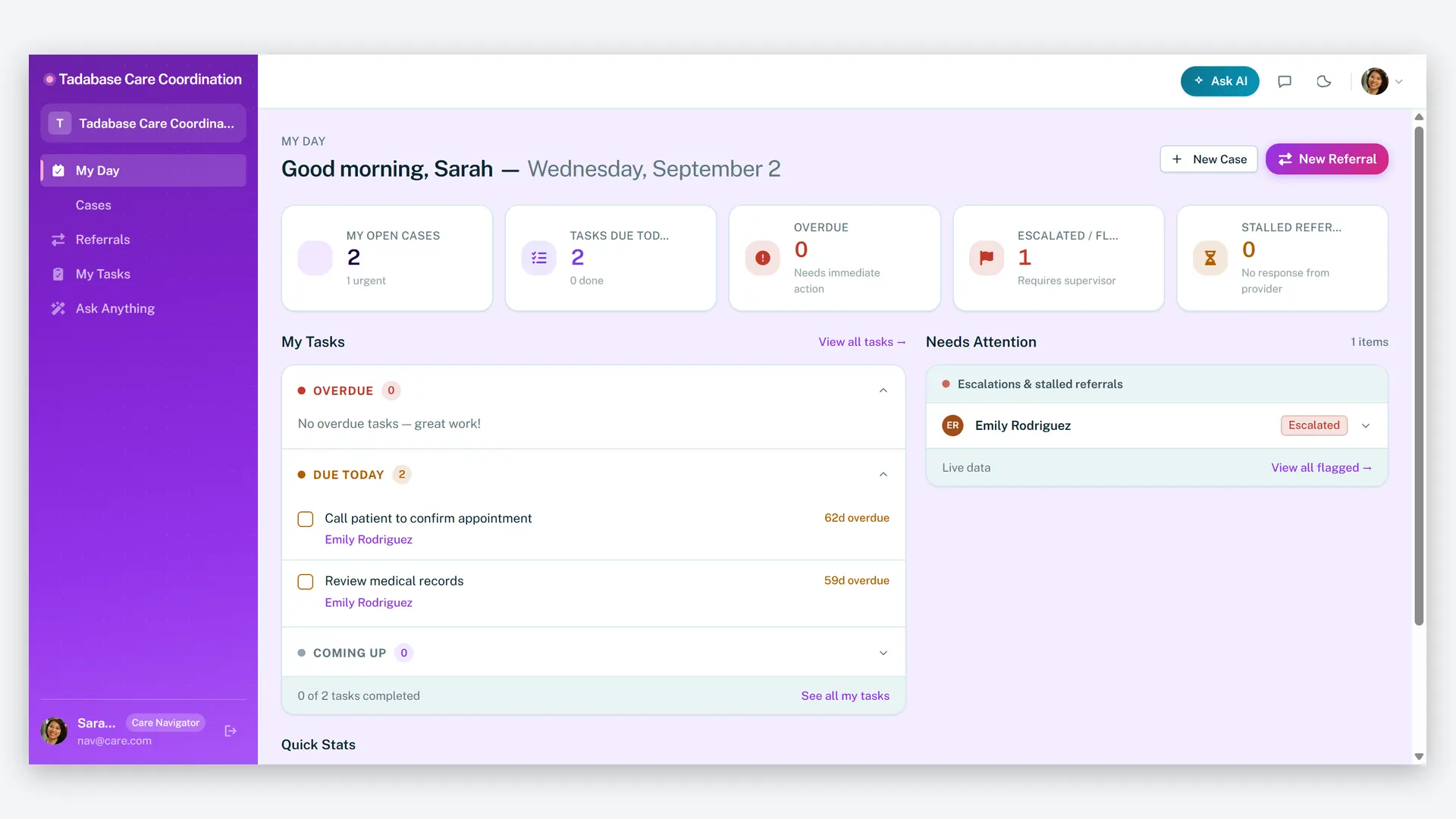
Care Navigator Case Tracker
Coordinate patient care and close every referral loop — cases, tasks, care plans, and partner referrals in one HIPAA-ready workspace.
-
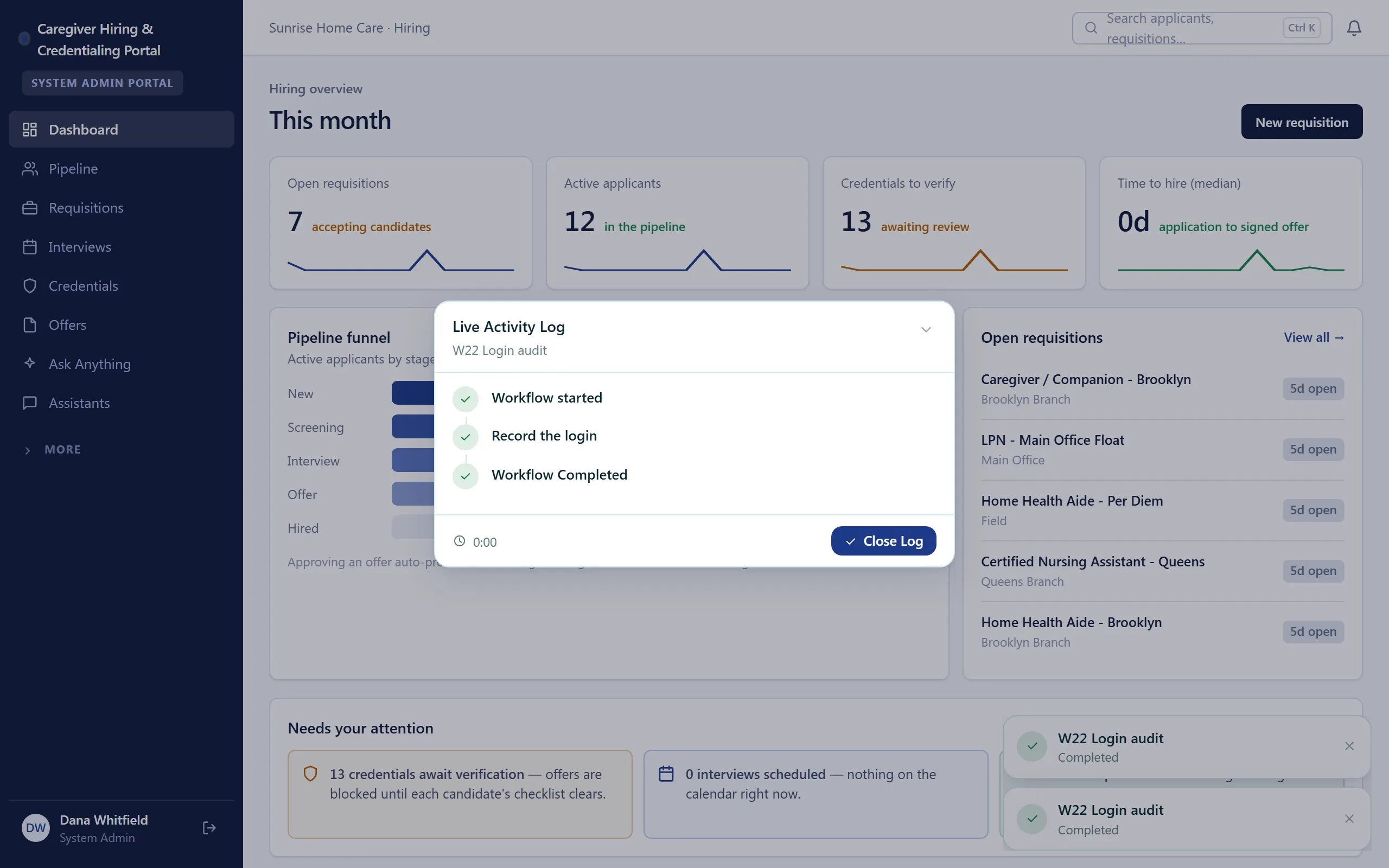
Caregiver Hiring & Credentialing Portal
Hire caregivers and keep every credential current — pipeline, background checks, and expiry tracking in one portal.
Make it yours.
Start from this template, or describe your version of it and Tadabase AI builds that instead.
- 14-day free trial, no card
- Unlimited app users
- Live on your own domain