
EventHub Ticketing and Management
Sell out your next event from your phone — publish events to a public page, sell multi-tier tickets with capacity and waitlists, let attendees register and carry a QR code, and check them in at the door with a scan. Organizers, staff and attendees each get their own mobile-first view.
- Categories
- Ticketing, Events
- Includes
- 4 roles, 6 tables, 5 workflows
Describe your version of EventHub Ticketing and Management — we’ll build it now.
Start from this template, or describe your own version and Tadabase AI builds that instead.
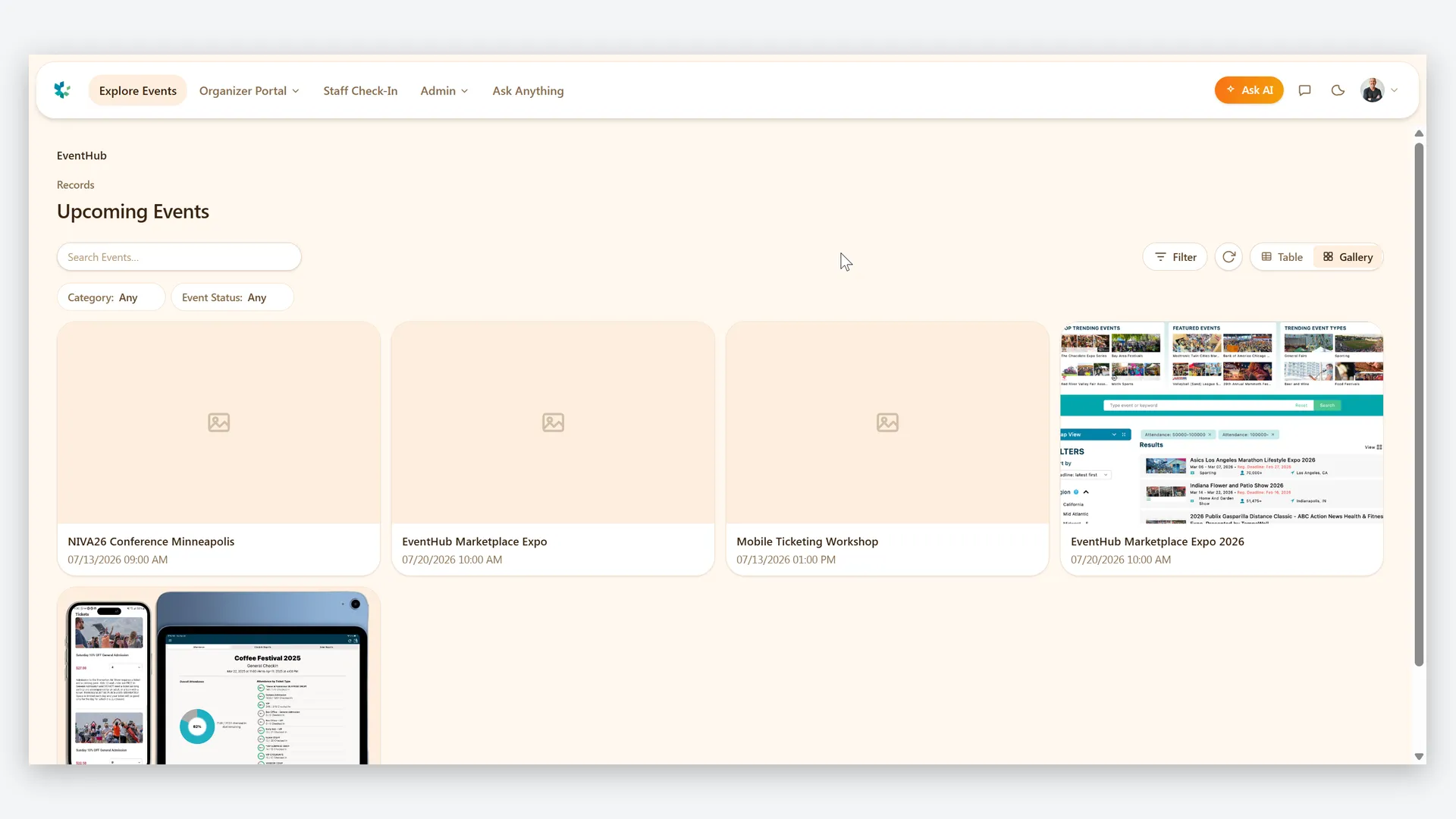
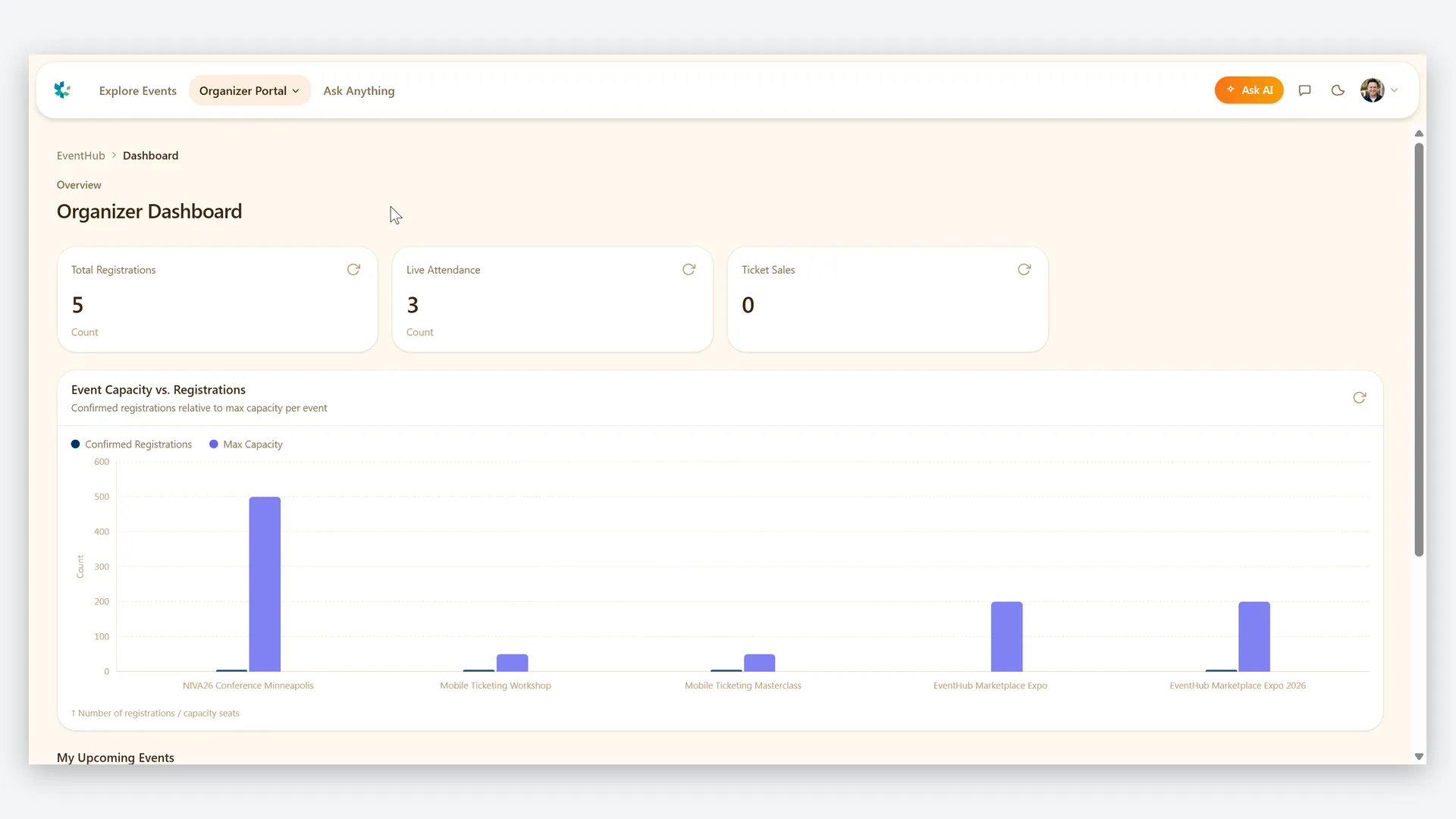
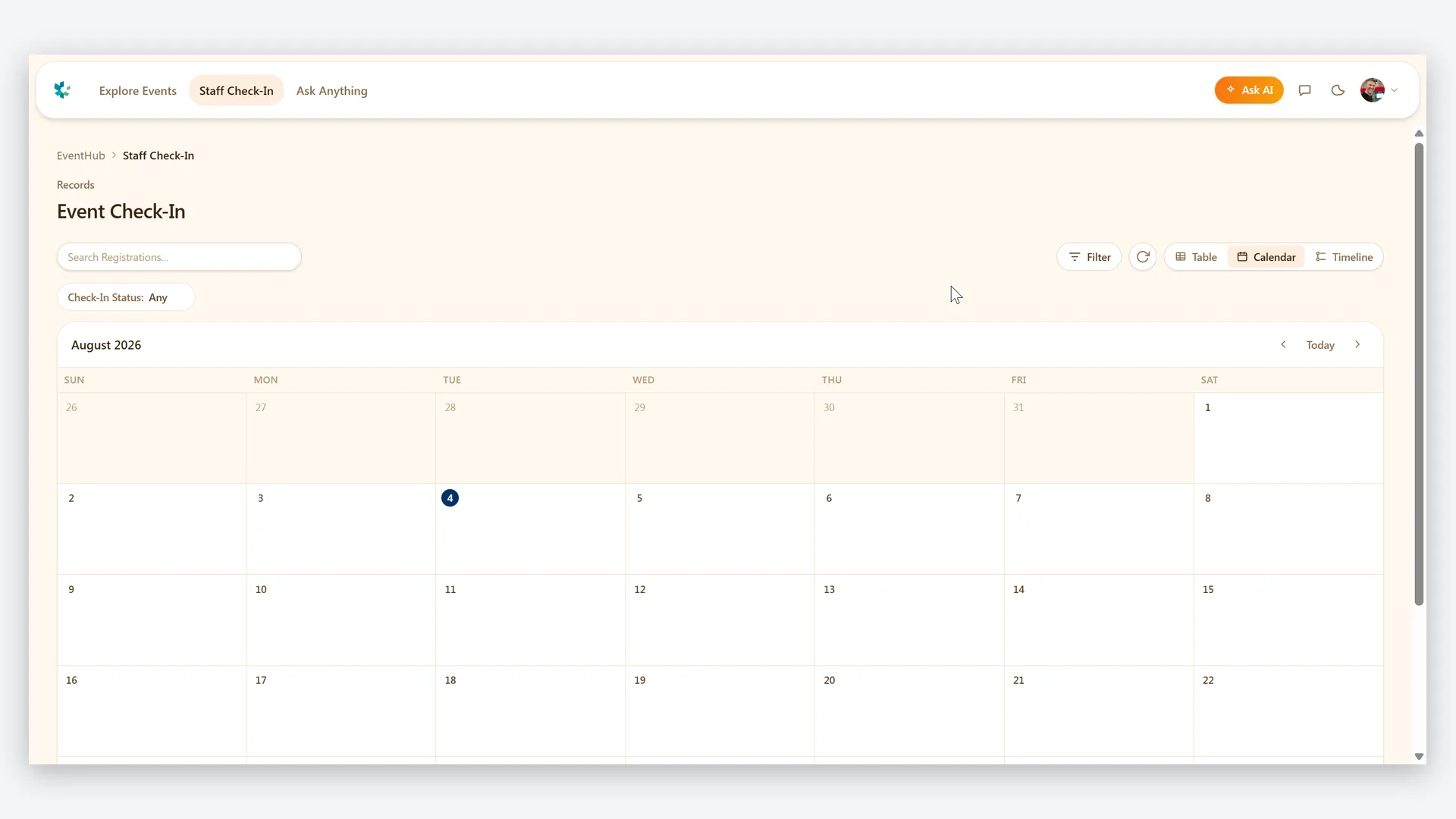
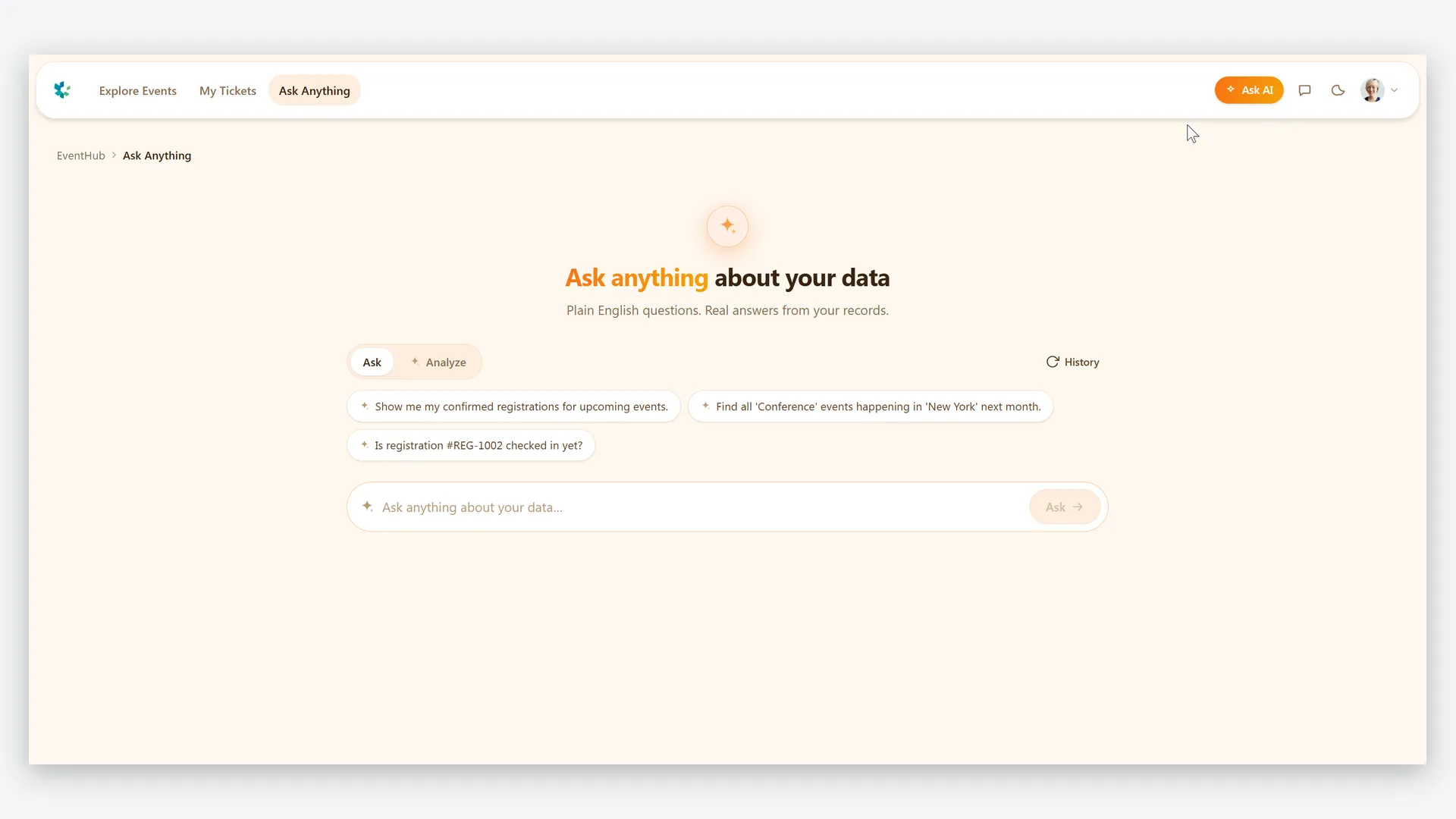
What’s inside.
Everything here installs with the template, running on the same backend as every Tadabase app.
- 4 user roles
- Super Admin, Organizer, Event Staff, Attendee
- 6 data tables
- Events, Ticket Types, Registrations, Check-Ins, Staff Assignments, Audit Logs
- 5 automated workflows
- QR ticket generation, ticket emails, sold-out alerts, auto-close registration
- 3 email templates
- Registration confirmation, event reminder, capacity reached alert
- 2 AI agents
- Check-in Assistant, Event Performance Analyst
- 3 imports, 6 exports
- Bulk event, ticket and attendee imports; registration, check-in and performance exports
- Sample data
- 5 demo events with tickets and registrations — optional at install
- Security
- Staff see only assigned events; attendees only their tickets
The data model, drawn.
6 tables and 7 relationships, with row-level security on all 6. Real tables with real fields, not a mock-up.
-
Events 20 fields, row-level security on
Referenced by other tables
-
Staff Assignments 3 fields, row-level security on
Links to Events (Event)
-
Audit Logs 5 fields, row-level security on
Links to Events (Related Event)
-
Ticket Types 10 fields, row-level security on
Links to Events (Event)
-
Registrations 13 fields, row-level security on
Links to Events (Event), Ticket Types (Ticket Type)
-
Check-Ins 8 fields, row-level security on
Links to Registrations (Registration), Events (Event)
Who does what.
Built for organizers who run events from their phone — not from a laptop at a folding table.
Your organizers can
- Create and publish events — venue, dates, capacity, banner image and a public page — right from a phone
- Sell multi-tier tickets with price, capacity and per-person limits — sold counts and remaining capacity update automatically
- Watch registrations and check-ins roll up live on each event
- Assign staff to specific events so each person sees only the rosters they're working
Your event staff can
- Check attendees in at the door with a QR scan — or a manual name search when a code won't load
Your attendees can
- Browse the public event listing and register without needing an account first
- Carry their ticket QR code on their phone and see their own registrations
You (super admin) can
- Oversee every organizer, event, ticket tier and registration across the platform
Everything is designed mobile-first — from publishing an event to scanning a ticket — and row-level security keeps Super Admin, Organizer, Event Staff and Attendee each in their own lane.
More templates.
See all templates-
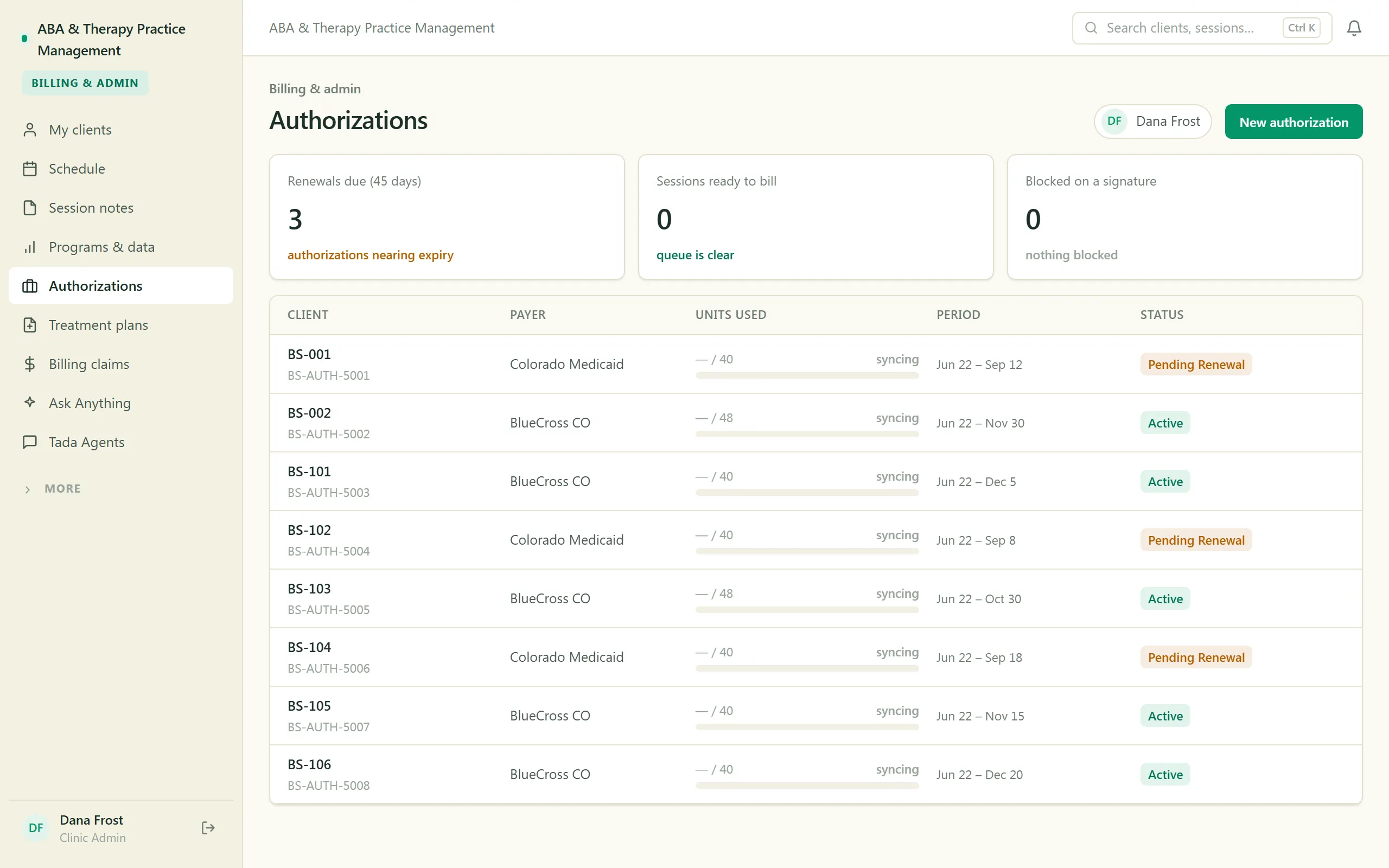
ABA & Therapy Practice Management
Run an ABA practice end to end — scheduling, session notes, treatment plans, authorizations, and billing, with a family portal.
-
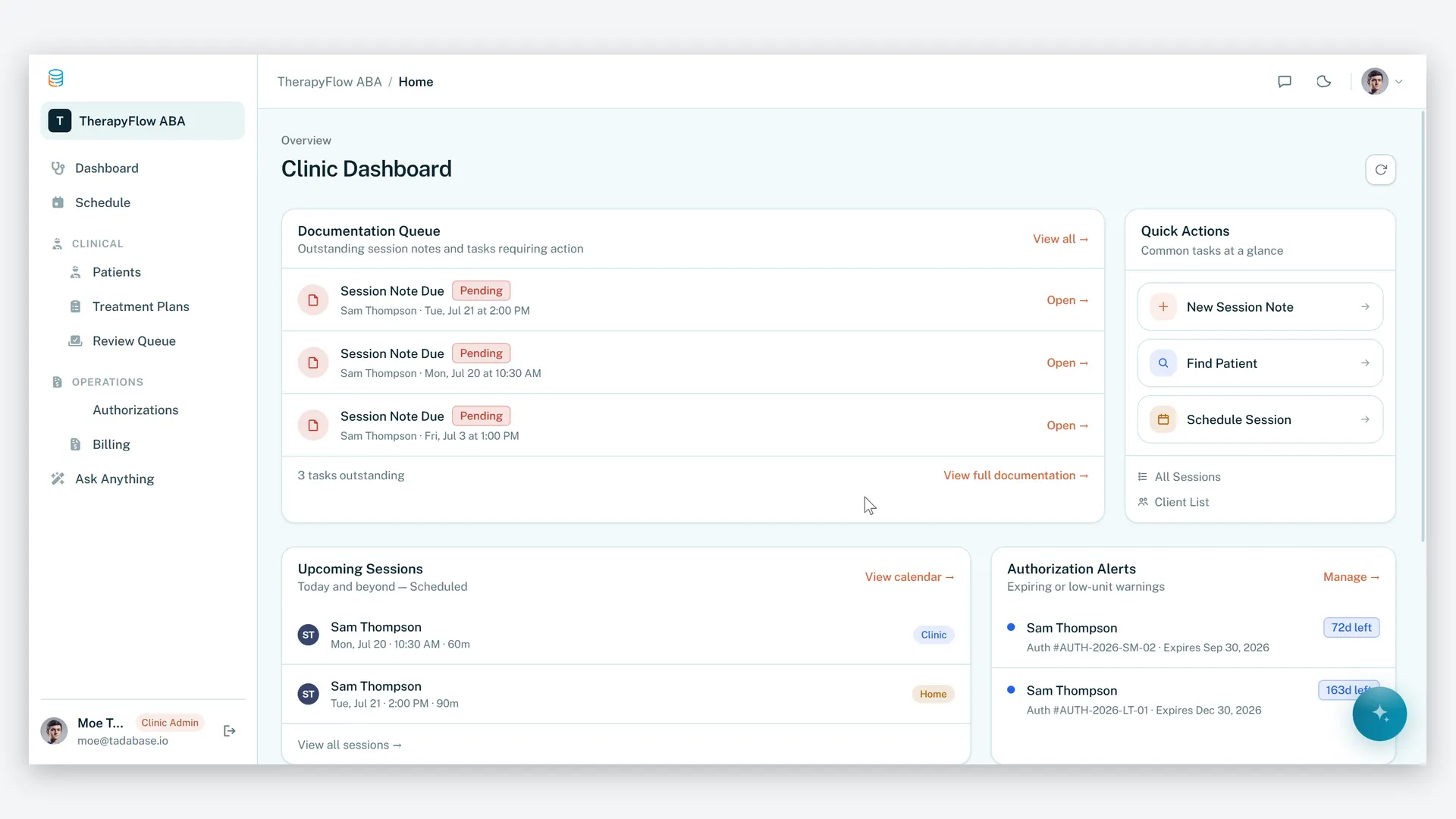
ABA Practice Management
Run your therapy practice with clarity, compliance, and control.
-
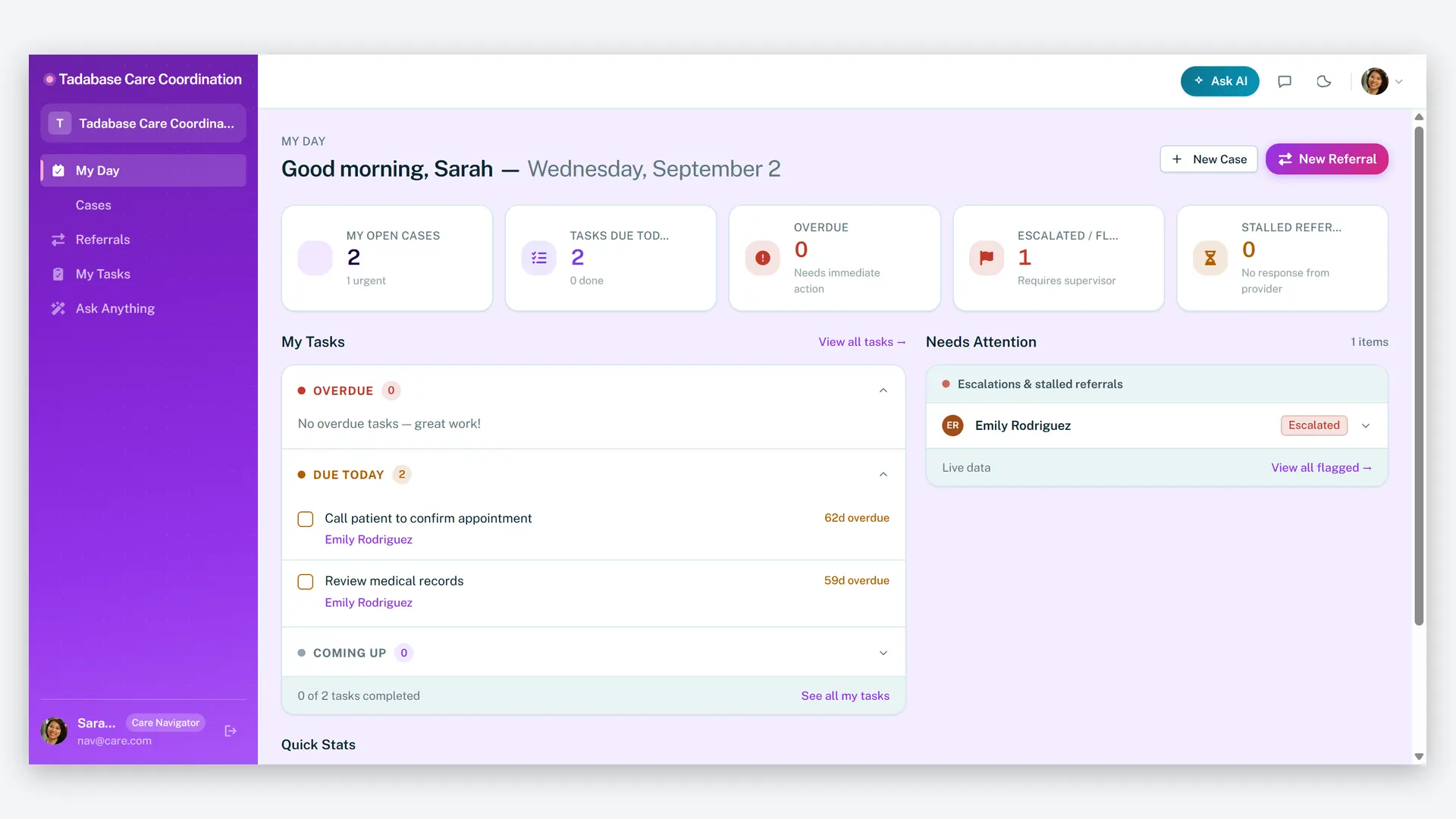
Care Navigator Case Tracker
Coordinate patient care and close every referral loop — cases, tasks, care plans, and partner referrals in one HIPAA-ready workspace.
Make it yours.
Start from this template, or describe your version of it and Tadabase AI builds that instead.
- 14-day free trial, no card
- Unlimited app users
- Live on your own domain