
Medical Billing & Claims Tracking
Get claims paid faster — specialists work a denials worklist instead of a spreadsheet, managers watch collections and claim status roll up in real time, and your provider clients check their own claims in a portal instead of calling you. Every touch is audit-logged.
- Categories
- Healthcare, Billing & Payments
- Includes
- 5 roles, 14 tables, 18 workflows
Describe your version of Medical Billing & Claims Tracking — we’ll build it now.
Start from this template, or describe your own version and Tadabase AI builds that instead.
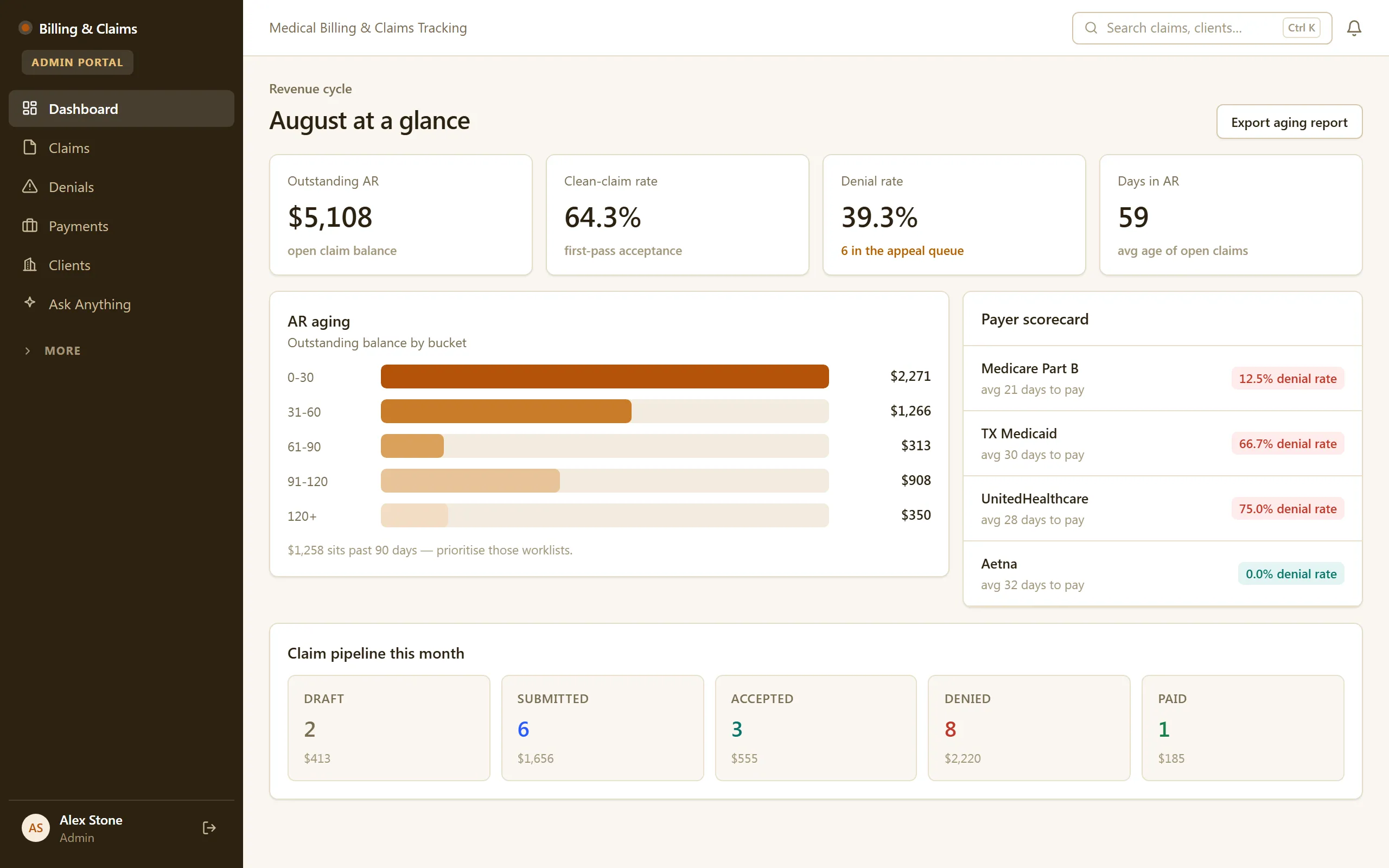
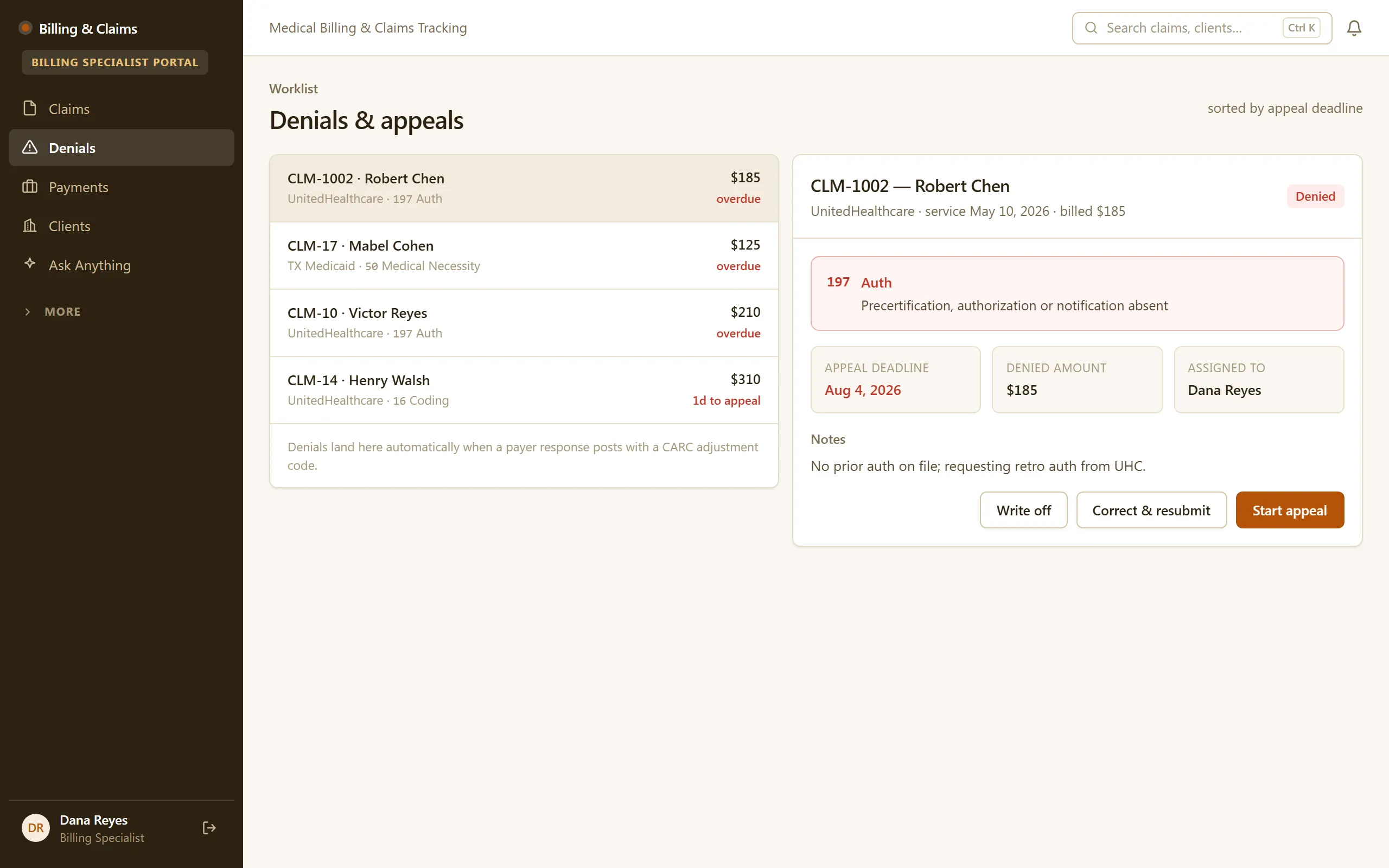
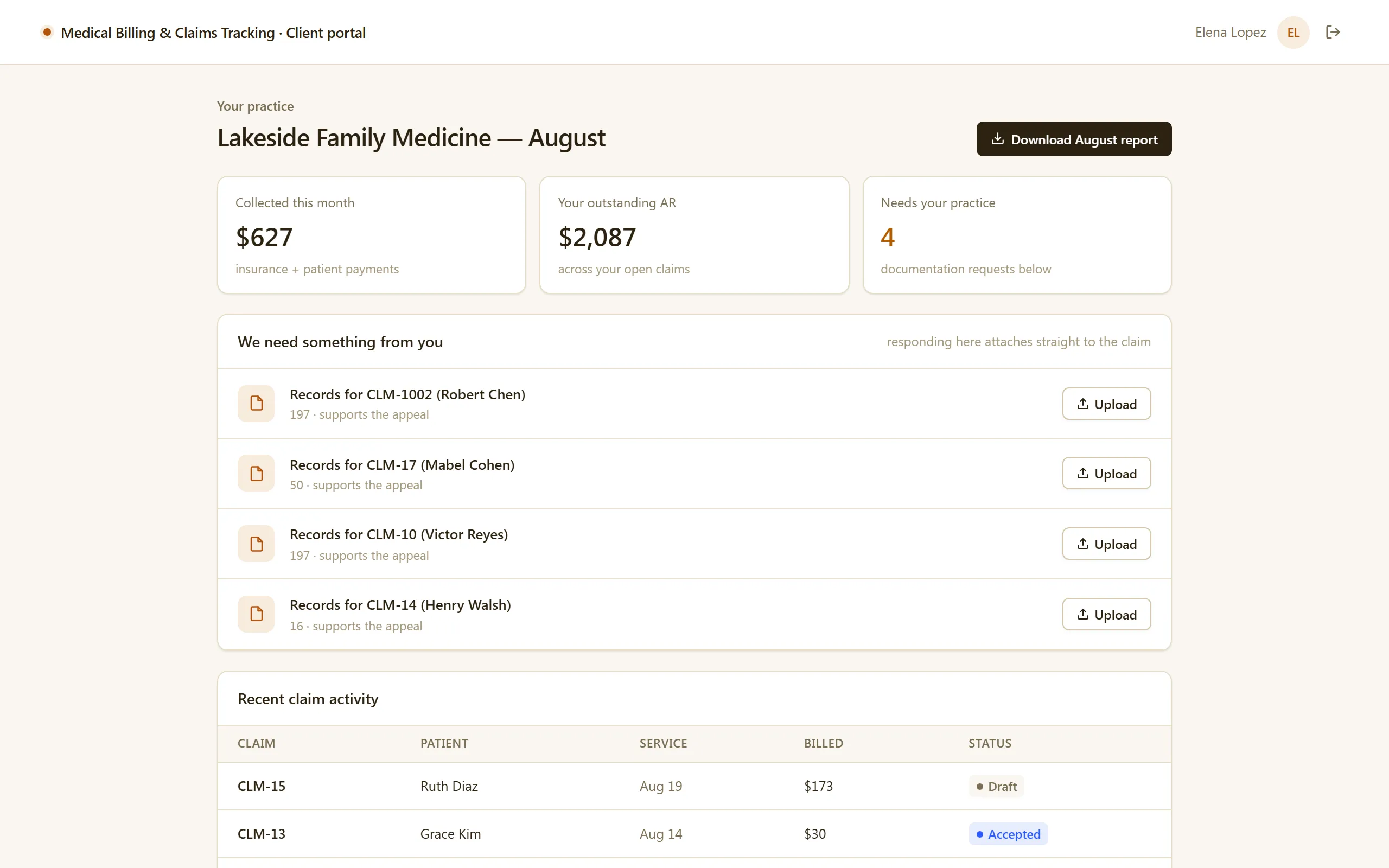
What’s inside.
Everything here installs with the template, running on the same backend as every Tadabase app.
- 5 user roles
- Admin, Billing Manager, Billing Specialist, Provider Client, Public
- 14 data tables
- Claims, Submissions, Denials, Payments, Payers, Procedures, Fee Schedules, Clients
- 18 workflows
- Denial intake, appeal-deadline escalation, filing-deadline warnings, weekly A/R digest
- 8 email templates
- Rejection, denial and deadline alerts, weekly A/R digest, monthly client summary
- 4 AI agents
- Denial triage & appeal drafter, claim readiness checker, A/R worklist prioritizer, client Q&A
- Sample data
- Demo users for every role + seeded claims, payments and payers — optional at install
- Security
- Row-level security separates staff and provider clients
The data model, drawn.
14 tables and 26 relationships, with row-level security on all 14. Real tables with real fields, not a mock-up.
-
Staff 5 fields, row-level security on
Referenced by other tables
-
Audit Log 5 fields, row-level security on
Referenced by other tables
-
Inquiries 7 fields, row-level security on
Referenced by other tables
-
Clients 9 fields, row-level security on
Links to Staff (Assigned Specialist)
-
Payers 6 fields, row-level security on
Referenced by other tables
-
Denial Codes 3 fields, row-level security on
Referenced by other tables
-
Fee Schedules 5 fields, row-level security on
Links to Clients (Client)
-
Claims 23 fields, row-level security on
Links to Clients (Client), Staff (Assigned Specialist), Payers (Payer)
-
Denials 12 fields, row-level security on
Links to Clients (Client), Staff (Assigned Specialist), Claims (Claim), Denial Codes (Denial Code)
Links to itself (Client Portal User)
-
Procedures 10 fields, row-level security on
Links to Clients (Client), Staff (Assigned Specialist), Claims (Claim), Fee Schedules (Fee Schedule Item)
-
Submissions 8 fields, row-level security on
Links to Clients (Client), Staff (Assigned Specialist), Claims (Claim)
-
Payments 8 fields, row-level security on
Links to Clients (Client), Staff (Assigned Specialist), Claims (Claim)
-
Activities 9 fields, row-level security on
Links to Clients (Client), Staff (Assigned Specialist), Claims (Claim)
-
Documents 6 fields, row-level security on
Links to Clients (Related Client), Staff (Assigned Specialist), Claims (Related Claim)
Who does what.
Built for billing teams that live in the gap between "submitted" and "paid" — and for the provider clients who keep calling to ask which is which.
Your billing specialists can
- Open a denials worklist and know exactly what to work next
- Follow a claim from submission through every status change to payment
- Post payments against claims and watch balances resolve
Your billing managers can
- See claims and collections across the whole book from one dashboard
- Manage payers, procedures, and fee schedules so claim amounts and denials resolve correctly
- Trace any claim's full history — every touch is audit-logged
Your provider clients can
- Log in to a portal and see their own claims and statuses — and only theirs
- Stop calling for updates, because the answer is on their screen
Denial follow-ups and status notifications send automatically, and audit logging captures the trail — so nothing depends on someone remembering.
Role-based row-level security cleanly separates Admin, Billing Manager, Billing Specialist, and Provider Client.
Related templates.
See all templates-
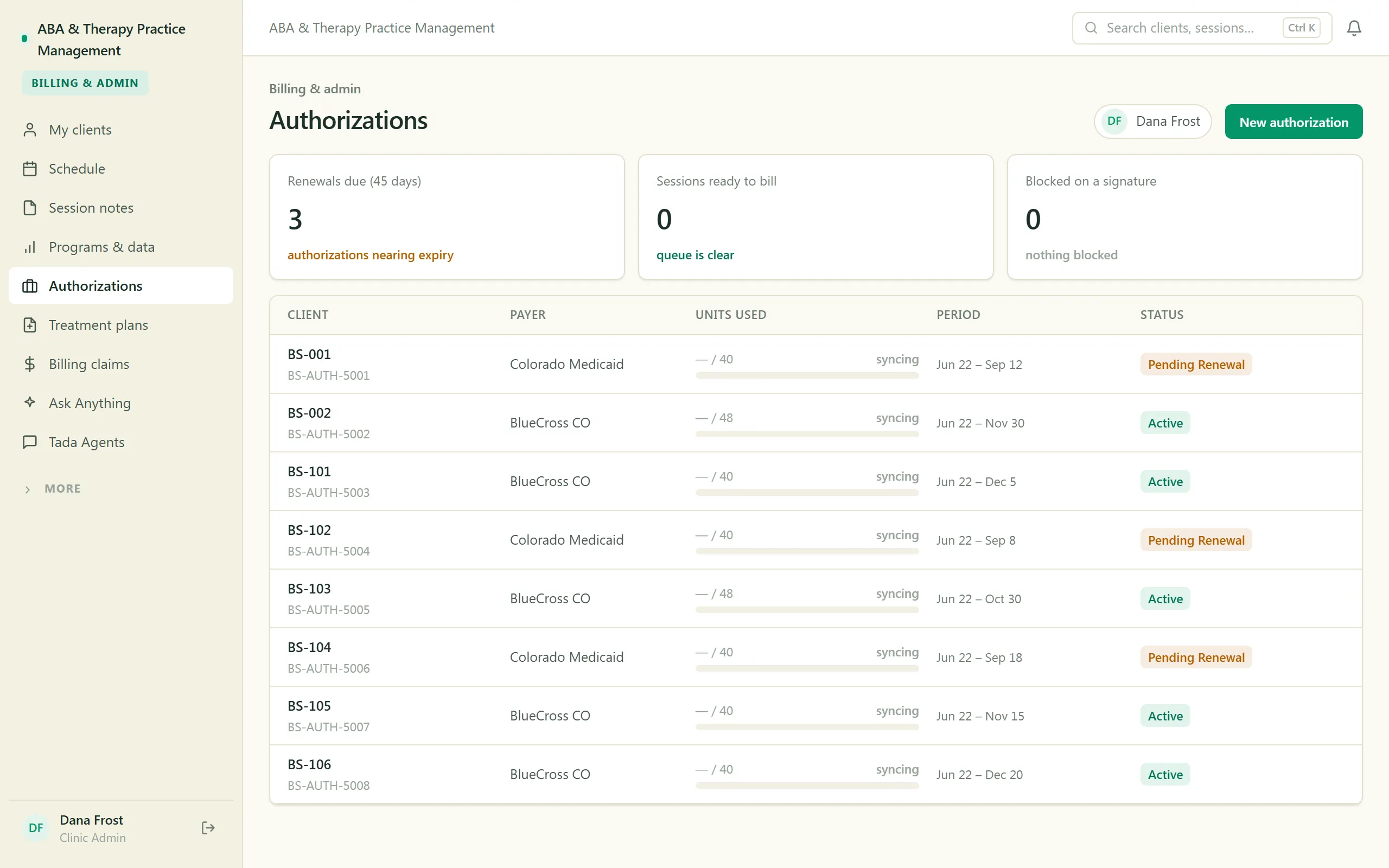
ABA & Therapy Practice Management
Run an ABA practice end to end — scheduling, session notes, treatment plans, authorizations, and billing, with a family portal.
-
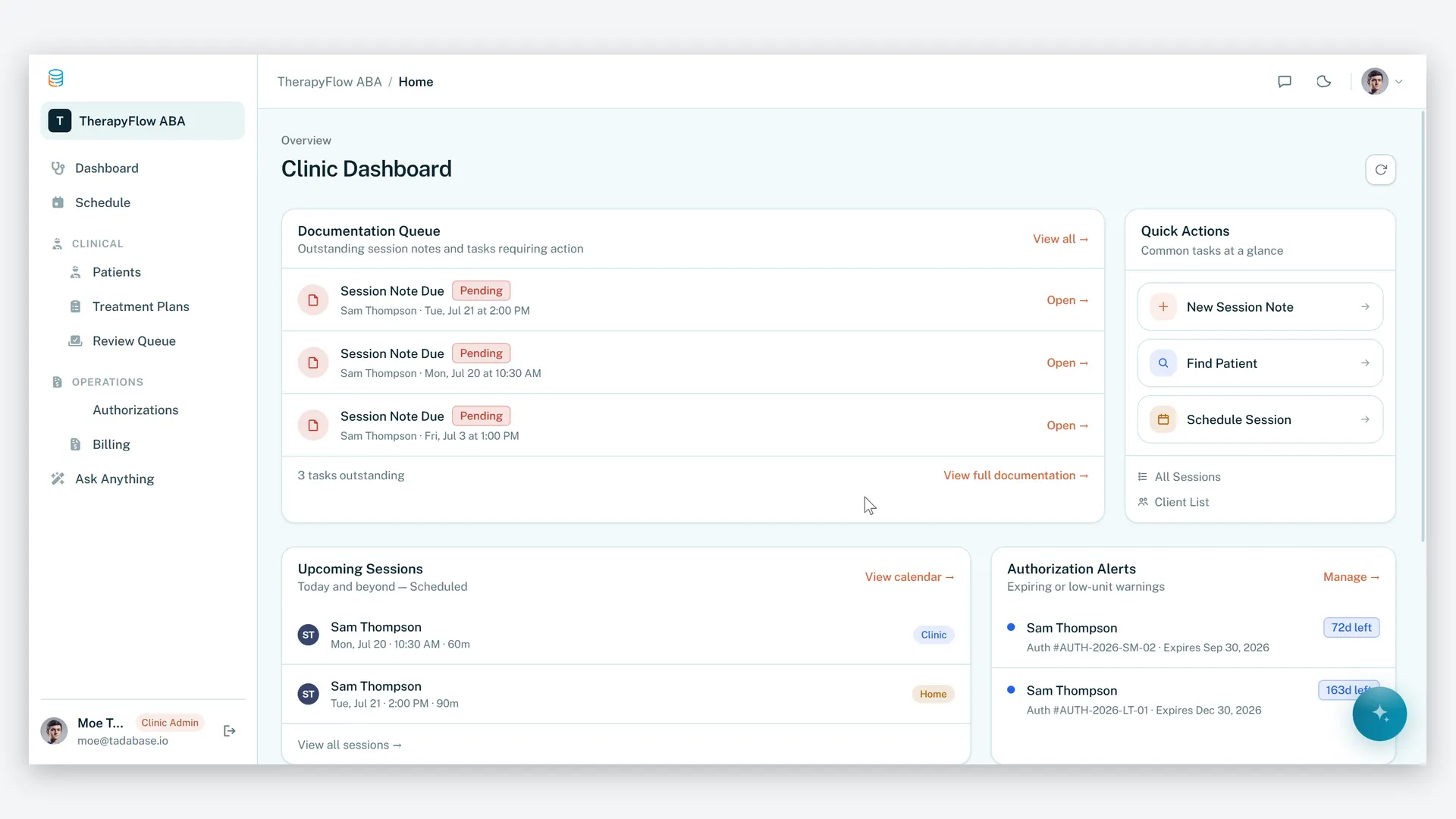
ABA Practice Management
Run your therapy practice with clarity, compliance, and control.
-
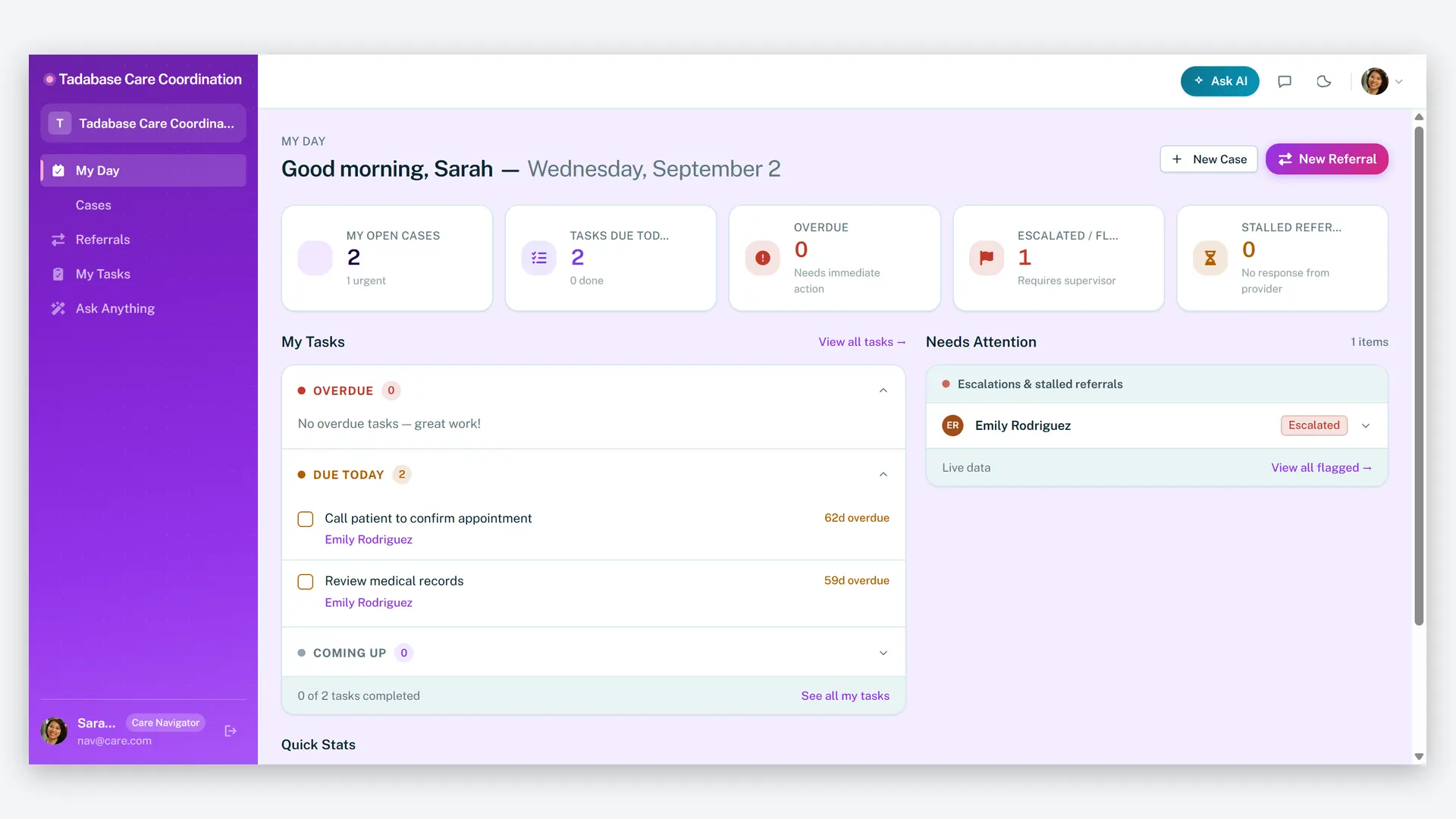
Care Navigator Case Tracker
Coordinate patient care and close every referral loop — cases, tasks, care plans, and partner referrals in one HIPAA-ready workspace.
Make it yours.
Start from this template, or describe your version of it and Tadabase AI builds that instead.
- 14-day free trial, no card
- Unlimited app users
- Live on your own domain