
Patient Case Management & Care Navigation
Move every patient forward — navigators work their caseload and never lose a referral, supervisors watch program health across the board, referral partners submit and track referrals through their own portal, and patients follow their own case without chasing phone calls.
- Categories
- Case Management, Healthcare
- Includes
- 7 roles, 12 tables, 18 workflows
Describe your version of Patient Case Management & Care Navigation — we’ll build it now.
Start from this template, or describe your own version and Tadabase AI builds that instead.
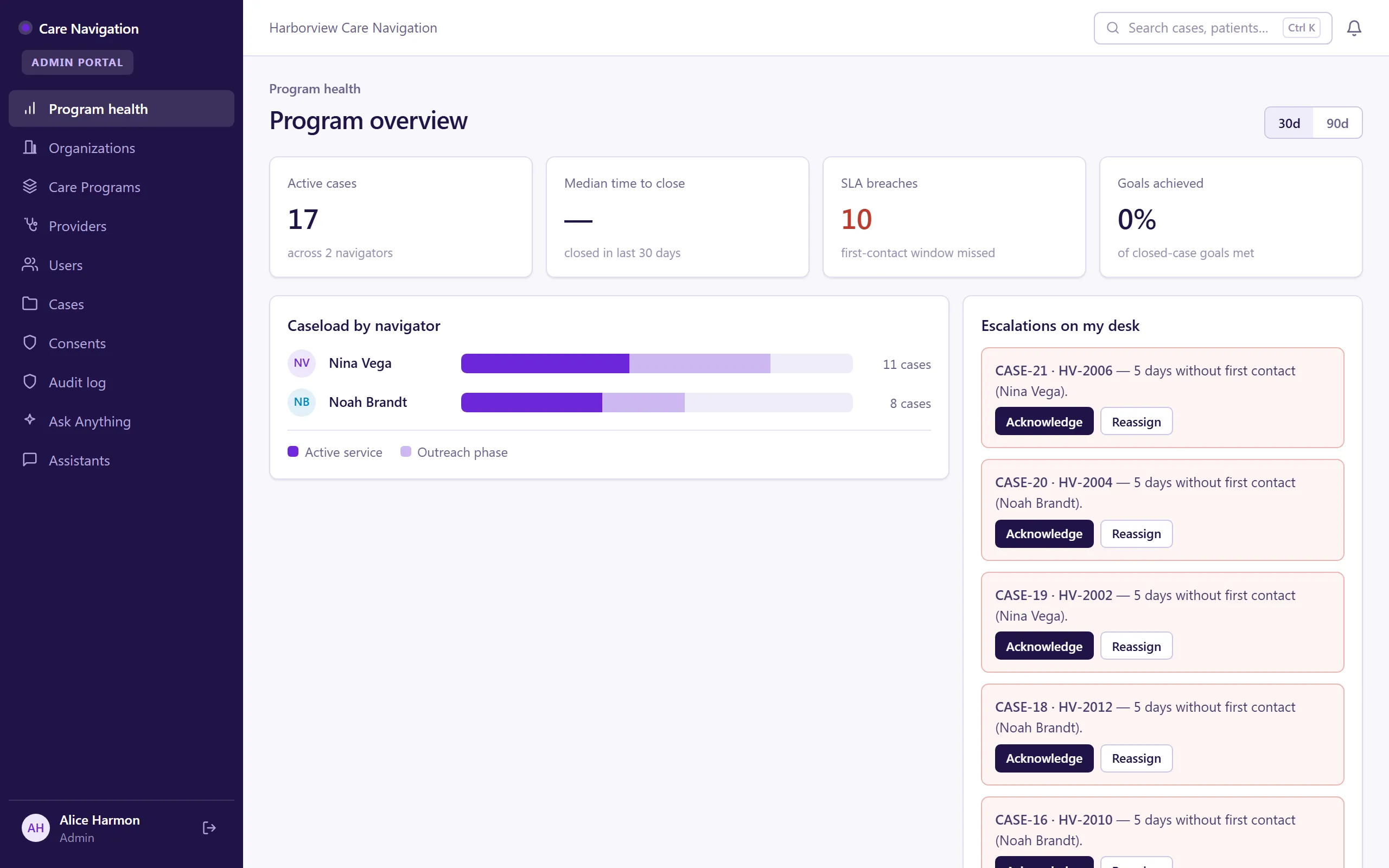
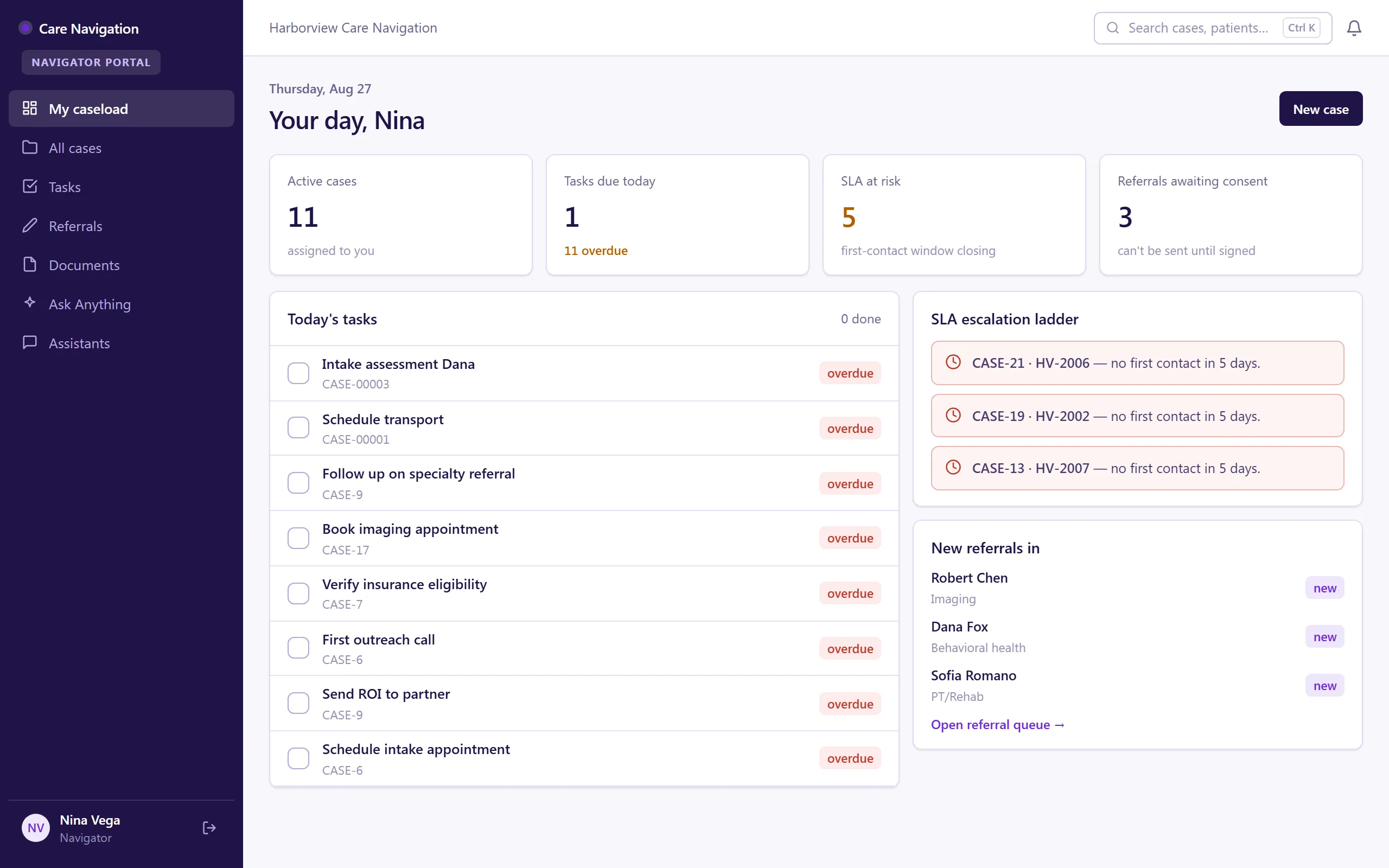
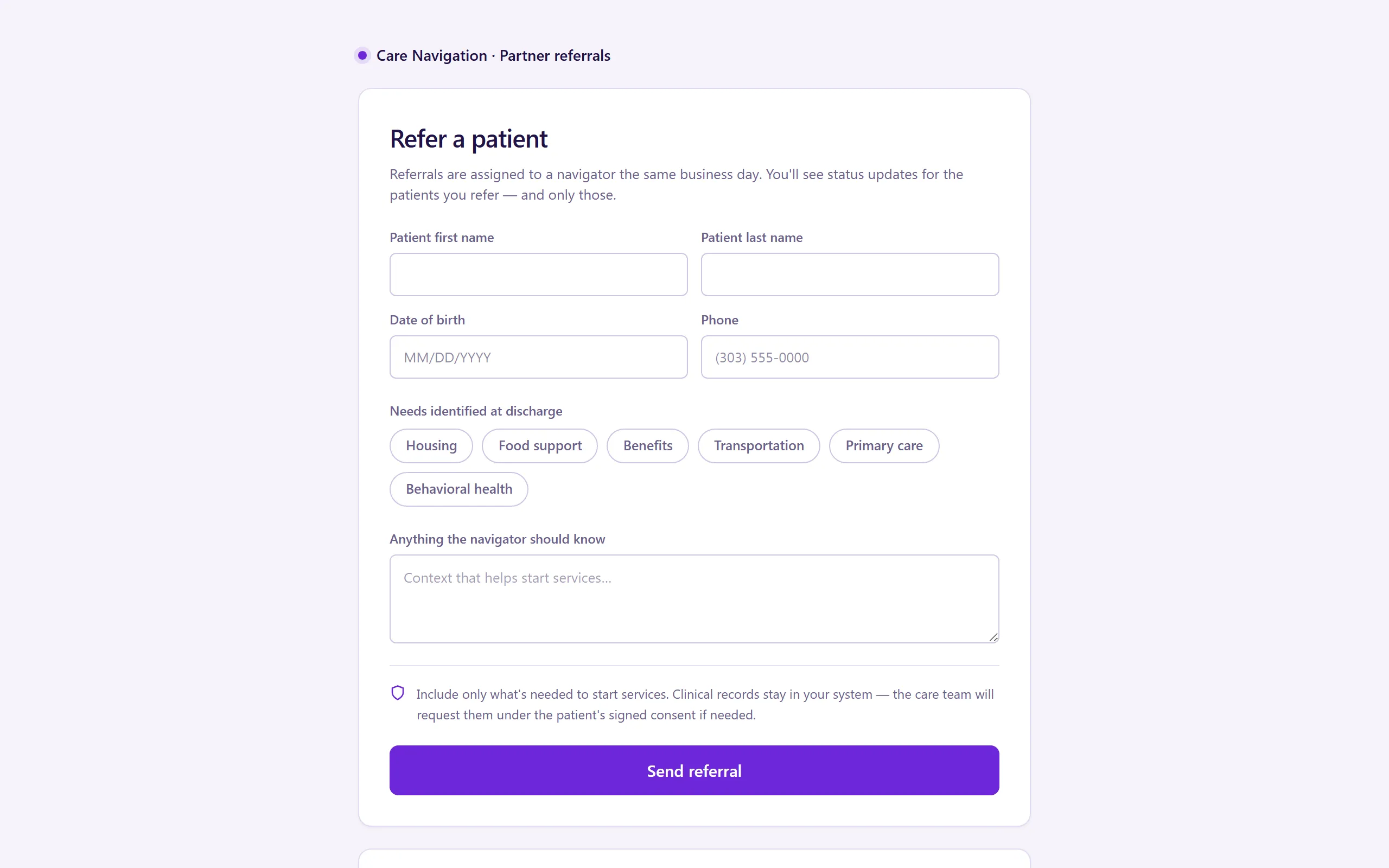
What’s inside.
Everything here installs with the template, running on the same backend as every Tadabase app.
- 7 user roles
- Admin, Supervisor, Navigator, Provider, Patient, Referral Partner, Partner Intake (public)
- 12 data tables
- Patients, Cases, Tasks, Referrals, Care Programs, Providers, Referral Partners, Consents
- 18 workflows
- Referral routing with consent gates, task reminders, SLA escalation, consent expiry
- 16 email templates
- Case, task, referral, consent and escalation notices
- 8 AI agents
- Intake Triage, Stalled Case Monitor, Case Summary & Handoff, Patient Message Drafter, plus role assistants
- Sample data
- Demo users for every role + seeded patients, cases and referrals — optional at install
- Security
- Row-level security scopes every role to its own slice
The data model, drawn.
12 tables and 25 relationships, with row-level security on all 12. Real tables with real fields, not a mock-up.
Who does what.
Built for care-navigation teams coordinating patients across programs, providers, and outside partners — where the case that slips through is the patient who suffers.
Your navigators can
- Work their own caseload — every case, next step, and program in one view
- Take a referral from intake to enrolled without a spreadsheet in between
- Connect patients with the right providers from a shared directory
Your supervisors can
- See program health and caseload across every navigator at a glance
- Rebalance caseloads before anyone drowns
Your referral partners can
- Submit referrals through their own portal and track the status themselves — no more "did you get my fax?"
Your patients can
- Log in and see their own case — where it stands and who's helping
Referral routing, reminders, and audit logging run automatically underneath. Row-level security scopes Admin, Supervisor, Navigator, Provider, Patient, and Referral Partner to exactly their own slice.
Related templates.
See all templates-
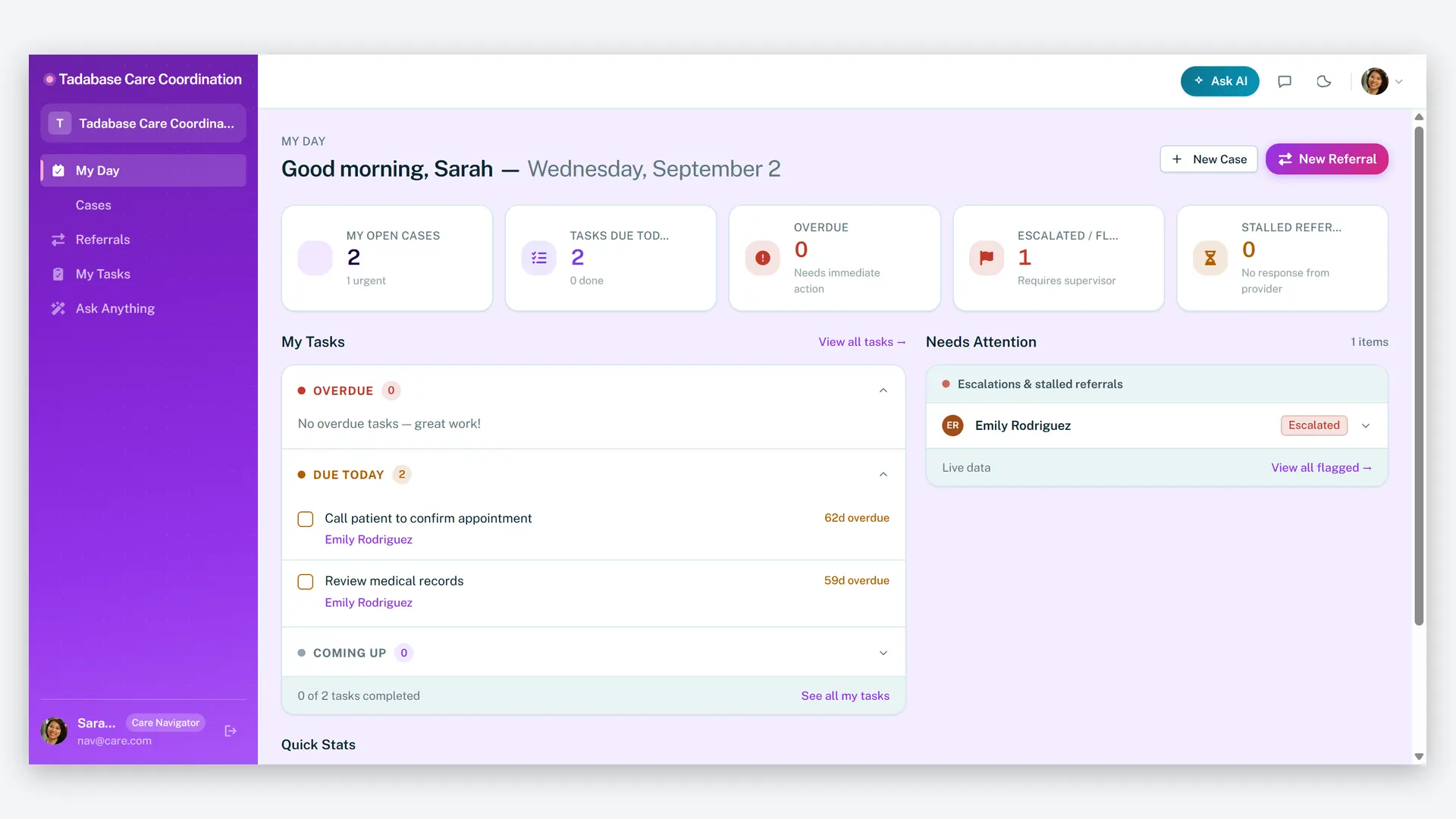
Care Navigator Case Tracker
Coordinate patient care and close every referral loop — cases, tasks, care plans, and partner referrals in one HIPAA-ready workspace.
-
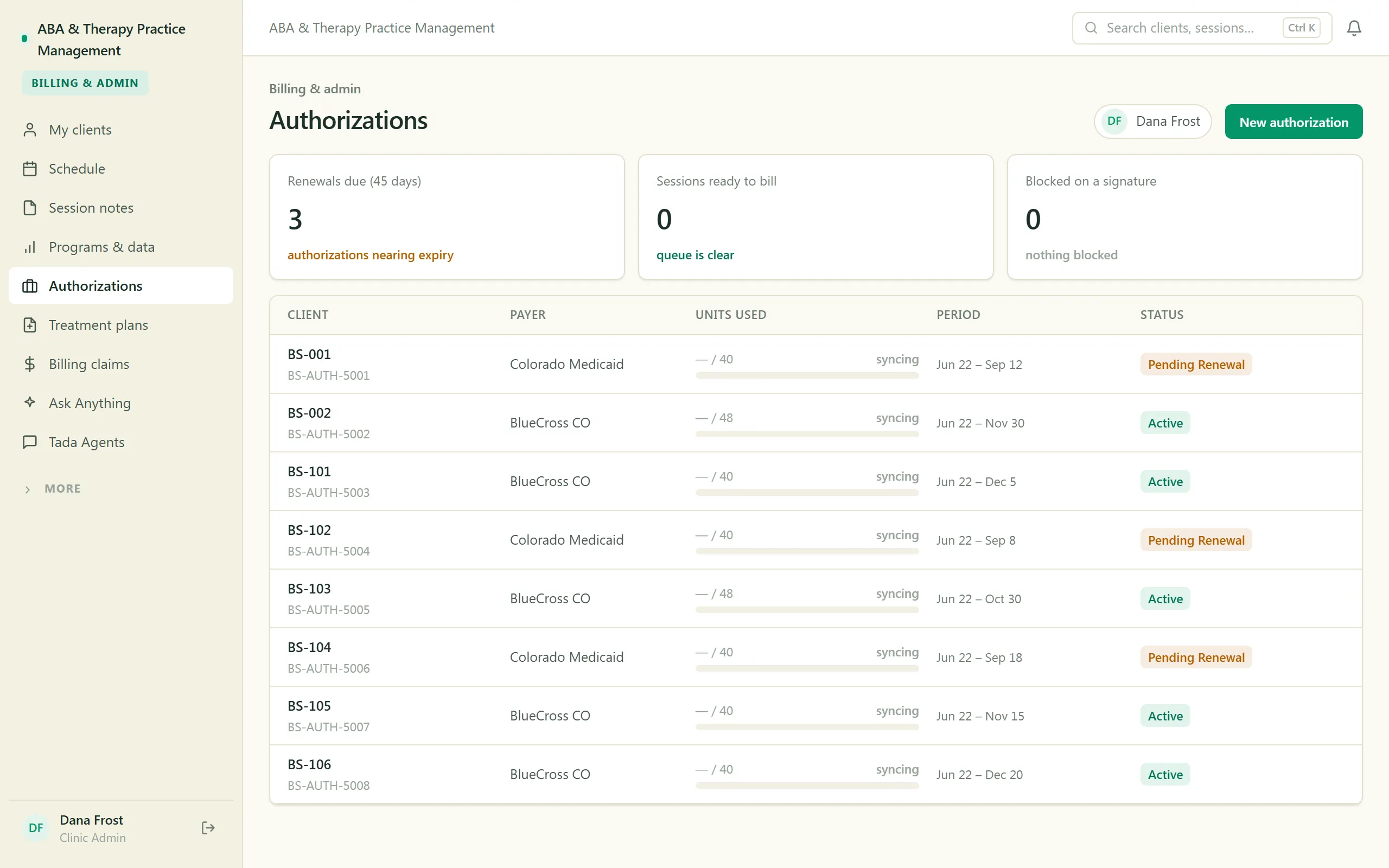
ABA & Therapy Practice Management
Run an ABA practice end to end — scheduling, session notes, treatment plans, authorizations, and billing, with a family portal.
-
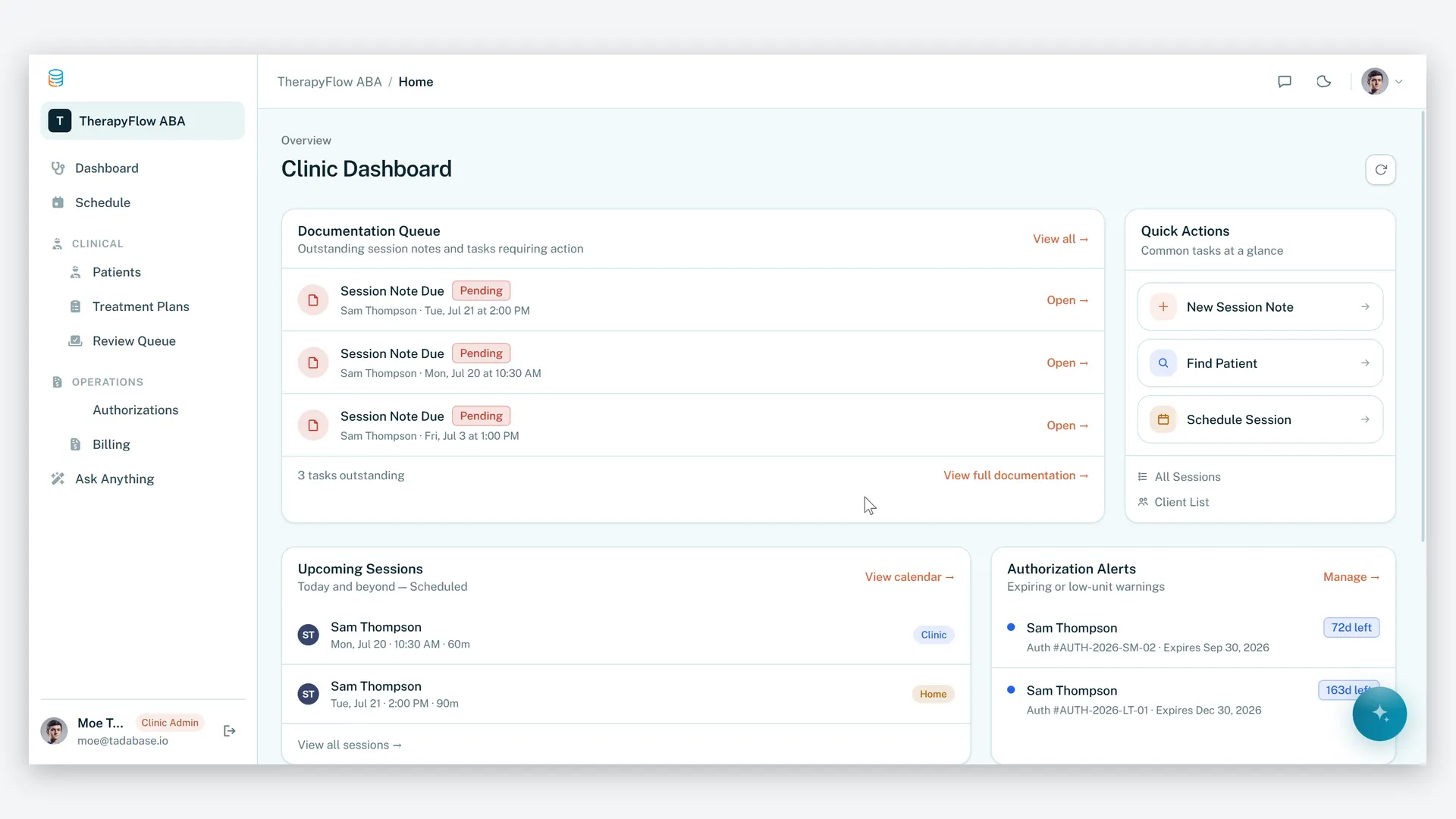
ABA Practice Management
Run your therapy practice with clarity, compliance, and control.
Make it yours.
Start from this template, or describe your version of it and Tadabase AI builds that instead.
- 14-day free trial, no card
- Unlimited app users
- Live on your own domain