
Home Care Agency OS
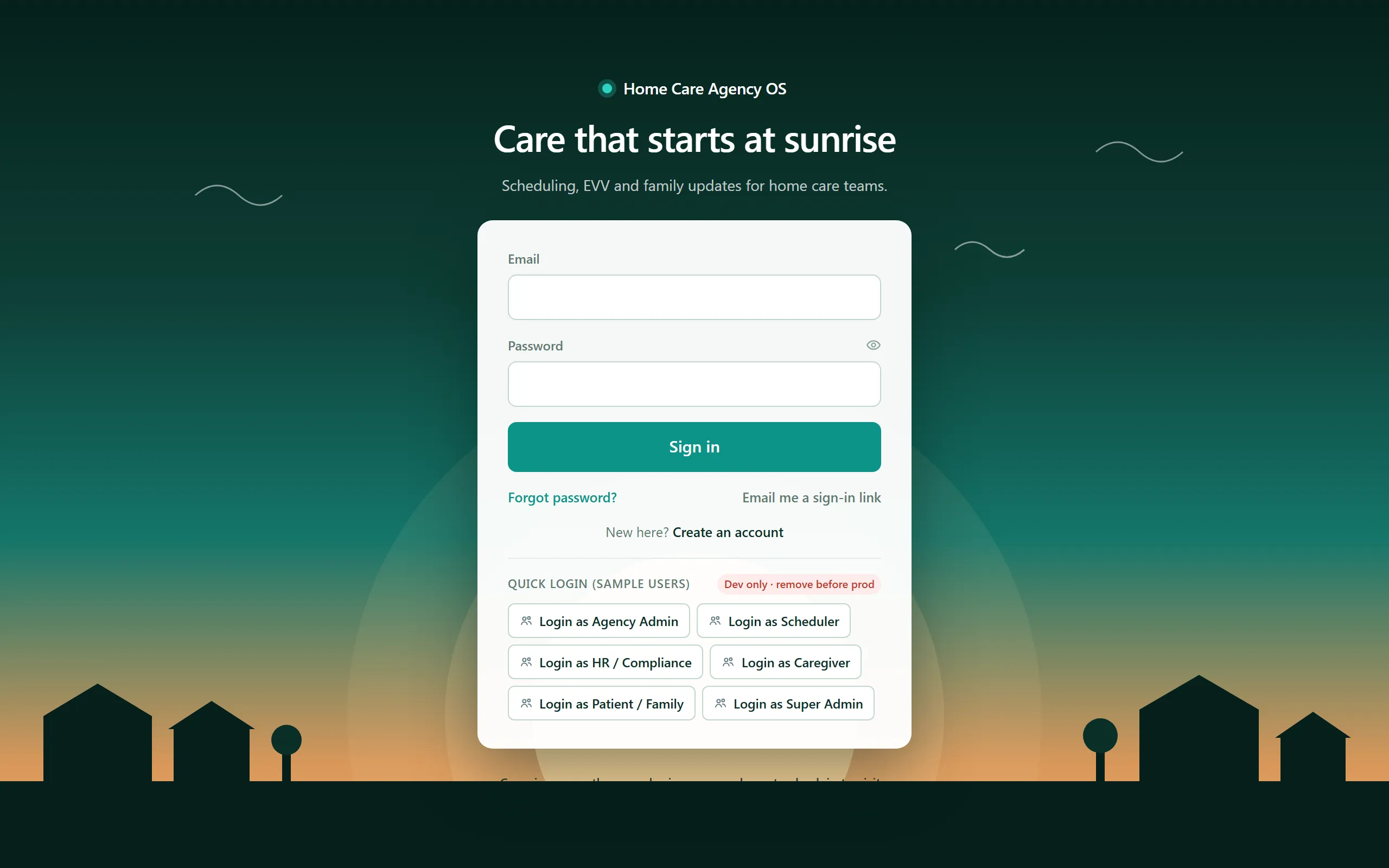
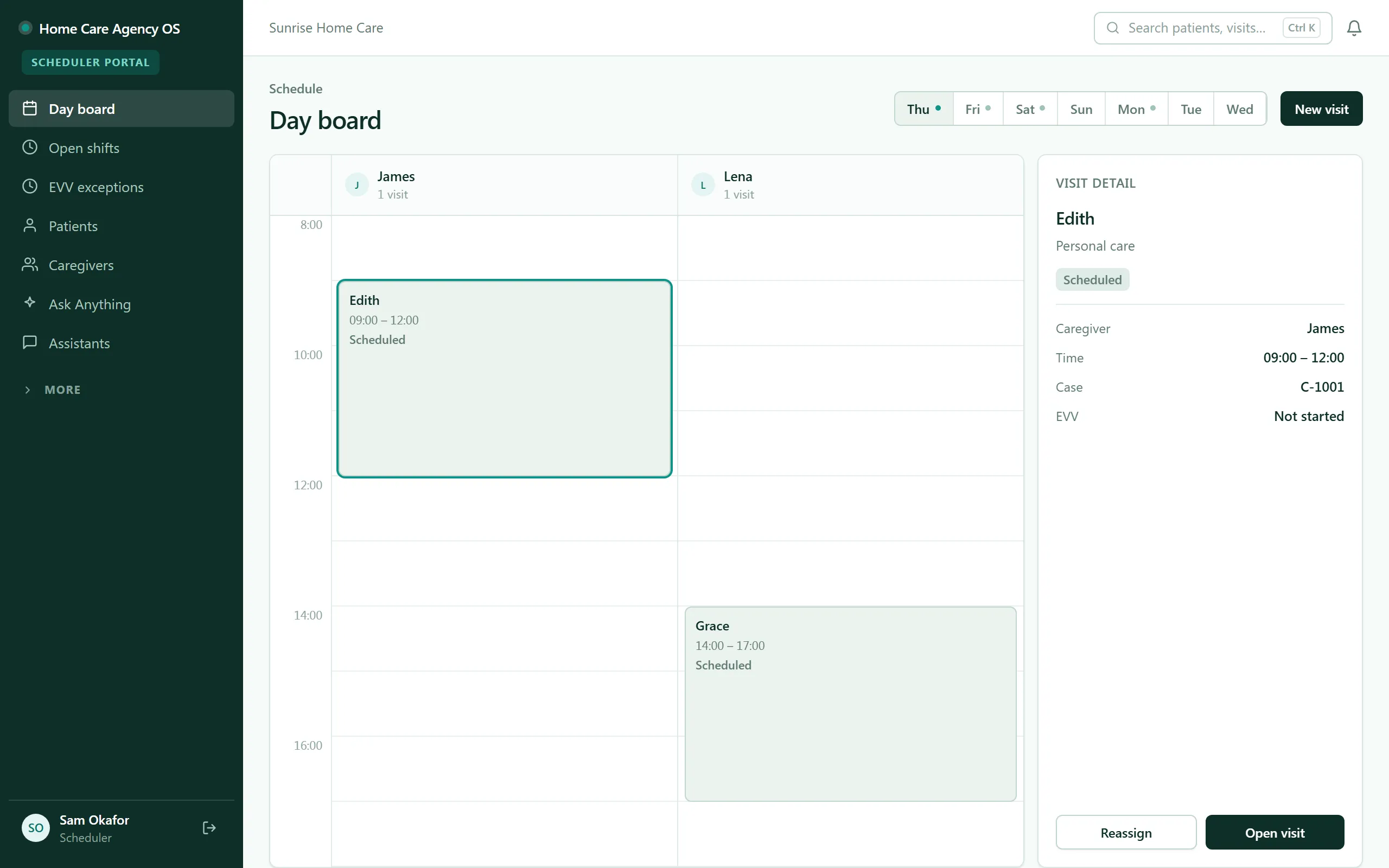
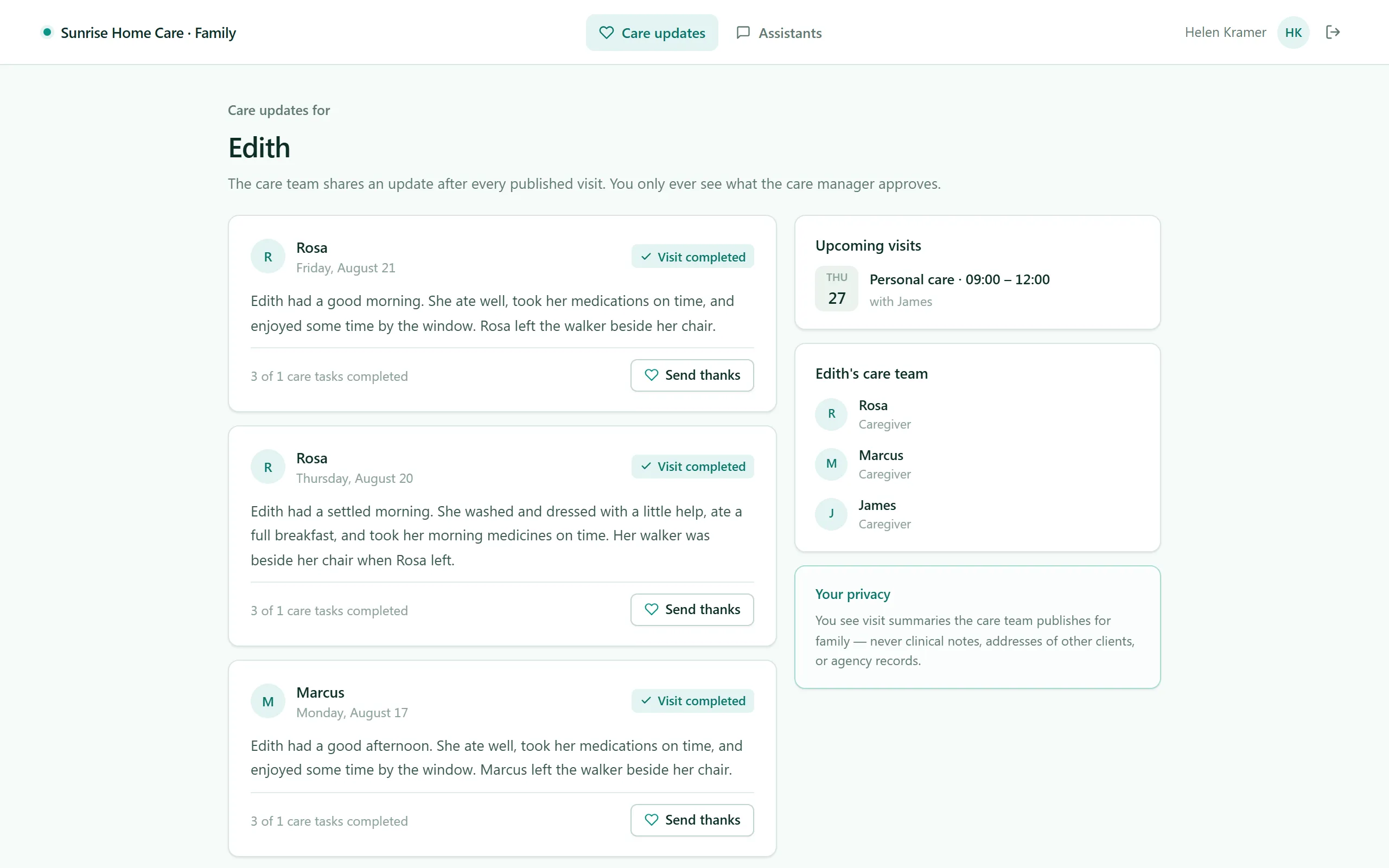
Run the whole agency from one system — schedulers dispatch visits on a live day-board, caregivers check in and out in the field with EVV, HR keeps every credential current with automated expiry ladders, timesheets build themselves from verified visits, and families follow their loved one's care from a portal.
- Categories
- Operations, Healthcare, Field Service, Scheduling, HR & Recruiting
- Includes
- 7 roles, 14 tables, 36 workflows
Describe your version of Home Care Agency OS — we’ll build it now.
Start from this template, or describe your own version and Tadabase AI builds that instead.
What’s inside.
Everything here installs with the template, running on the same backend as every Tadabase app.
- 7 user roles
- Agency Admin, Scheduler, HR / Compliance, Caregiver, Patient / Family, Applicant, Super Admin
- 14 data tables
- Caregivers, Patients, Cases, Visits, EVV Exceptions, Care Plans, Credentials, Timesheets
- 36 workflows
- Missed-visit sweep, credential expiry ladder, reminder + confirmation sweep, timesheet generation
- 20 email templates
- Shift, credential, compliance, timesheet and family notices
- 8 AI agents
- Shift-Fill Assistant, Compliance Watchdog, Family Summary Agent, Care Companion, Caregiver Helper
- Sample data
- Demo users for every role + seeded visits, caregivers and clients — optional at install
- Security
- Row-level security across all tables
The data model, drawn.
14 tables and 35 relationships, with row-level security on all 14. Real tables with real fields, not a mock-up.
-
Agencies 11 fields, row-level security on
Referenced by other tables
-
Audit Log 8 fields, row-level security on
Links to Agencies (Agency)
-
Caregivers 21 fields, row-level security on
Links to Agencies (Agency)
-
Availability Blocks 6 fields, row-level security on
Links to Agencies (Agency), Caregivers (Caregiver)
-
Patients 15 fields, row-level security on
Links to Agencies (Agency), Caregivers (Assigned Caregivers)
-
Credentials 14 fields, row-level security on
Links to Agencies (Agency), Caregivers (Caregiver)
-
Compliance Checklists 9 fields, row-level security on
Links to Agencies (Agency), Caregivers (Caregiver)
-
Timesheets 10 fields, row-level security on
Links to Agencies (Agency), Caregivers (Caregiver)
-
Cases 15 fields, row-level security on
Links to Agencies (Agency), Patients (Patient), Caregivers (Primary Caregiver)
-
Visits 26 fields, row-level security on
Links to Agencies (Agency), Cases (Case), Patients (Patient), Caregivers (Caregiver), Caregivers (Claim Requested By)
Links to itself (Assigned Caregiver User)
-
Care Plans 13 fields, row-level security on
Links to Agencies (Agency), Patients (Patient), Cases (Case), Caregivers (Assigned Caregivers)
-
EVV Exceptions 14 fields, row-level security on
Links to Agencies (Agency), Visits (Visit), Caregivers (Caregiver)
-
Notes 10 fields, row-level security on
Links to Agencies (Agency), Visits (Visit), Patients (Patient), Caregivers (Caregiver)
-
Feedback 8 fields, row-level security on
Links to Agencies (Agency), Patients (Patient), Visits (Visit)
Who does what.
Built for home-care agencies running the whole loop — schedule it, deliver it, verify it, bill it — without whiteboards and phone tag.
Your schedulers can
- Dispatch and reassign visits on a live day-board and see coverage gaps immediately
- Catch missed visits the moment they happen — a scheduled sweep flags them automatically
Your caregivers can
- Open a mobile "my day" of their own visits
- Check in and out at the door with EVV time-stamping
- Work the care plan's tasks and leave visit notes on the spot
Your HR team can
- Run the hiring pipeline and track every caregiver credential
- Rely on automated expiry ladders so no one works a visit on a lapsed credential
Families can
- Log in to their own portal and see visit updates for their loved one — no phone tag with the office
Timesheets generate from verified visits, incidents and feedback get captured where they happen, and scheduled sweeps — missed visits, reauthorizations, plan reviews, overdue checklists — keep governance running without anyone remembering. Role-scoped access for Scheduler, HR, Caregiver, and Family is enforced by row-level security throughout.
Related templates.
See all templates-
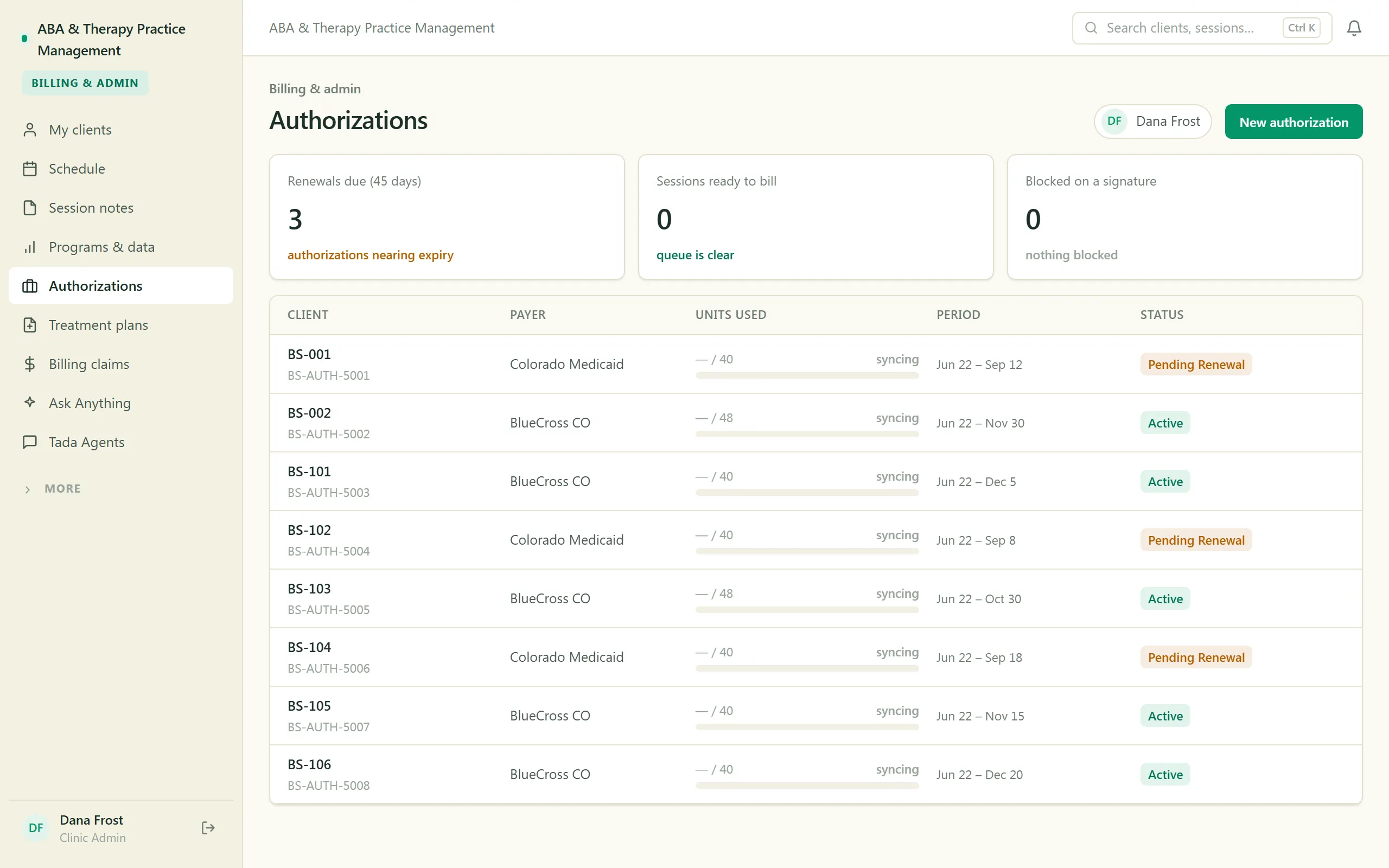
ABA & Therapy Practice Management
Run an ABA practice end to end — scheduling, session notes, treatment plans, authorizations, and billing, with a family portal.
-
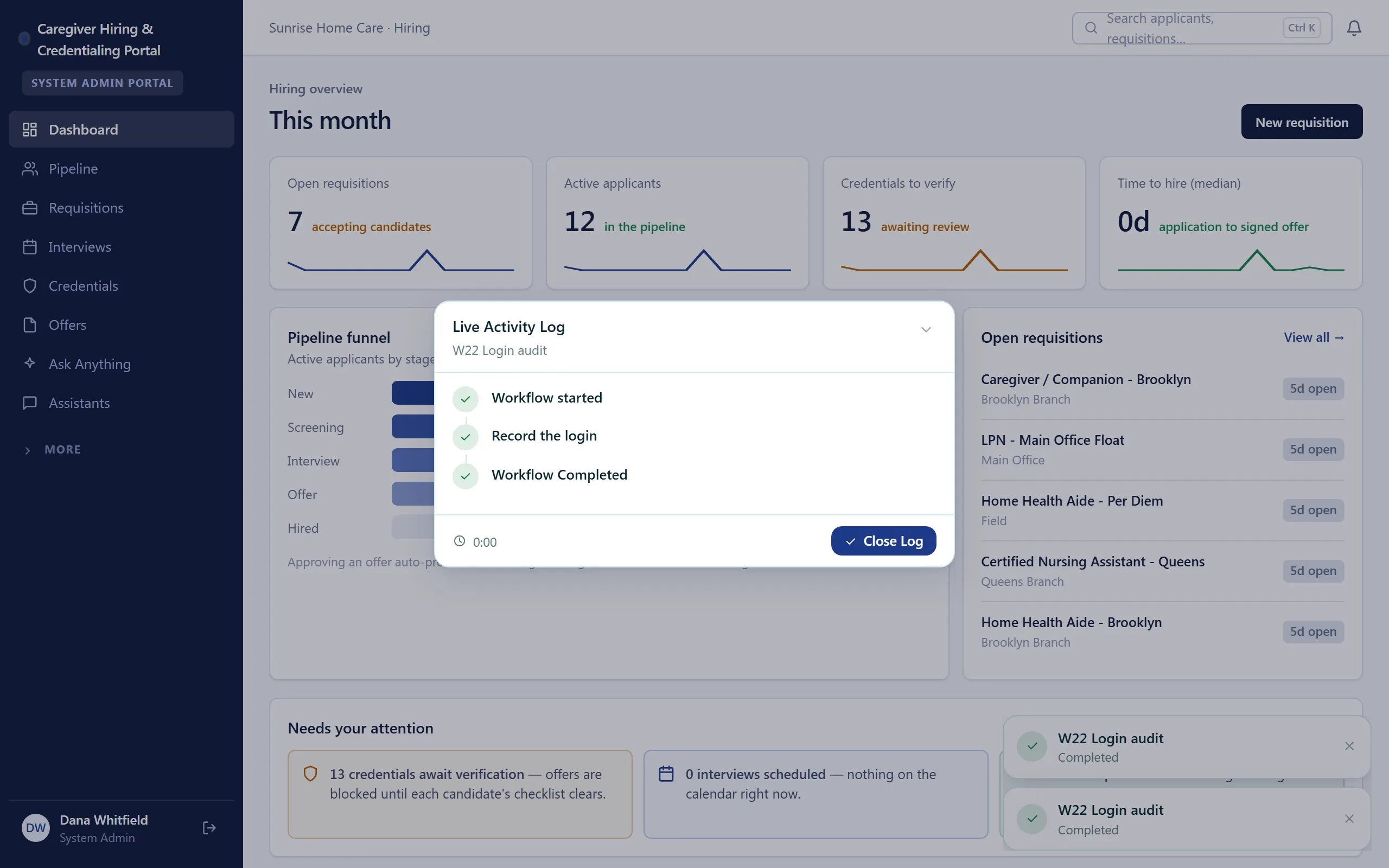
Caregiver Hiring & Credentialing Portal
Hire caregivers and keep every credential current — pipeline, background checks, and expiry tracking in one portal.
-
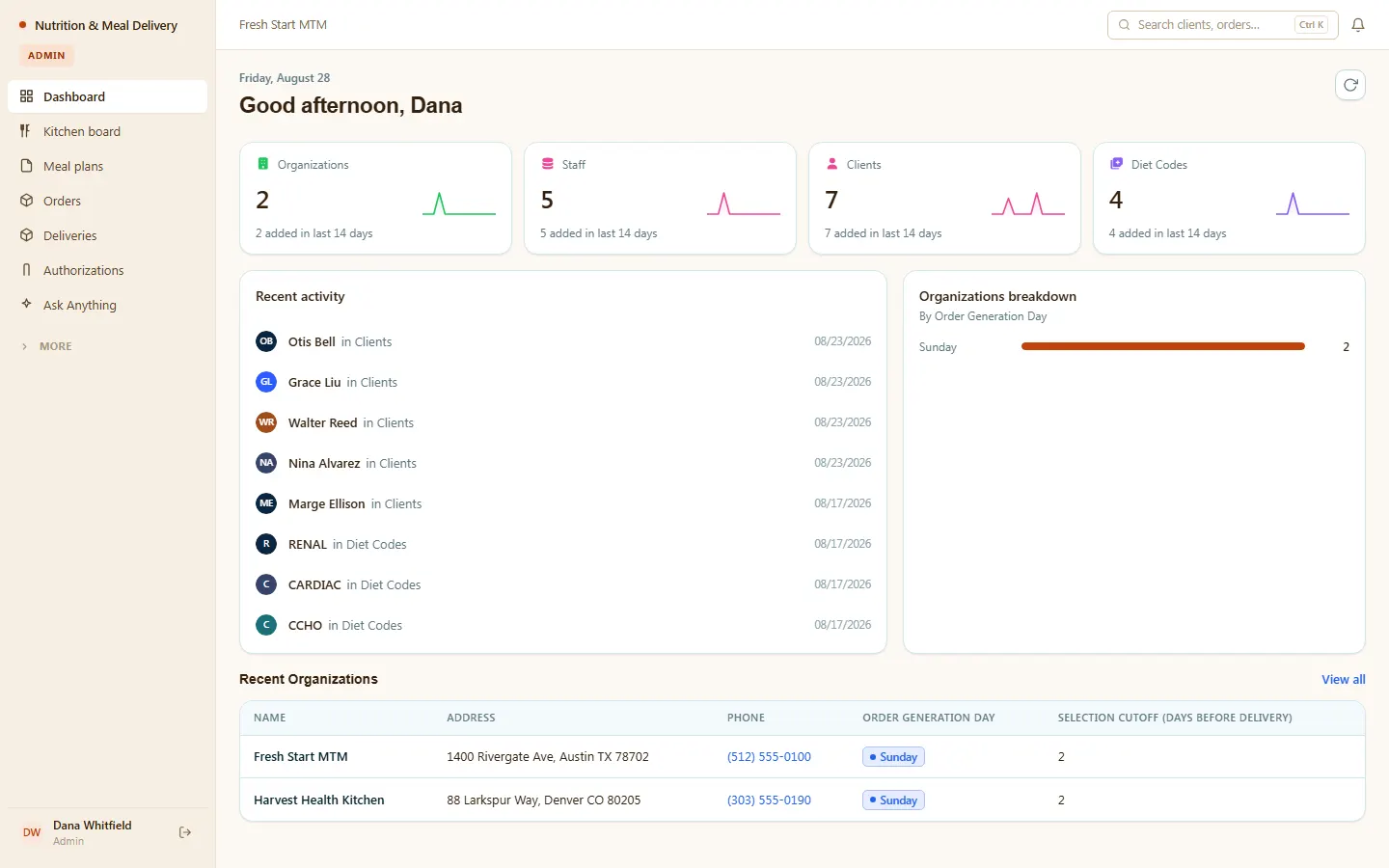
Nutrition & Meal Delivery
Medical meal delivery and MTM — compliant meal plans, allergy checks, kitchen, orders, and deliveries.
Make it yours.
Start from this template, or describe your version of it and Tadabase AI builds that instead.
- 14-day free trial, no card
- Unlimited app users
- Live on your own domain