
Nutrition & Meal Delivery
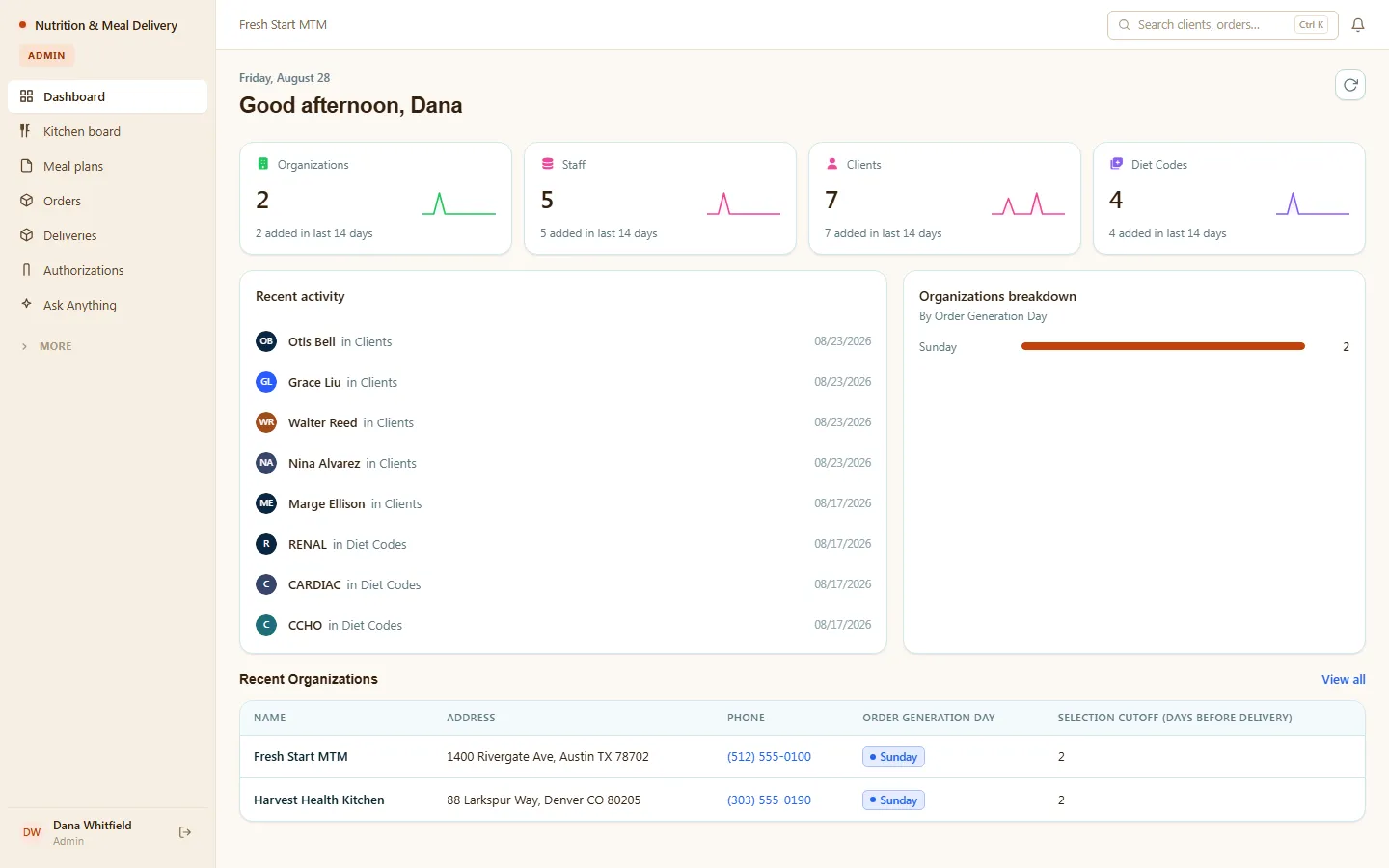
Deliver medically tailored meals with confidence — dietitians build plans checked against each client's allergies and diet codes, the kitchen sees exactly what to prepare, drivers see exactly where to go, and referrals and authorizations never fall through the cracks. Clients follow their own plan and deliveries from a portal.
- Categories
- Operations, Healthcare, Logistics
- Includes
- 6 roles, 13 tables, 26 workflows
Describe your version of Nutrition & Meal Delivery — we’ll build it now.
Start from this template, or describe your own version and Tadabase AI builds that instead.
What’s inside.
Everything here installs with the template, running on the same backend as every Tadabase app.
- 6 user roles
- Admin, Dietitian, Ops/Kitchen, Driver, Client, Public
- 13 data tables
- Clients, Meal Plans, Orders, Deliveries, Menu Items, Referrals & Authorizations, Diet Codes, Allergies
- 26 workflows
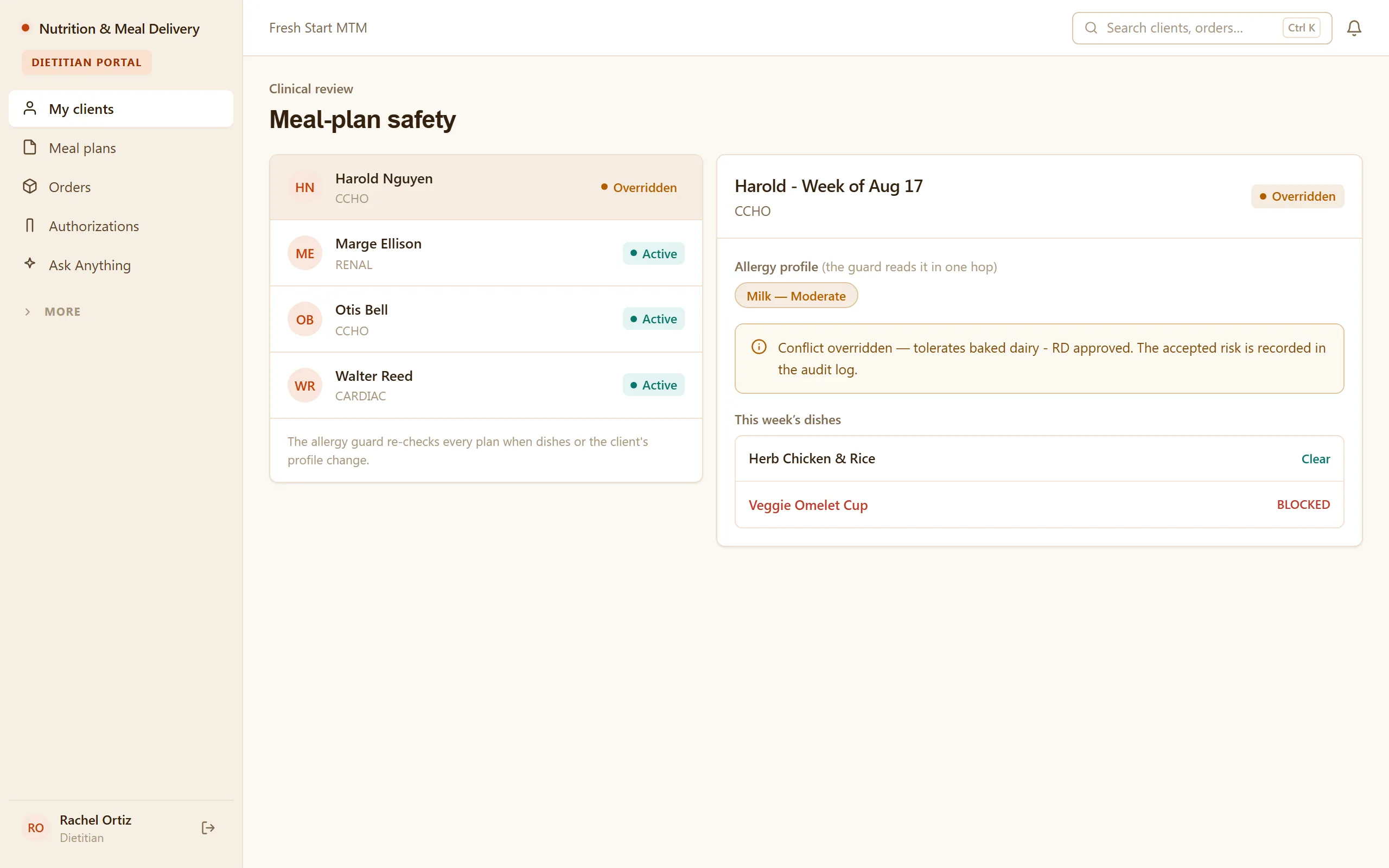
- Allergy guard on plans and orders, recurring order generation, delivery dispatch, authorization expiry alerts
- 13 email templates
- Welcome, meal selection reminders, delivery notices, allergy override and authorization alerts, branded
- 4 AI agents
- Intake Triage, Consult Note Scribe, Menu Compatibility Explainer, Ops Risk Digest
- Sample data
- Demo users for every role + seeded clients, plans and orders — optional at install
- Security
- Row-level security on every table
The data model, drawn.
13 tables and 34 relationships, with row-level security on all 13. Real tables with real fields, not a mock-up.
-
Organizations 7 fields, row-level security on
Referenced by other tables
-
Inquiries 9 fields, row-level security on
Links to Organizations (Organization)
-
Audit Log 6 fields, row-level security on
Links to Organizations (Organization)
-
Staff 5 fields, row-level security on
Links to Organizations (Organization)
-
Allergies / Restrictions 5 fields, row-level security on
Links to Organizations (Organization)
-
Diet Codes 6 fields, row-level security on
Links to Organizations (Organization)
-
Clients 23 fields, row-level security on
Links to Organizations (Organization), Staff (Assigned Dietitian), Diet Codes (Diet Codes), Allergies / Restrictions (Allergies / Restrictions)
-
Menu Items 14 fields, row-level security on
Links to Organizations (Organization), Diet Codes (Compatible Diet Codes)
-
Notes / Adherence 8 fields, row-level security on
Links to Organizations (Organization), Staff (Assigned Dietitian), Clients (Client), Staff (Author)
-
Referrals & Authorizations 16 fields, row-level security on
Links to Organizations (Organization), Staff (Assigned Dietitian), Clients (Client)
-
Meal Plans 13 fields, row-level security on
Links to Organizations (Organization), Staff (Assigned Dietitian), Clients (Client), Diet Codes (Diet Code), Menu Items (Selected Meals)
-
Orders 19 fields, row-level security on
Links to Organizations (Organization), Clients (Client), Meal Plans (Meal Plan), Referrals & Authorizations (Authorization), Menu Items (Order Items), Diet Codes (Diet Code)
-
Deliveries 17 fields, row-level security on
Links to Organizations (Organization), Staff (Driver), Orders (Order), Clients (Client), Referrals & Authorizations (Authorization)
Who does what.
Built for medical meal-delivery and MTM programs, where a wrong meal isn't a bad review — it's a safety incident.
Your dietitians can
- Build each client's meal plan against their diet codes, allergies, and restrictions
- Catch unsafe combinations before they reach the kitchen — safety checks run on the plan, not on memory
- Track referrals and authorizations end to end so covered clients stay covered
Your kitchen and ops team can
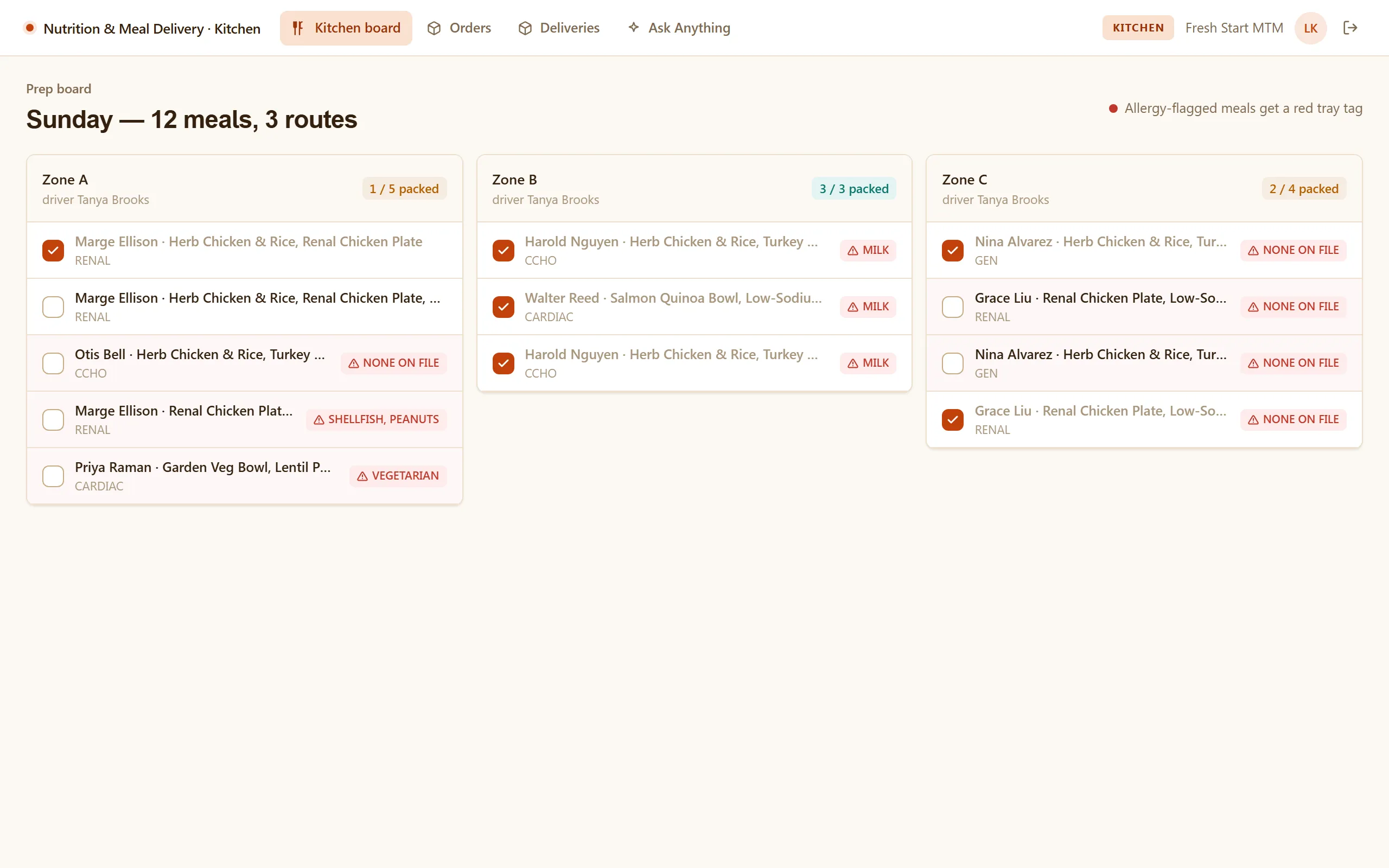
- Work a kitchen board that shows exactly what to prepare, for whom, and by when
- Turn meal plans into orders without re-keying anything
Your drivers can
- See their own deliveries — who, where, and what's in the bag
- Mark deliveries complete so ops sees status in real time
Your clients can
- See their own meal plan, orders, and delivery schedule in a portal — without calling in
You can
- Watch clients, orders, and deliveries across the whole operation from one dashboard
- Trust that Admin, Dietitian, Ops/Kitchen, Driver, and Client each see only what's theirs — enforced by row-level security
Related templates.
See all templates-
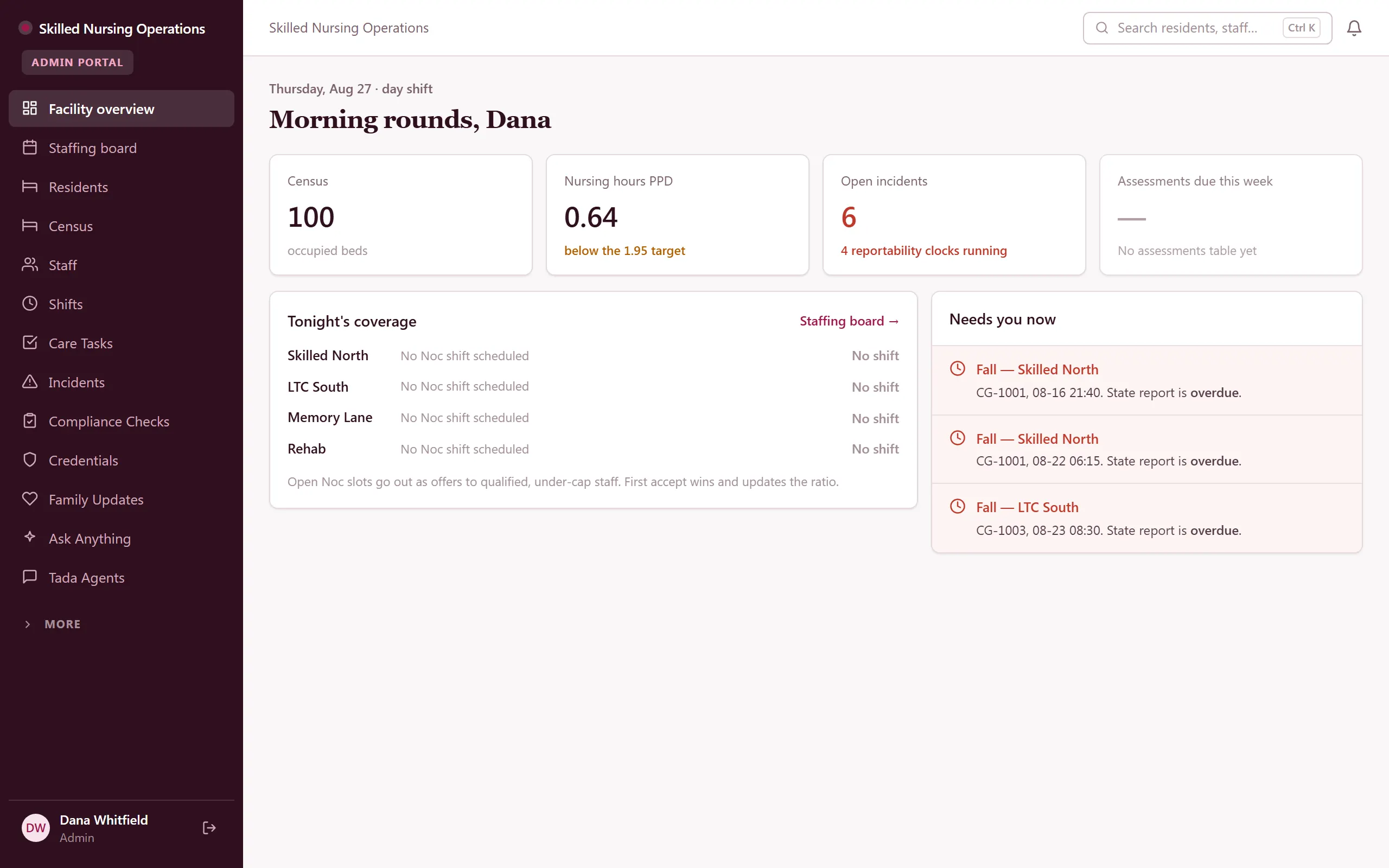
Skilled Nursing Operations
Skilled-nursing operations — census, staffing, shifts, care tasks, incidents, and compliance in one backend.
-
Home Care Agency OS
Field-verified home-care operations — scheduling, EVV, compliance, and a family portal.
-
ABA & Therapy Practice Management
Run an ABA practice end to end — scheduling, session notes, treatment plans, authorizations, and billing, with a family portal.
Make it yours.
Start from this template, or describe your version of it and Tadabase AI builds that instead.
- 14-day free trial, no card
- Unlimited app users
- Live on your own domain