
Skilled Nursing Operations
Keep the facility staffed, residents cared for, and surveys survivable — schedulers fill shifts against staffing targets, nurses work a rounds screen of today's rooms, compliance runs checklists that flag themselves when overdue, and families see updates on their resident without calling the front desk.
- Categories
- Operations, Healthcare, Compliance
- Includes
- 7 roles, 17 tables, 24 workflows
Describe your version of Skilled Nursing Operations — we’ll build it now.
Start from this template, or describe your own version and Tadabase AI builds that instead.
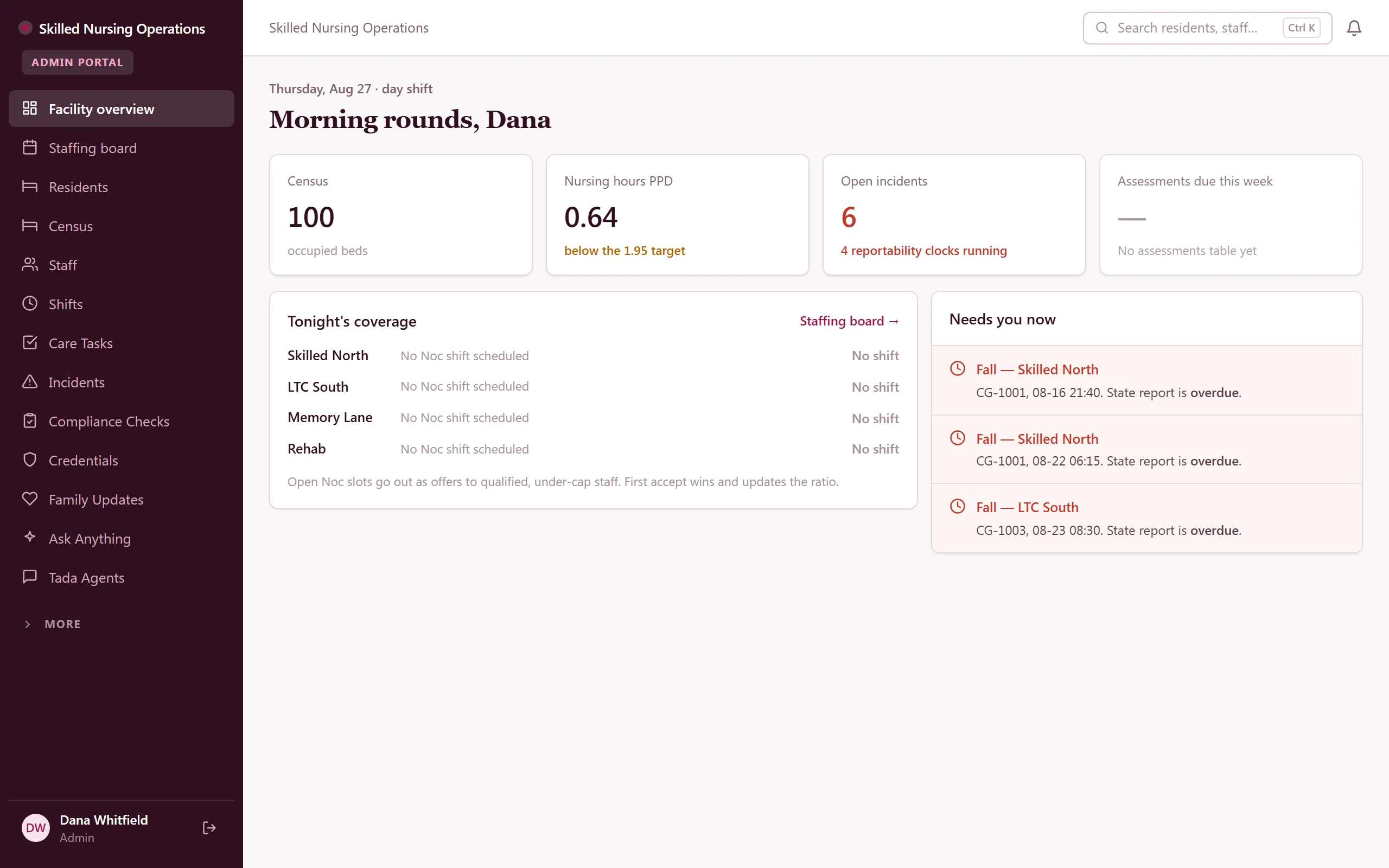
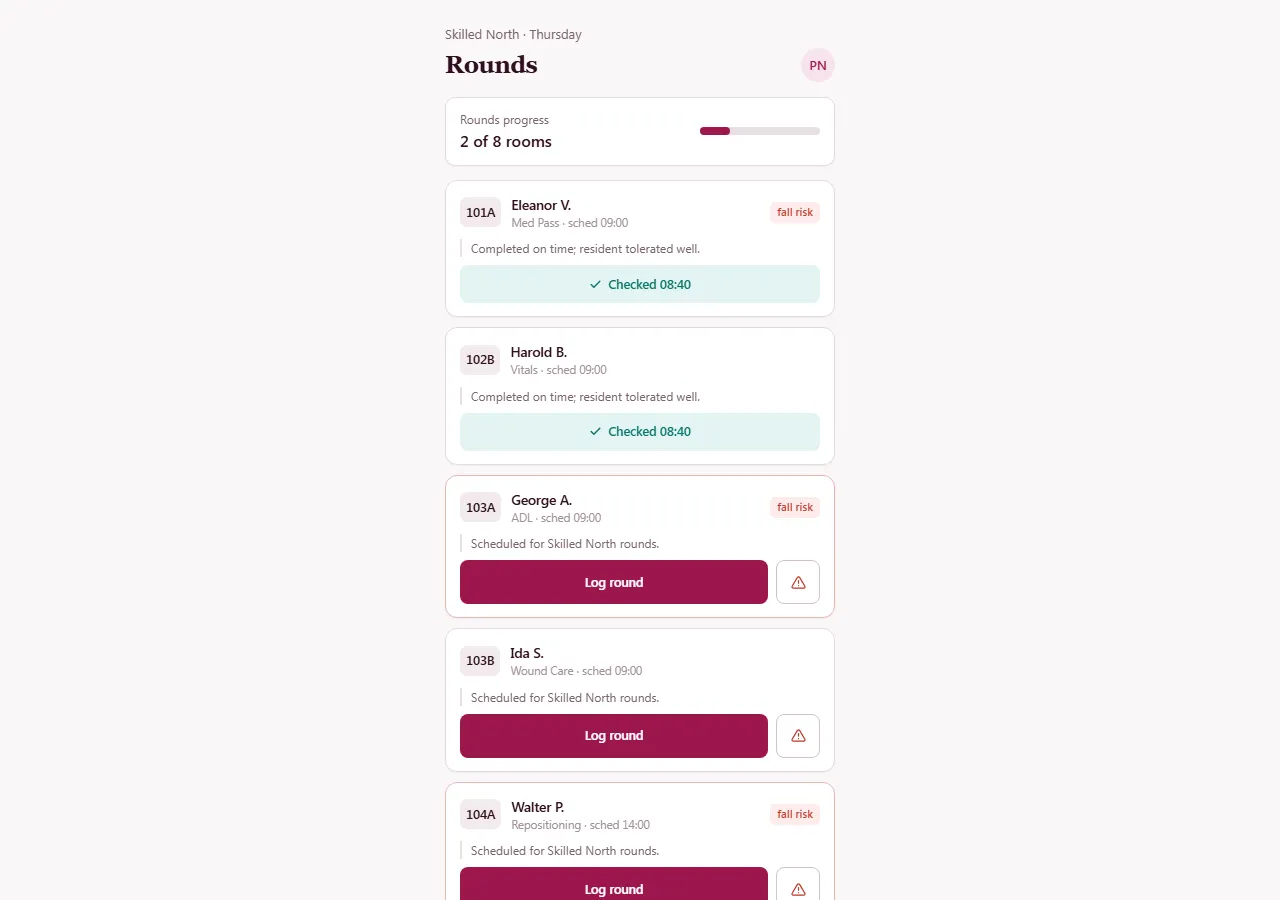
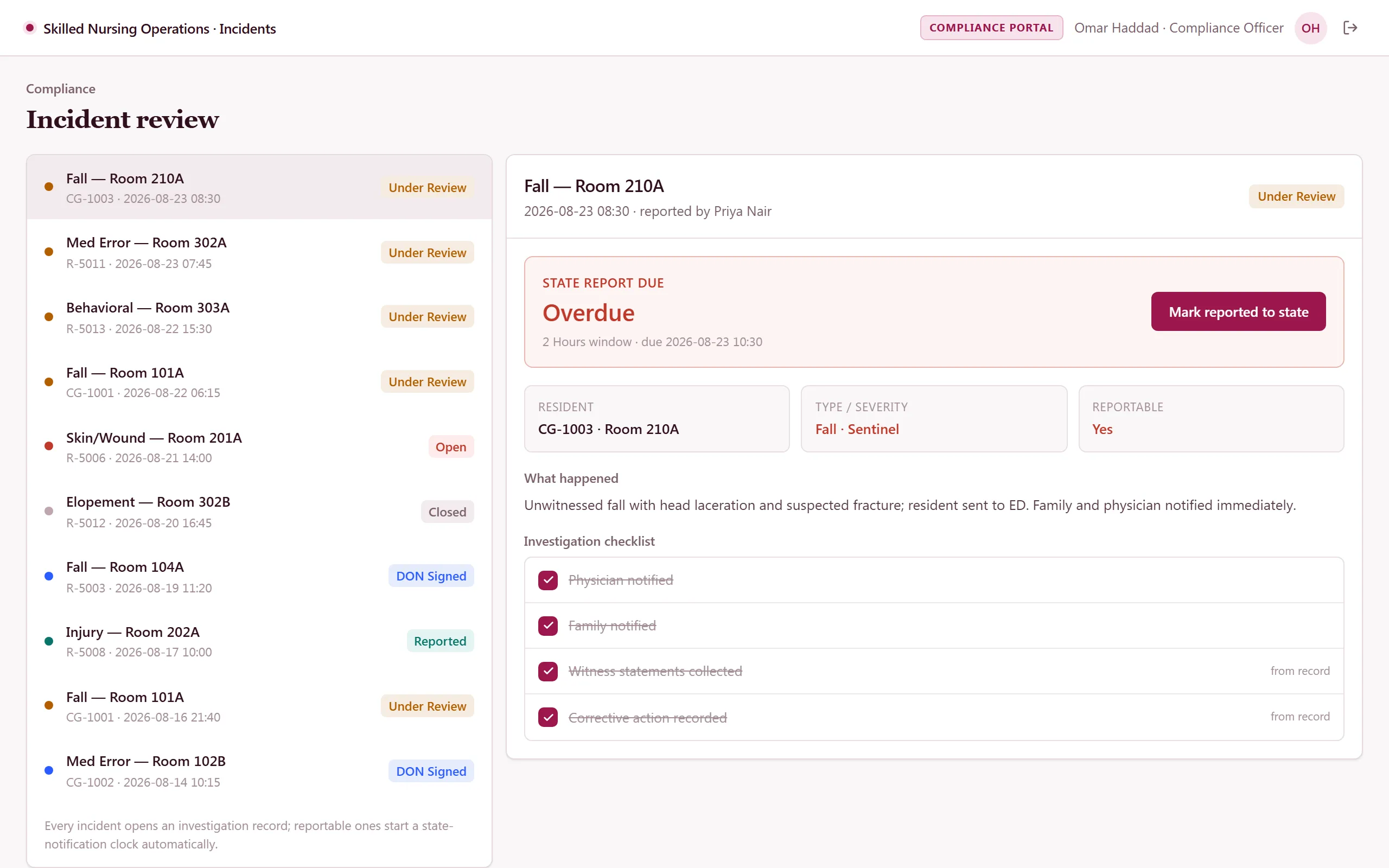
What’s inside.
Everything here installs with the template, running on the same backend as every Tadabase app.
- 7 user roles
- Admin, DON, Nurse, Scheduler, Compliance Officer, Family, Public (referral form)
- 17 data tables
- Residents, Census, Shifts, Care Tasks, Incidents, Compliance Checks, Credentials, Family Updates
- 24 workflows
- Missed-task escalation, credential expiry ladder, reportability deadline watch, coverage-gap alerts
- 13 email templates
- Admission, shift, incident, credential, compliance and family notices
- 9 AI agents
- Incident Intake, Daily Staffing Brief, Survey-Prep Auditor, Family Update Drafter + 5 role assistants
- Sample data
- Demo users for every role + seeded residents, shifts and tasks — optional at install
- Security
- Facility- and unit-level row-level security on every table
The data model, drawn.
17 tables and 43 relationships, with row-level security on 16 of them. Real tables with real fields, not a mock-up.
-
Facilities 12 fields
Referenced by other tables
-
Audit Log 8 fields, row-level security on
Links to Facilities (Facility)
-
Referral Inquiries 8 fields, row-level security on
Links to Facilities (Facility)
-
Units 5 fields, row-level security on
Links to Facilities (Facility)
-
Staffing Targets 5 fields, row-level security on
Links to Facilities (Facility), Units (Unit)
-
Staff 11 fields, row-level security on
Links to Facilities (Facility), Units (Default Unit)
-
Family Contacts 8 fields, row-level security on
Links to Facilities (Facility), Residents (Resident)
-
Shifts 11 fields, row-level security on
Links to Facilities (Facility), Units (Unit), Staff (Assigned Staff)
-
Checklist Templates 8 fields, row-level security on
Links to Facilities (Facility), Staff (Default Assignee)
-
Residents 17 fields, row-level security on
Links to Facilities (Facility), Units (Unit), Staff (Primary Physician), Family Contacts (Responsible Party)
-
Credentials 7 fields, row-level security on
Links to Facilities (Facility), Staff (Staff)
-
Compliance Checks 11 fields, row-level security on
Links to Facilities (Facility), Checklist Templates (Template), Staff (Assigned To)
-
Task Schedules 9 fields, row-level security on
Links to Facilities (Facility), Residents (Resident), Units (Unit)
-
Census 8 fields, row-level security on
Links to Facilities (Facility), Residents (Resident), Units (Unit)
-
Incidents 23 fields, row-level security on
Links to Facilities (Facility), Residents (Resident), Units (Unit), Staff (Reported By), Staff (DON Signed By)
-
Family Updates 8 fields, row-level security on
Links to Facilities (Facility), Residents (Resident), Staff (Posted By)
-
Care Tasks 11 fields, row-level security on
Links to Facilities (Facility), Residents (Resident), Units (Unit), Task Schedules (Task Schedule), Staff (Assigned To), Staff (Completed By)
Who does what.
Built for skilled nursing facilities juggling census, staffing ratios, and compliance — where the answer to "are we covered tonight?" shouldn't live in anyone's head.
Your DON and administrators can
- See live census, staffing, and open shifts across every unit at a glance
- Track incidents from report to resolution
- Keep staff credentials current before a survey finds the gap
Your schedulers can
- Fill shifts against per-unit staffing targets and spot gaps before they become call-outs
Your nurses can
- Work a mobile rounds screen of today's rooms and care tasks — and check them off as they go
Your compliance officer can
- Run compliance checks and checklists, with overdue items swept up and flagged automatically
Families can
- Log in and see updates on their resident — read-only, and only their resident
While the building runs, scheduled sweeps flag overdue checklists, reminders go out on time, and every action lands in the audit log. Row-level security keeps Admin, DON, Nurse, Scheduler, Compliance Officer, and Family each in their own lane.
Related templates.
See all templates-
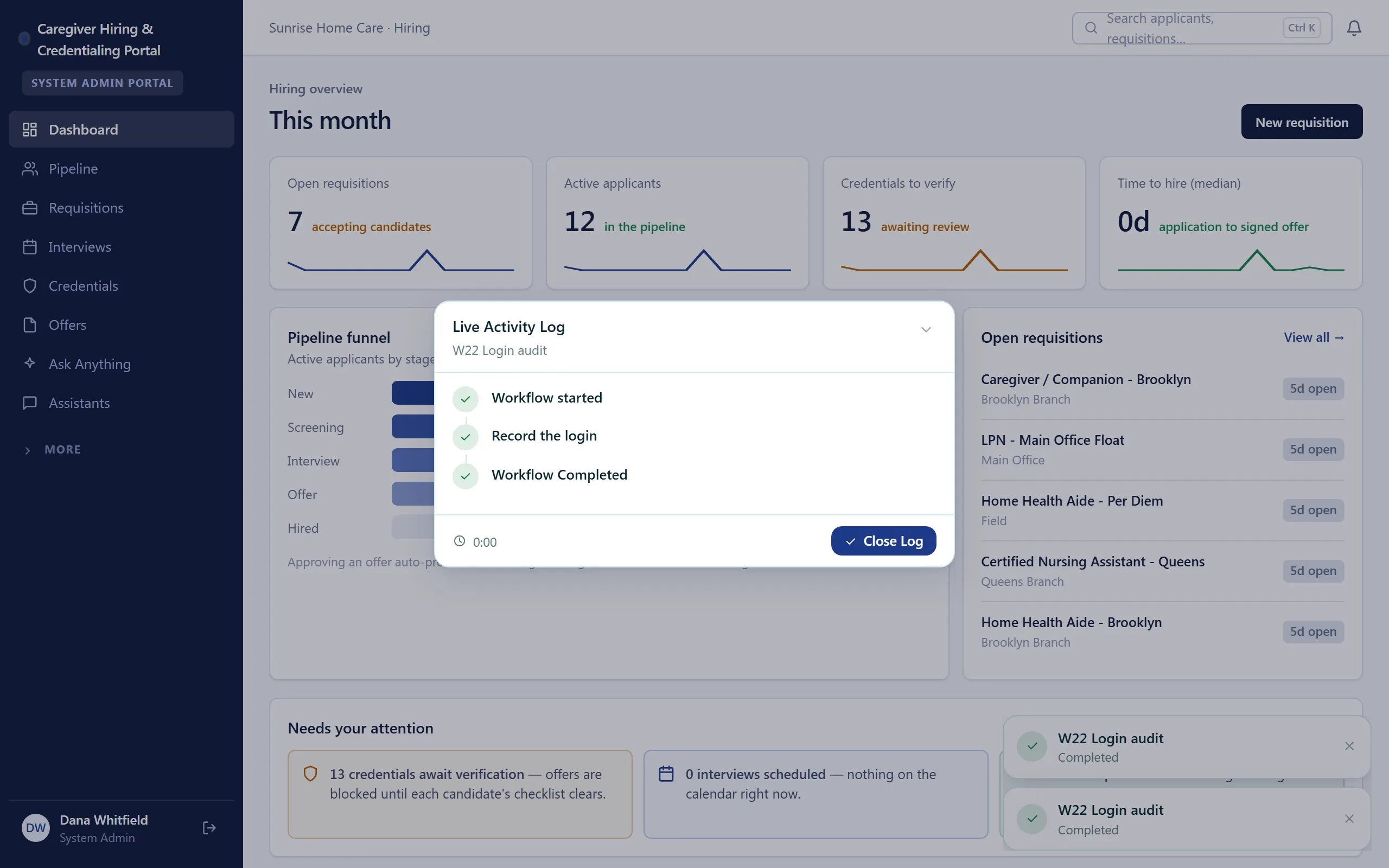
Caregiver Hiring & Credentialing Portal
Hire caregivers and keep every credential current — pipeline, background checks, and expiry tracking in one portal.
-
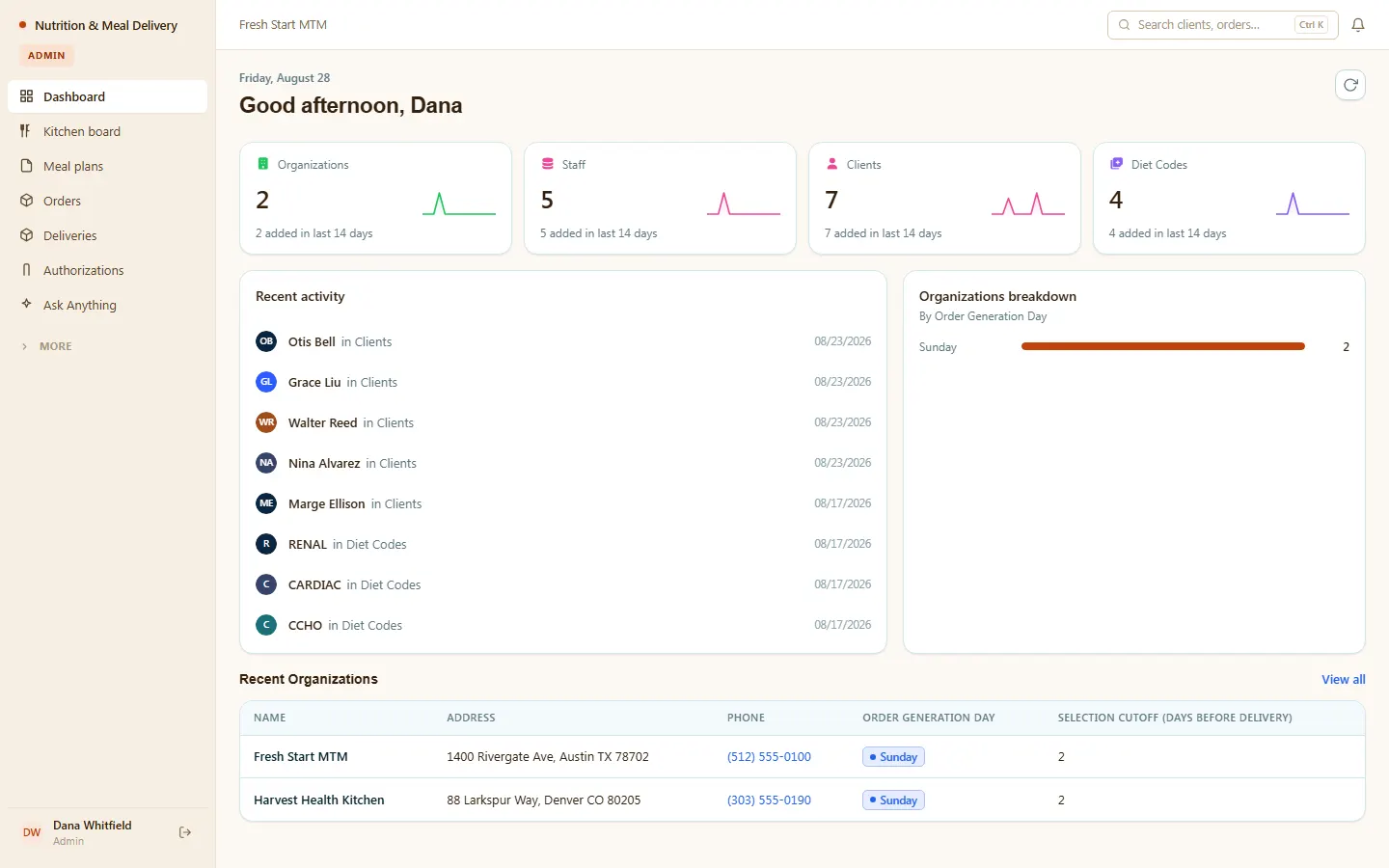
Nutrition & Meal Delivery
Medical meal delivery and MTM — compliant meal plans, allergy checks, kitchen, orders, and deliveries.
-
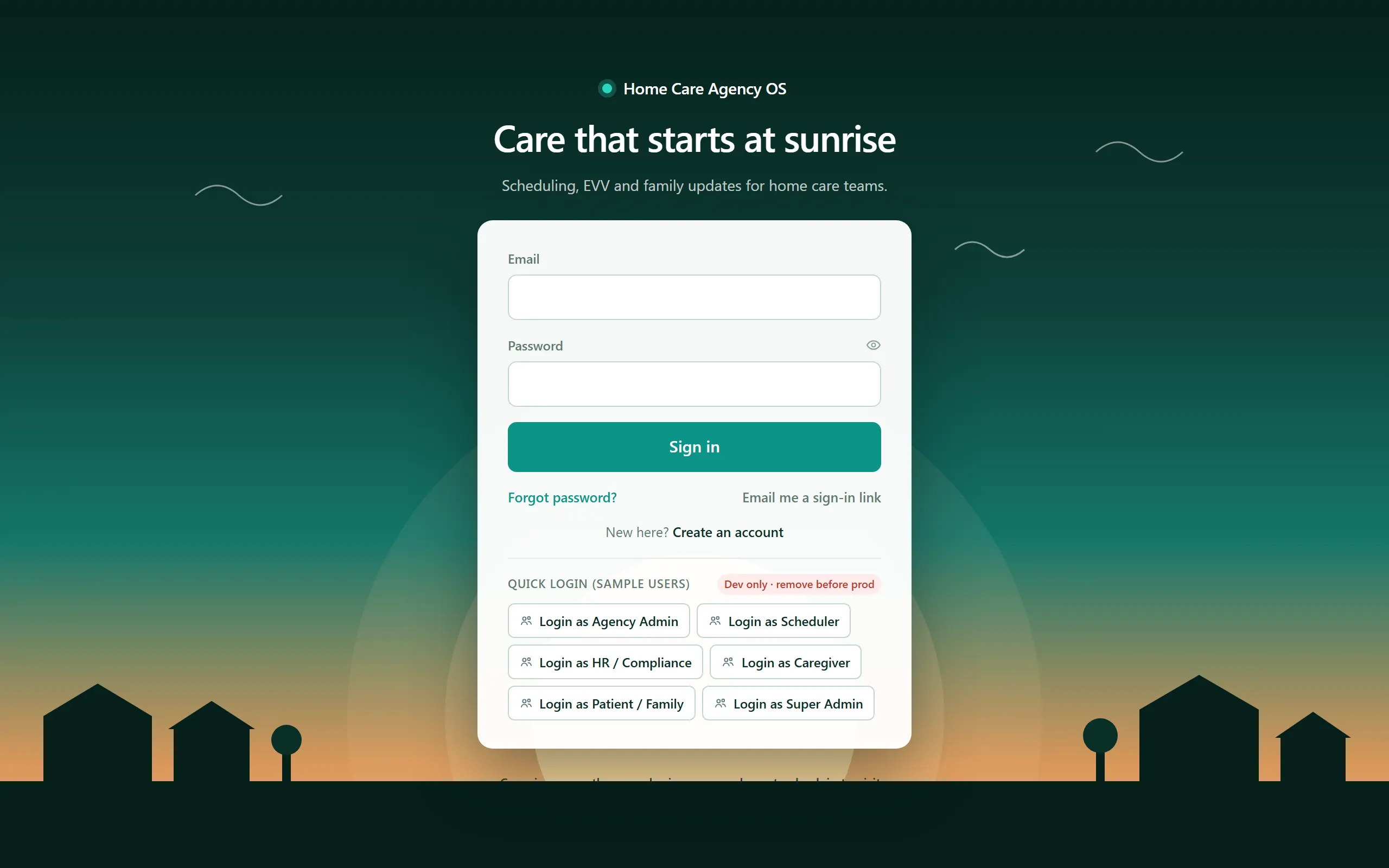
Home Care Agency OS
Field-verified home-care operations — scheduling, EVV, compliance, and a family portal.
Make it yours.
Start from this template, or describe your version of it and Tadabase AI builds that instead.
- 14-day free trial, no card
- Unlimited app users
- Live on your own domain