
Mortgage Manager App
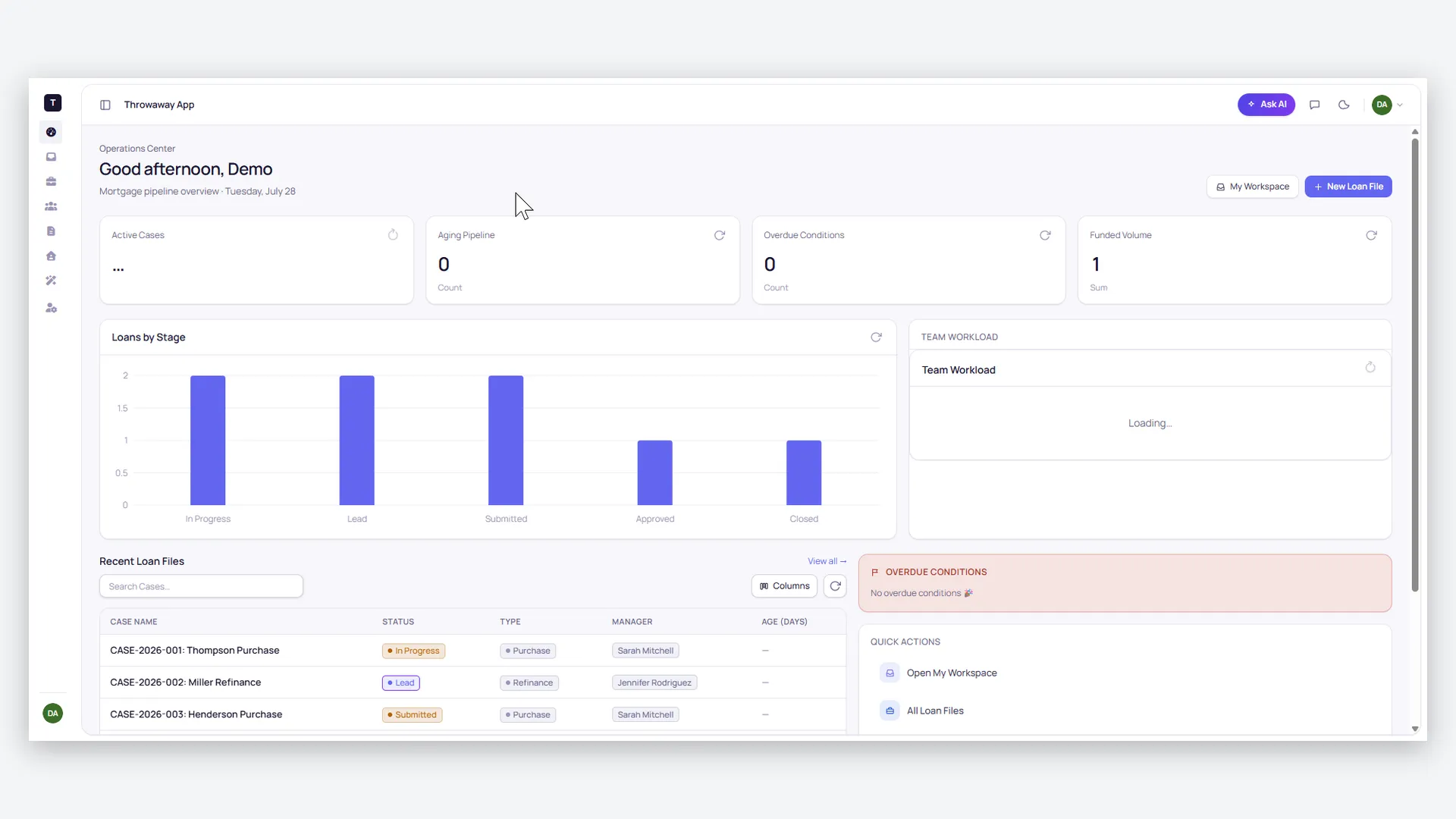
Move every loan to the closing table — staff work their own assigned pipeline from lead to post-close, borrowers upload documents and answer questionnaires through their own portal instead of email chains, partners track milestones, and a daily risk sweep flags any case closing within 7 days that still has open conditions.
- Categories
- CRM, Mortgage
- Includes
- 15 roles, 13 tables, 7 workflows
Describe your version of Mortgage Manager App — we’ll build it now.
Start from this template, or describe your own version and Tadabase AI builds that instead.
What’s inside.
Everything here installs with the template, running on the same backend as every Tadabase app.
- 15 user roles
- Loan Officer, Processor, Underwriter, Closer, Post-Close, QC Reviewer, Borrower, Partner, Admin
- 13 data tables
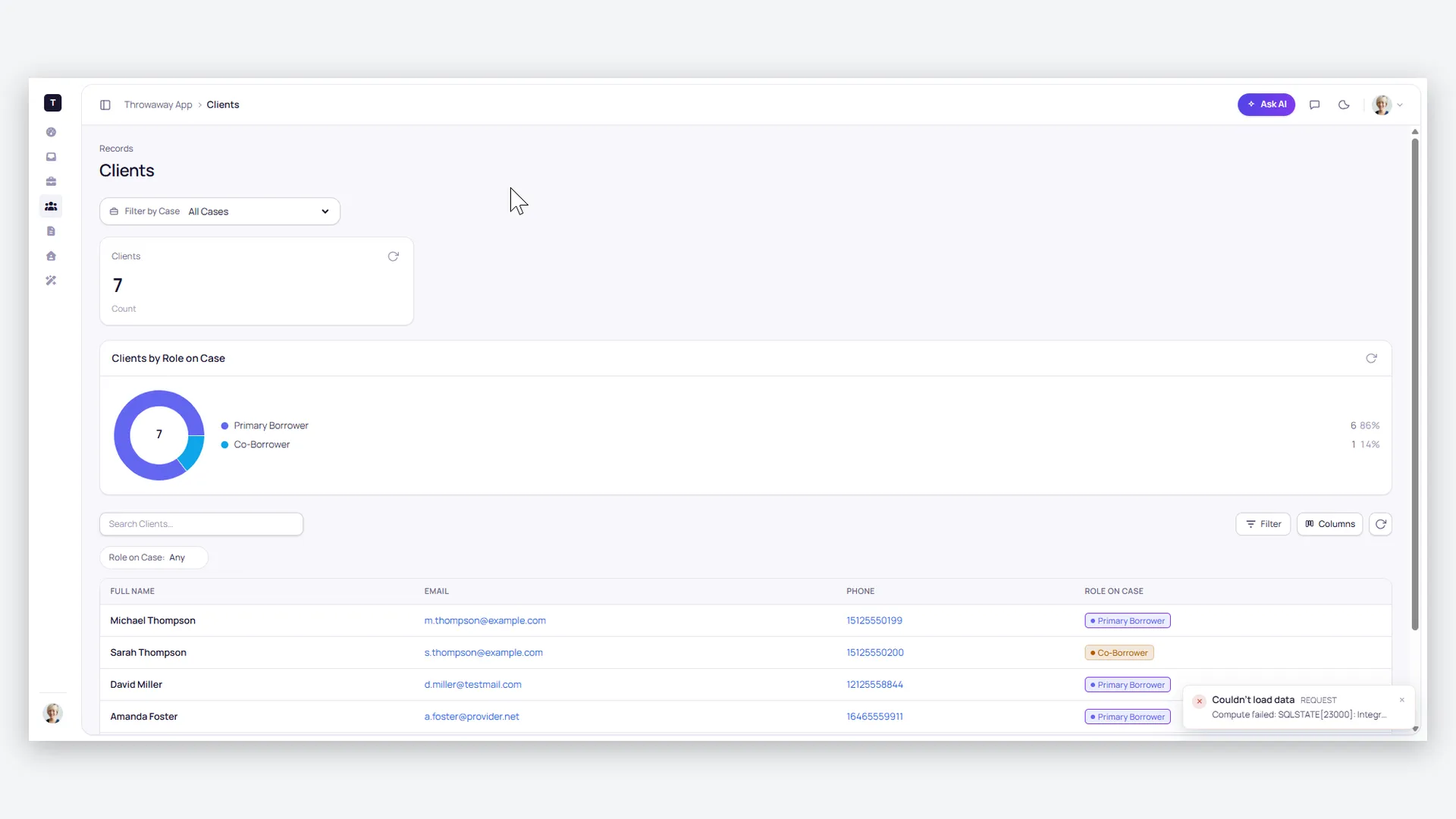
- Cases, Clients, Questionnaires, Documents, Conditions, Tasks & Milestones, Loan Details, QC Findings
- 7 workflows
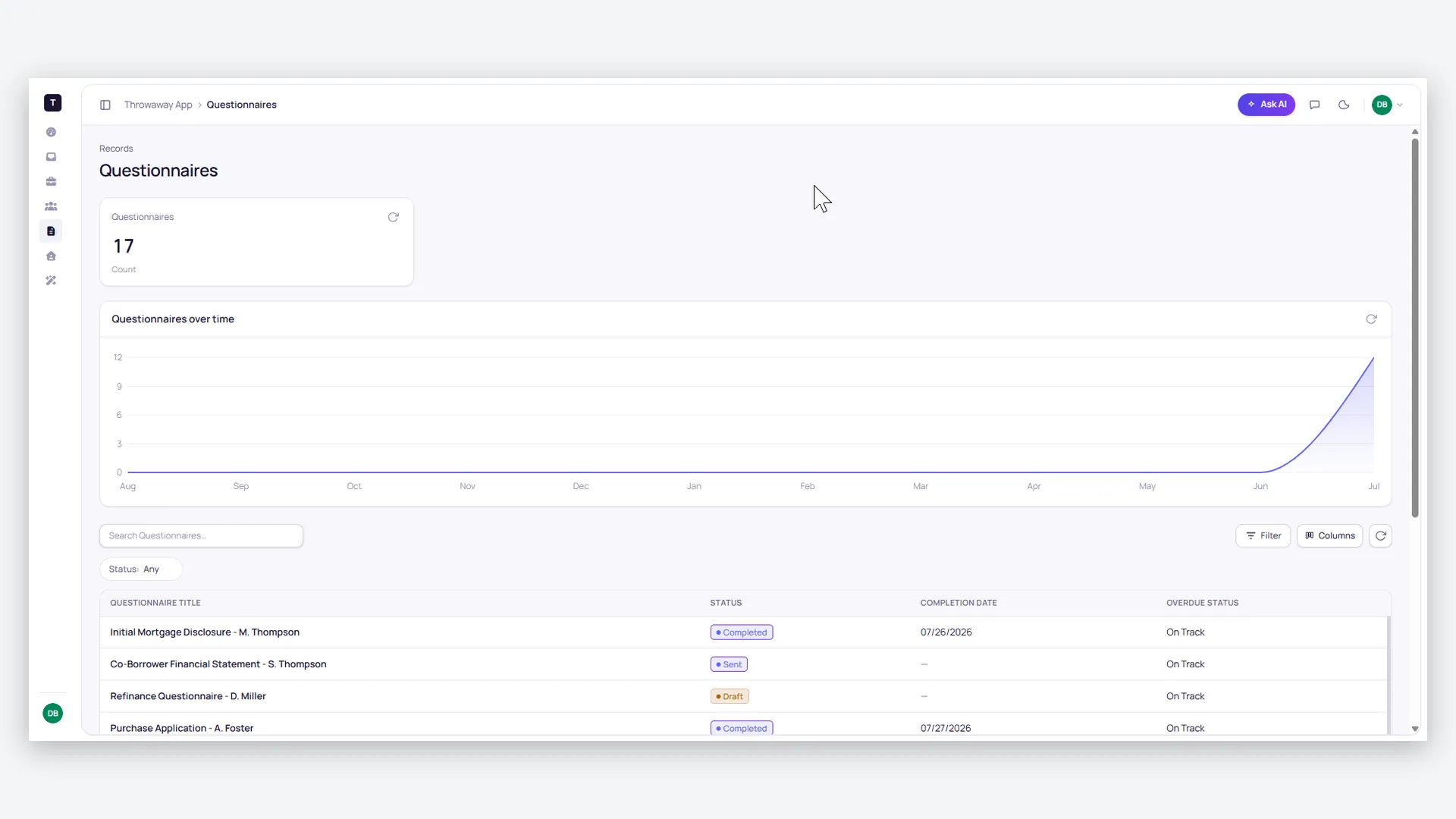
- Intake document requests, questionnaire generation, daily closing-risk sweep, post-close tasks
- 5 email templates
- Questionnaire alerts, document requests, milestone updates, conditions, closing risk
- 1 AI agent
- Mortgage Assistant
- 6 AI prompts
- Document classifier, gap analyzer, red-flag detector, case summary, questionnaire parser, follow-up drafter
- 1 import, 3 exports
- Bulk case import; active cases, case clients and pending questionnaires exports
- Sample data
- Demo cases, clients and documents — optional at install
- Security
- Row-level security on every table; borrowers see only their own loan
The data model, drawn.
13 tables and 15 relationships, with row-level security on all 13. Real tables with real fields, not a mock-up.
-
Cases 7 fields, row-level security on
Referenced by other tables
-
Clients 6 fields, row-level security on
Links to Cases (Case)
-
Property Information 5 fields, row-level security on
Links to Cases (Case)
-
Questionnaires 9 fields, row-level security on
Links to Cases (Case), Clients (Client)
-
Documents 6 fields, row-level security on
Links to Cases (Case), Clients (Client)
-
Property Customer Relations 7 fields, row-level security on
Links to Property Information (Property), Clients (Client)
-
Client-Case Information 5 fields, row-level security on
Links to Documents (Document)
-
Loan Details 7 fields, row-level security on
Links to Cases (Case)
-
Conditions 5 fields, row-level security on
Links to Cases (Case)
-
Tasks & Milestones 5 fields, row-level security on
Links to Cases (Case)
-
Communication Logs 5 fields, row-level security on
Links to Cases (Case)
-
QC Findings 5 fields, row-level security on
Links to Cases (Case)
-
Closing/Post-Close 4 fields, row-level security on
Links to Cases (Case)
Who does what.
Built for mortgage teams tired of chasing documents through email and finding out about missing conditions the week of closing.
Your loan officers and processors can
- Work their own assigned pipeline — every case from Lead to Closed, with case-age and active-flag logic
- Have document requests generated automatically when a case is created — a Purchase Agreement for purchases, a Mortgage Statement for refinances
- Send personalized questionnaires to every client on a case with one trigger
Your underwriters and closers can
- Track conditions and tasks per case and see exactly what stands between a file and clear-to-close
- Get an urgent alert when a case closing within 7 days still has open conditions — a daily sweep watches for it
- Have "Post-Close Trailing Items" tasks created automatically the moment a case closes
Your borrowers can
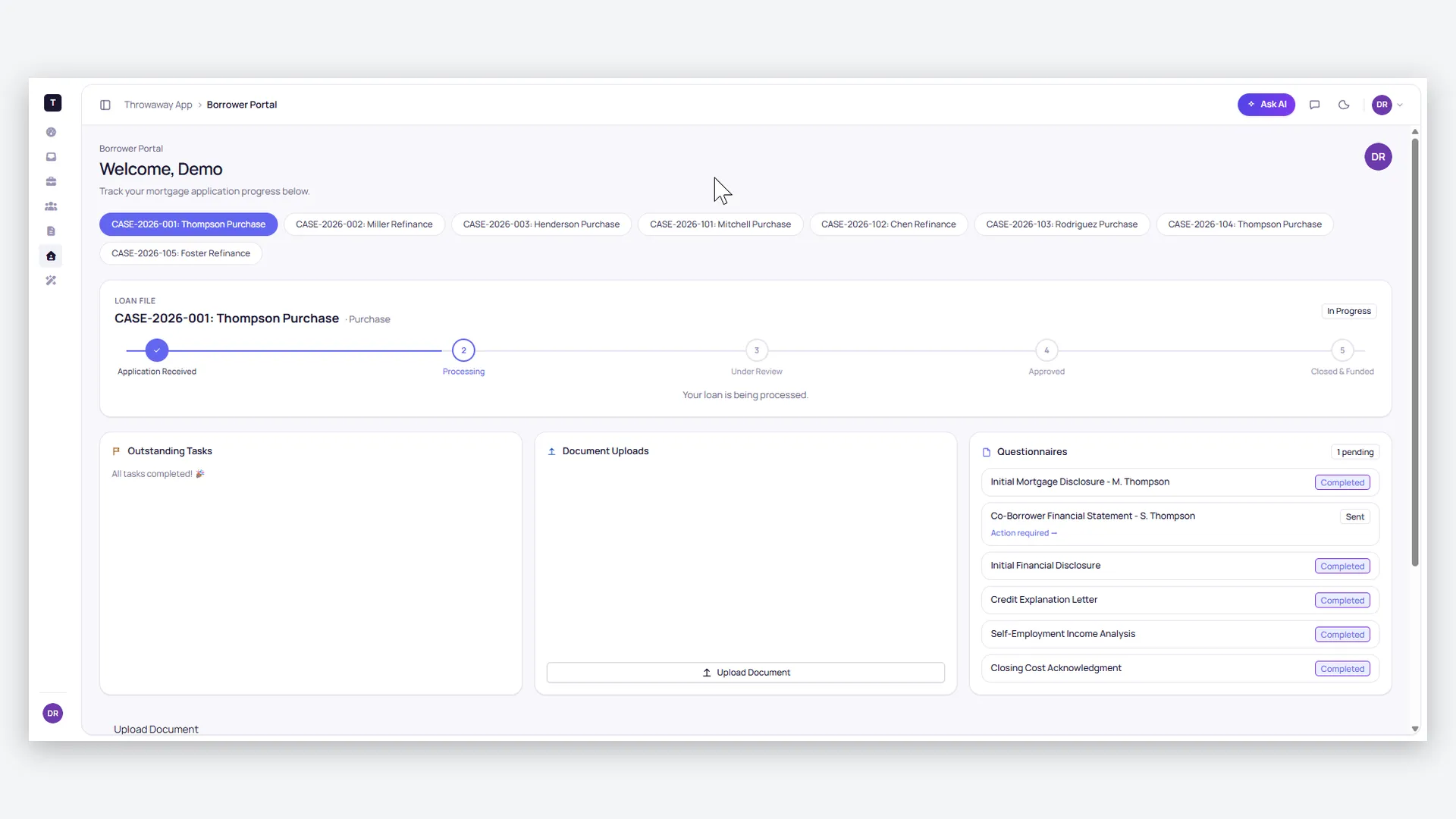
- Upload paystubs, W-2s and IDs through their own portal instead of email
- Fill out digital questionnaires and watch their loan's milestones progress
- See only their own loan — sensitive data like interest rates is masked where appropriate
Your partners can
- Track milestone progress on shared files without calling for status
You (admin / QC) can
- See the whole pipeline — aging, team workload and monthly funding volume dashboards
- Audit any file with bypass visibility and QC-findings tracking
- Put AI on the tedious reads: a Document Classifier that identifies paystubs, IDs and tax returns with a confidence score; a Gap Analyzer that summarizes what a case needs to reach its next milestone; and a Red-Flag Detector that scans for inconsistencies like undisclosed liabilities
A 15-role RBAC system with row-level security keeps staff scoped to their assigned cases and borrowers to their own loan — with 10+ branded email templates, PDF reporting and bulk import/export underneath.
More templates.
See all templates-
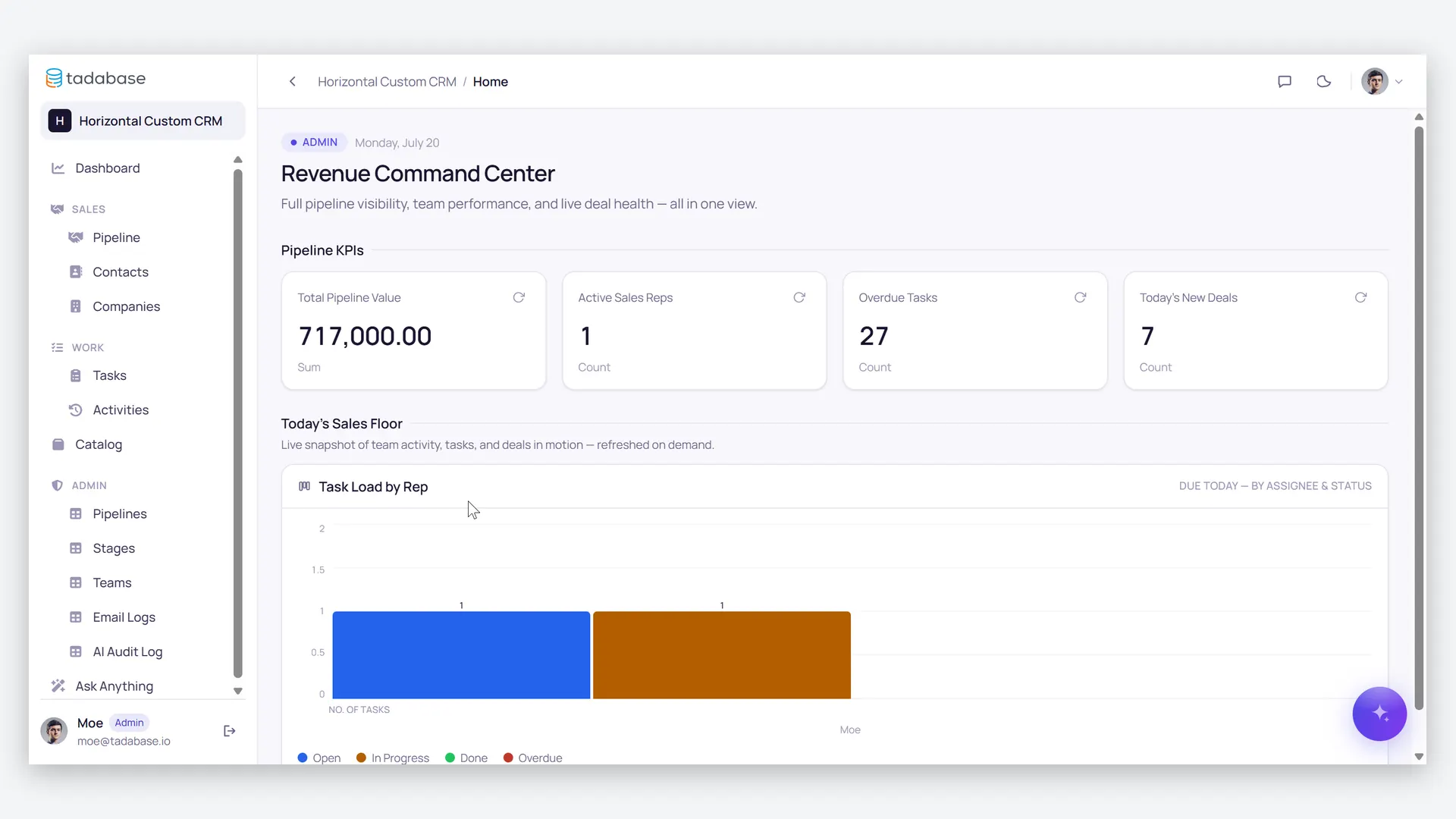
Sales CRM & Deal Pipeline
Sales CRM with a deal pipeline, automatic follow-up tasks, manager forecasts, a client portal and AI deal coaching.
-
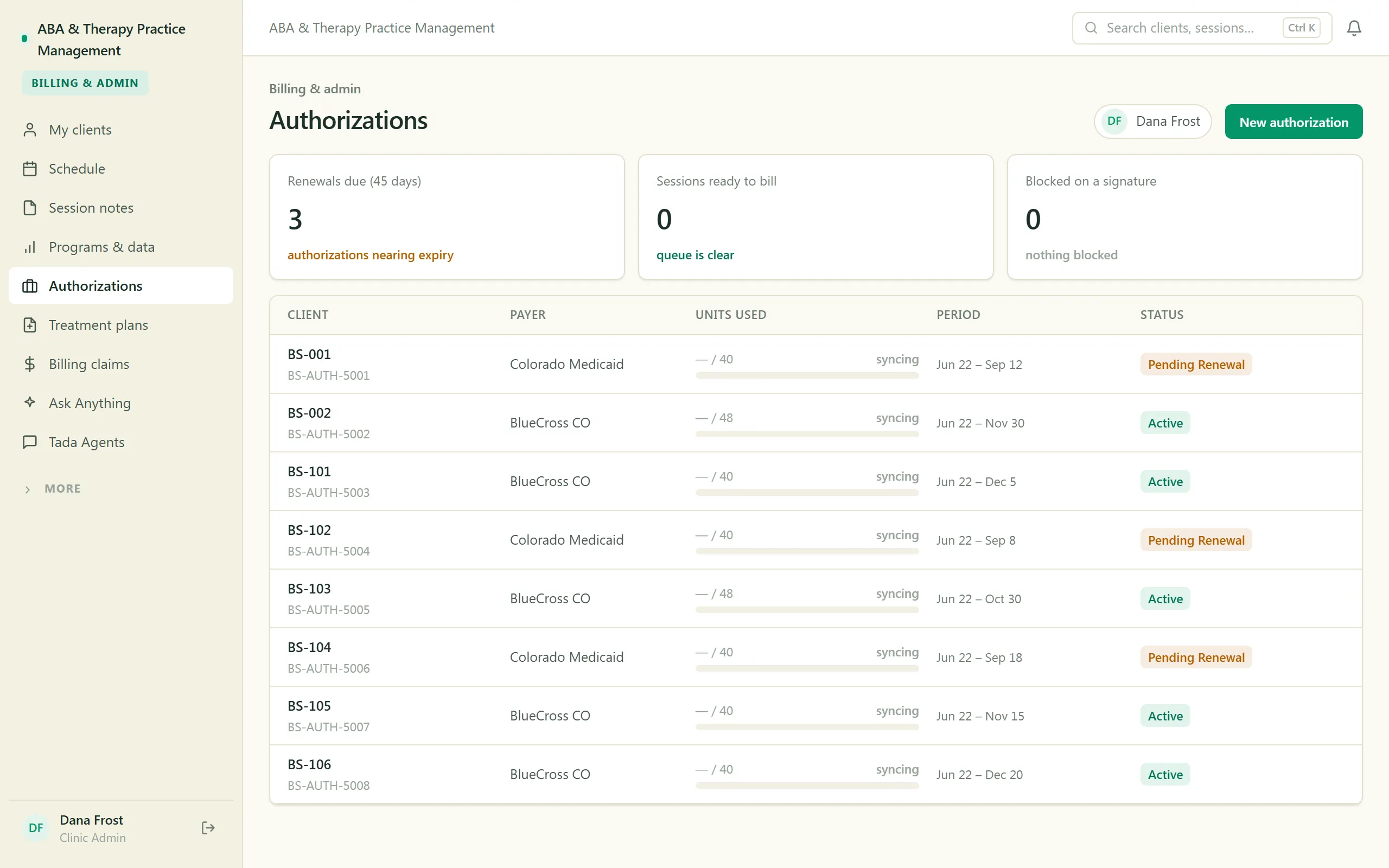
ABA & Therapy Practice Management
Run an ABA practice end to end — scheduling, session notes, treatment plans, authorizations, and billing, with a family portal.
-
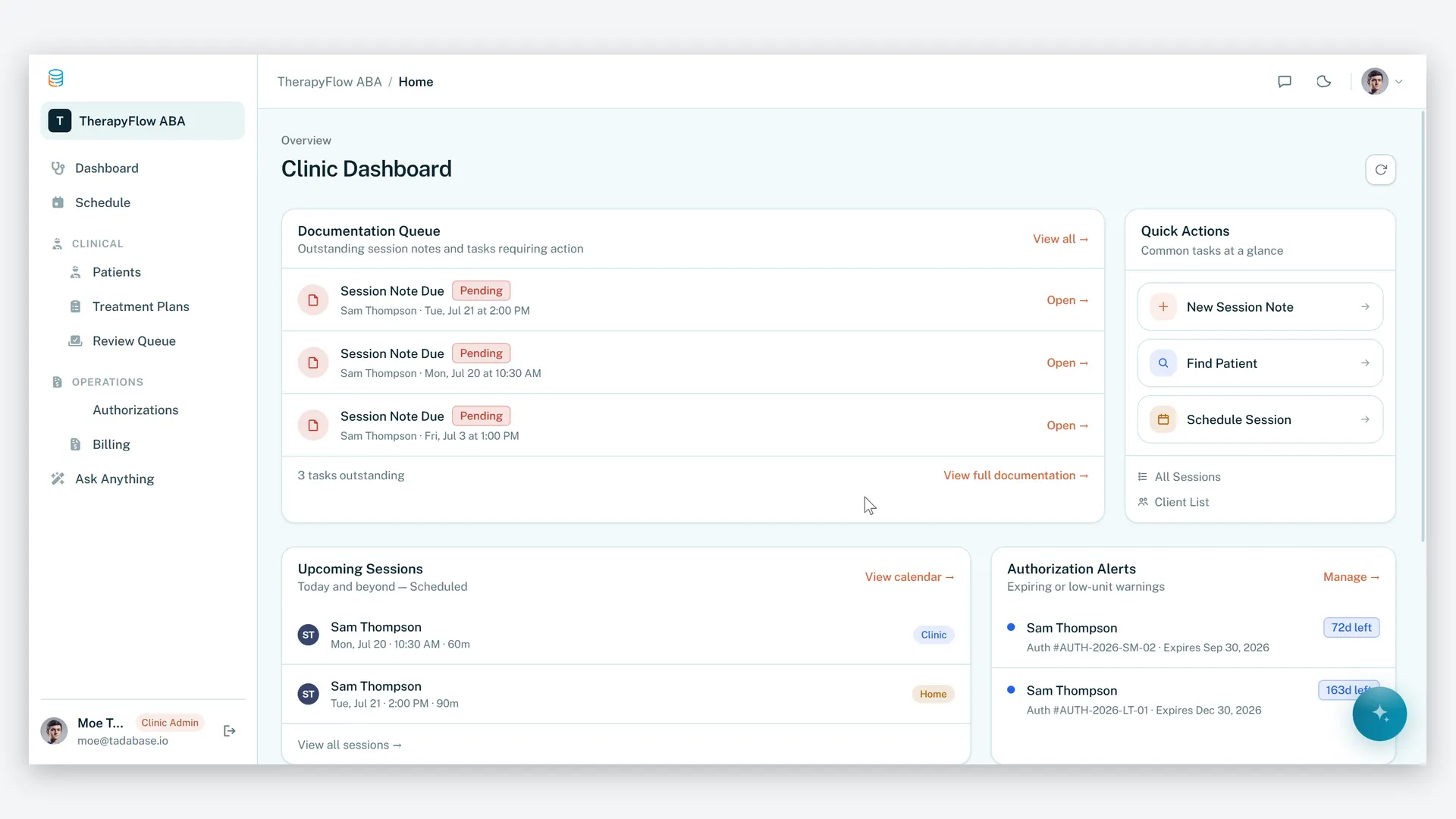
ABA Practice Management
Run your therapy practice with clarity, compliance, and control.
Make it yours.
Start from this template, or describe your version of it and Tadabase AI builds that instead.
- 14-day free trial, no card
- Unlimited app users
- Live on your own domain