
Sales CRM & Deal Pipeline
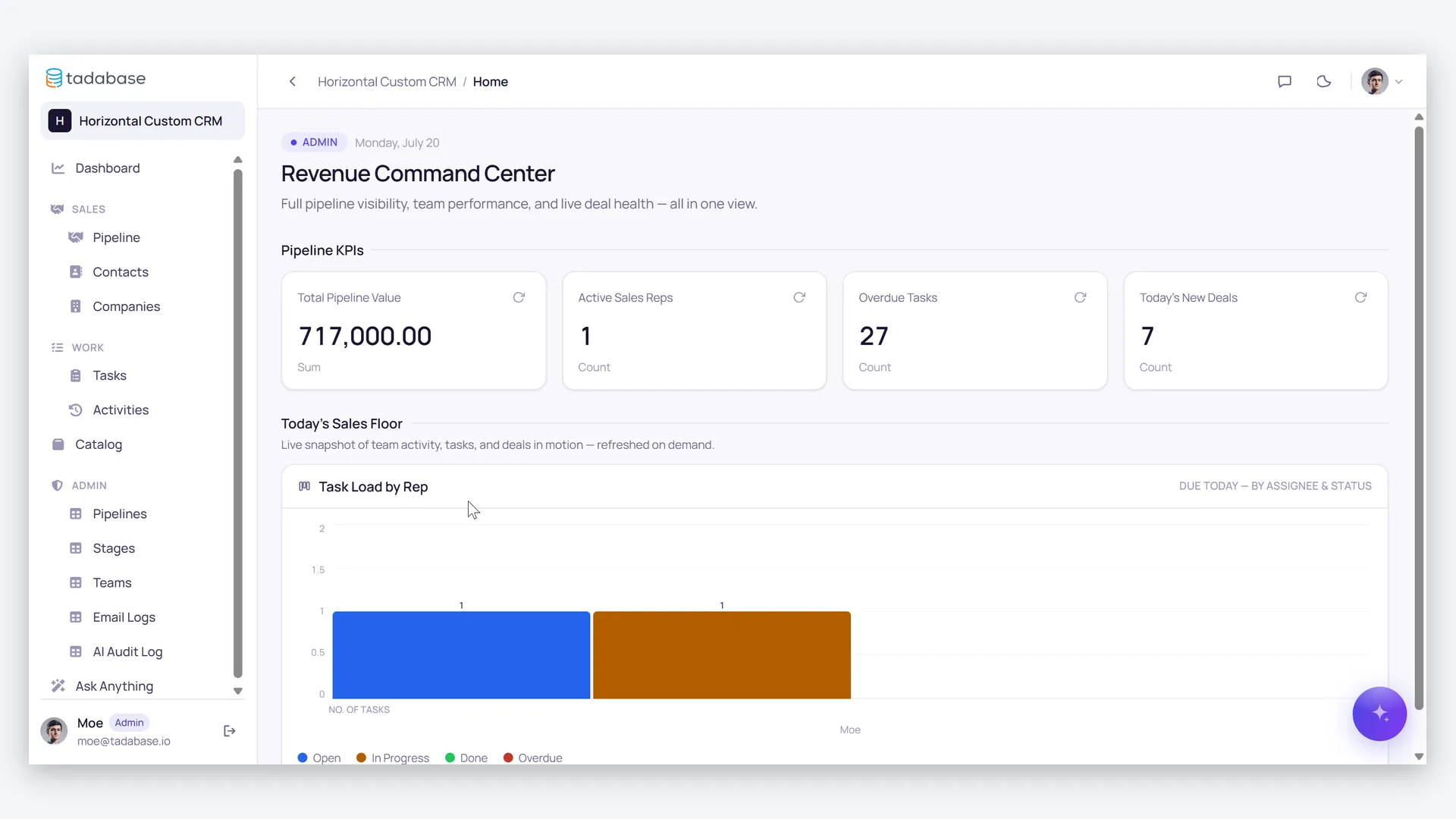
Close more deals with less chasing — reps work their own pipeline while follow-up tasks create themselves, managers coach from team-wide dashboards, a won deal updates the account and notifies the manager on its own, and clients check their own quotes and documents in a portal.
- Categories
- CRM, Sales
- Includes
- 4 roles, 13 tables, 4 workflows
Describe your version of Sales CRM & Deal Pipeline — we’ll build it now.
Start from this template, or describe your own version and Tadabase AI builds that instead.
What’s inside.
Everything here installs with the template, running on the same backend as every Tadabase app.
- 4 user roles
- Admin, Manager, Sales Rep, Client Portal User
- 13 data tables
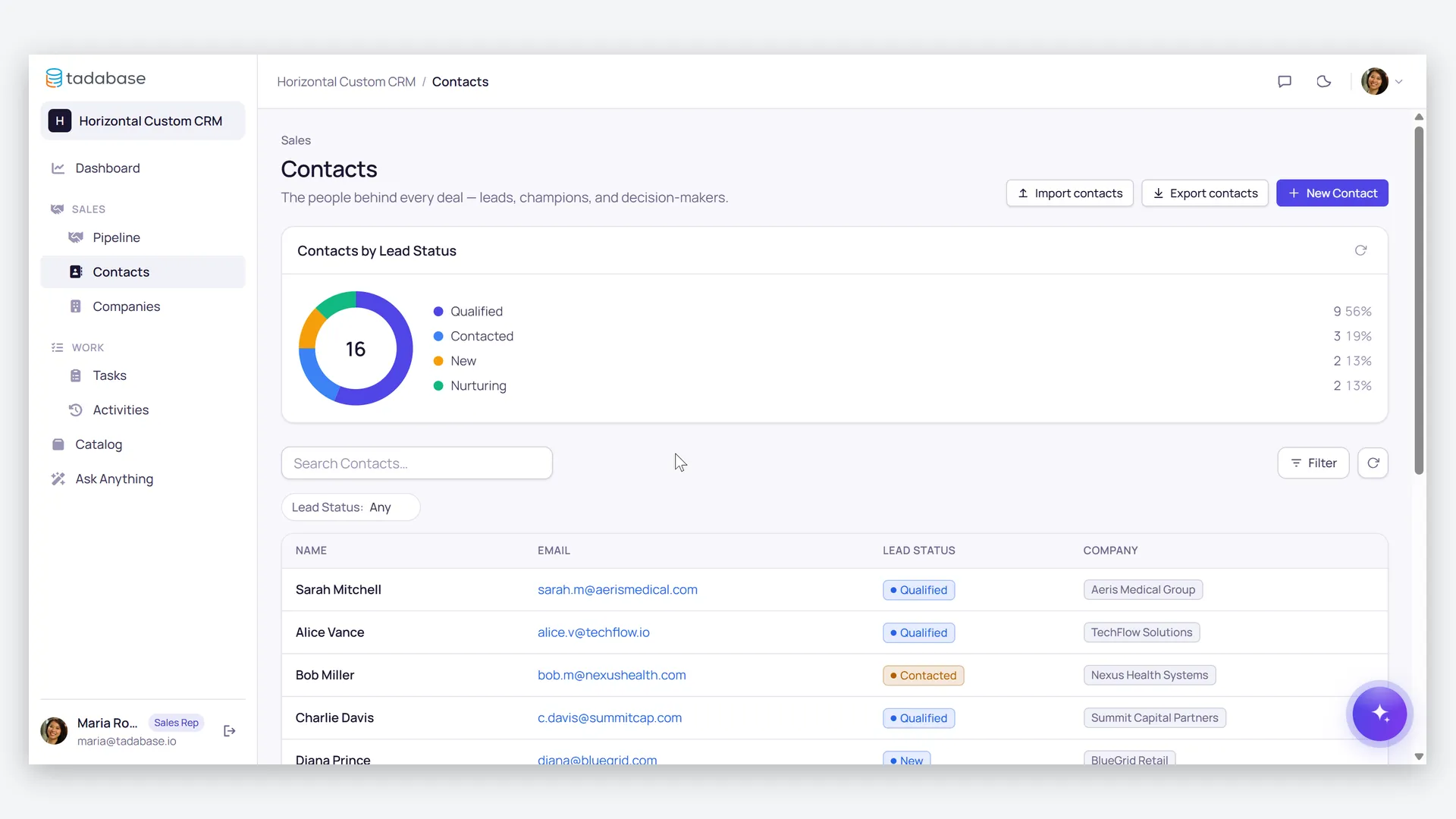
- Companies, Contacts, Deals, Pipeline Stages, Activities, Tasks, Products, Teams
- 4 workflows
- Lead onboarding, proposal follow-up, deal-won updates, stage probability sync
- 5 email templates
- New lead assigned, task reminder, deal won, proposal sent, quote approved
- 5 AI agents
- Deal Coach, Day Planner, Team Performance Analyst, Config Assistant, Onboarding Help
- 1 import, 8 exports
- Contact import; exports for contacts, deals, tasks, activities, companies, products
- Sample data
- Demo companies, contacts, deals and activities — optional at install
- Security
- Role-based access on every table
The data model, drawn.
13 tables and 7 relationships, with row-level security on all 13. Real tables with real fields, not a mock-up.
-
Companies 5 fields, row-level security on
Referenced by other tables
-
Pipelines 2 fields, row-level security on
Referenced by other tables
-
Contacts 4 fields, row-level security on
Links to Companies (Company)
-
Pipeline Stages 5 fields, row-level security on
Links to Pipelines (Pipeline)
-
Deals 8 fields, row-level security on
Links to Companies (Company), Pipeline Stages (Stage)
-
Products 2 fields, row-level security on
Referenced by other tables
-
Activities 4 fields, row-level security on
Links to Deals (Deal)
-
Deal Products 3 fields, row-level security on
Links to Deals (Deal), Products (Product)
-
Teams 3 fields, row-level security on
Referenced by other tables
-
Tasks 5 fields, row-level security on
Referenced by other tables
-
Agent Conversations 3 fields, row-level security on
Referenced by other tables
-
Agent Action Log 3 fields, row-level security on
Referenced by other tables
-
Email Logs 3 fields, row-level security on
Referenced by other tables
Who does what.
Built for sales teams where deals stall because the follow-up lives in someone's head.
Your sales reps can
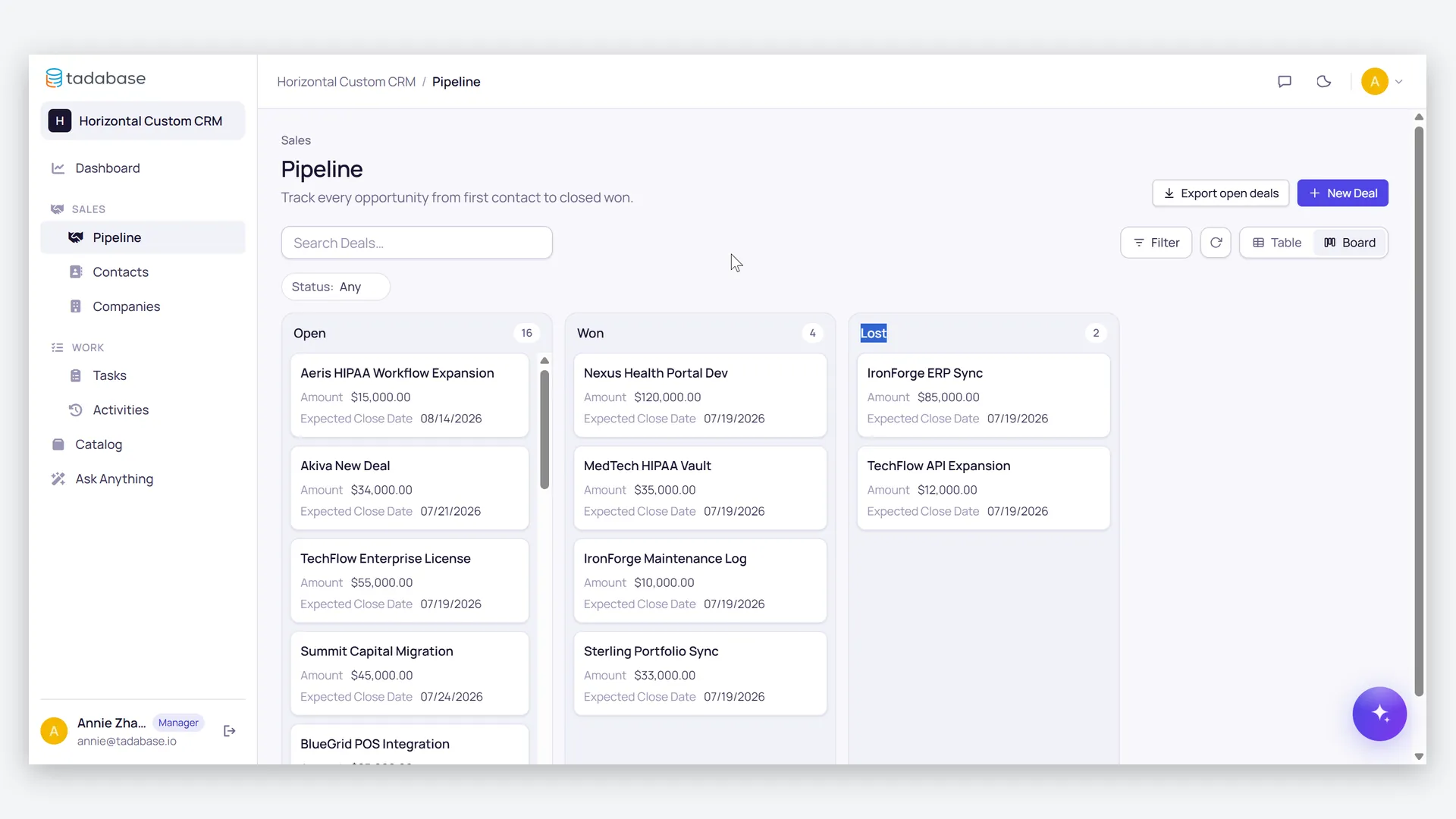
- Work their own pipeline — deals with amount, expected close date, days open, and an automatic overdue flag
- Get an "initial follow-up" task created automatically the moment a new contact lands
- Have a follow-up task appear on its own when a deal moves to "Proposal Sent"
- Log calls, meetings and demos against every account, and price deals from the product catalog
Your managers can
- See team-wide pipelines, performance and forecasts built on per-stage probabilities
- Get notified automatically the moment a rep marks a deal Won
- Coach with AI support — Deal Coach and Team Analyst conversations are logged, with an audit trail for every AI-proposed change
Your clients can
- Log in to a restricted portal and view their own quotes and documents — nothing else
You (admin) can
- Configure pipelines, stages and probabilities to match how you actually sell
- Keep a product catalog so deal line items and totals calculate correctly
- See every outgoing touch captured in the email and text-message logs
When a deal is marked Won, the connected company flips to Active and the manager gets the revenue win in their inbox — automatically. Role-based security keeps reps to their own accounts, managers to their team, and clients to their own records.
More templates.
See all templates-
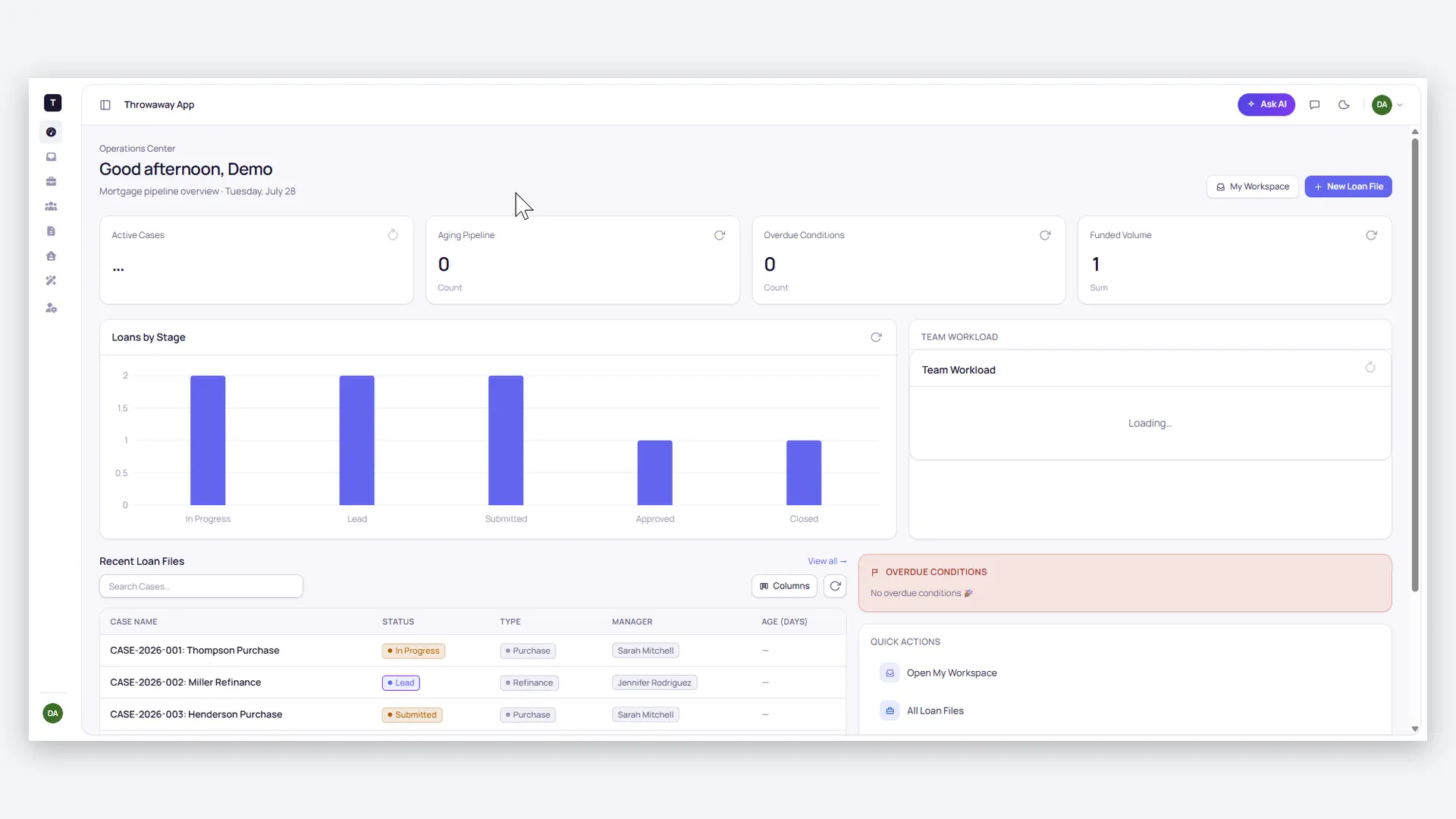
Mortgage Manager App
Accelerate your path to closing.
-
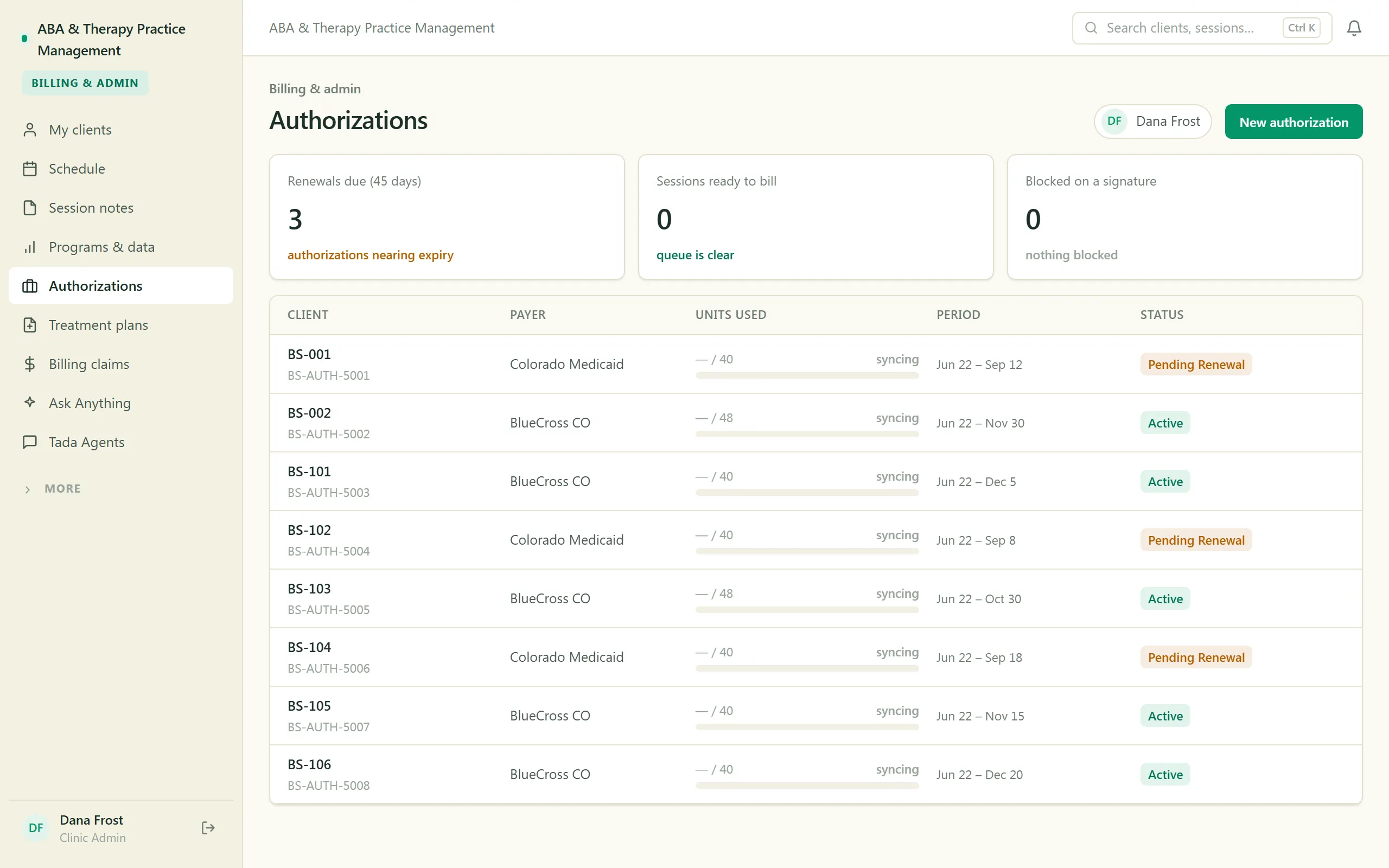
ABA & Therapy Practice Management
Run an ABA practice end to end — scheduling, session notes, treatment plans, authorizations, and billing, with a family portal.
-
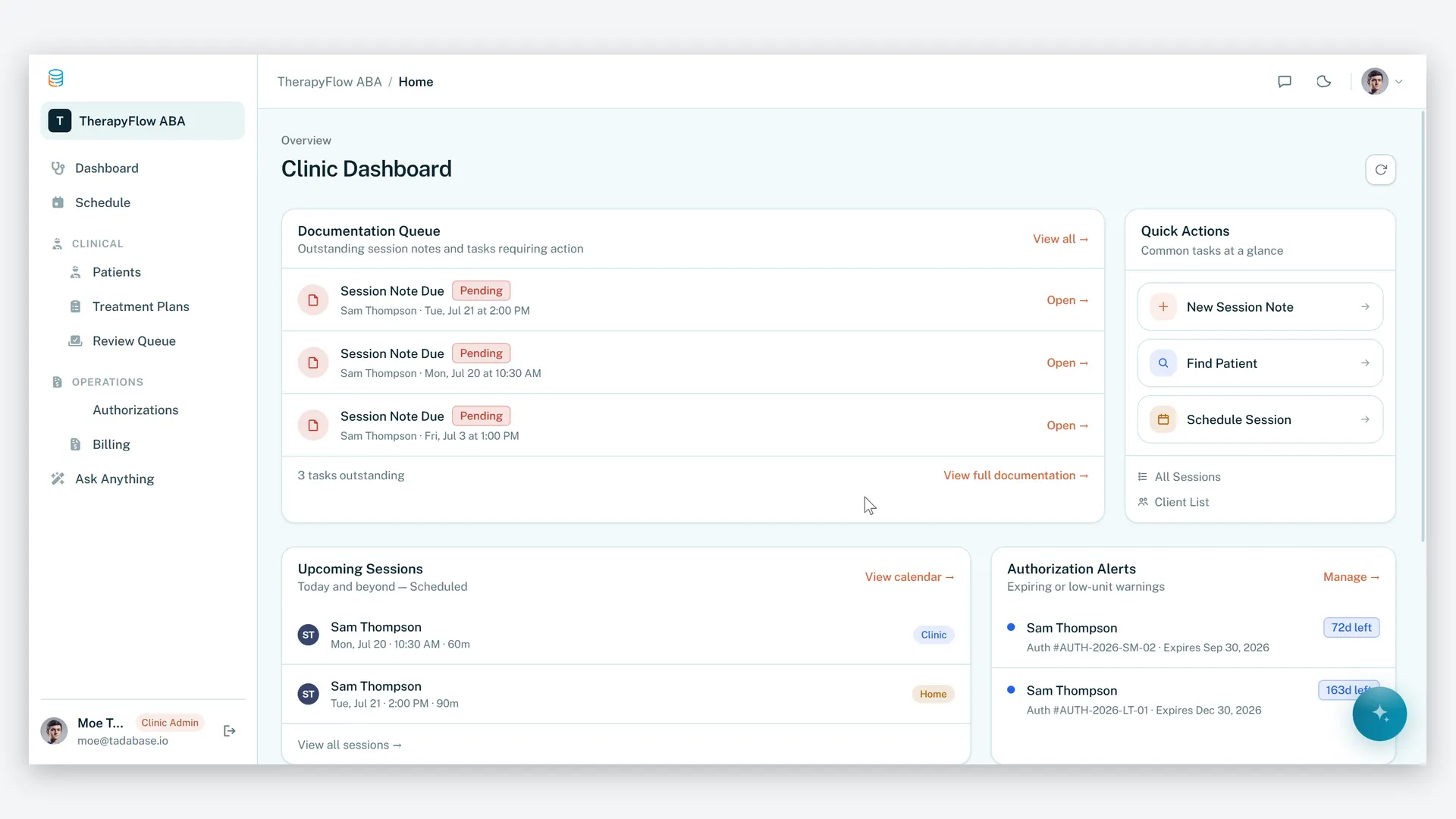
ABA Practice Management
Run your therapy practice with clarity, compliance, and control.
Make it yours.
Start from this template, or describe your version of it and Tadabase AI builds that instead.
- 14-day free trial, no card
- Unlimited app users
- Live on your own domain