
Patient Intake & Scheduling
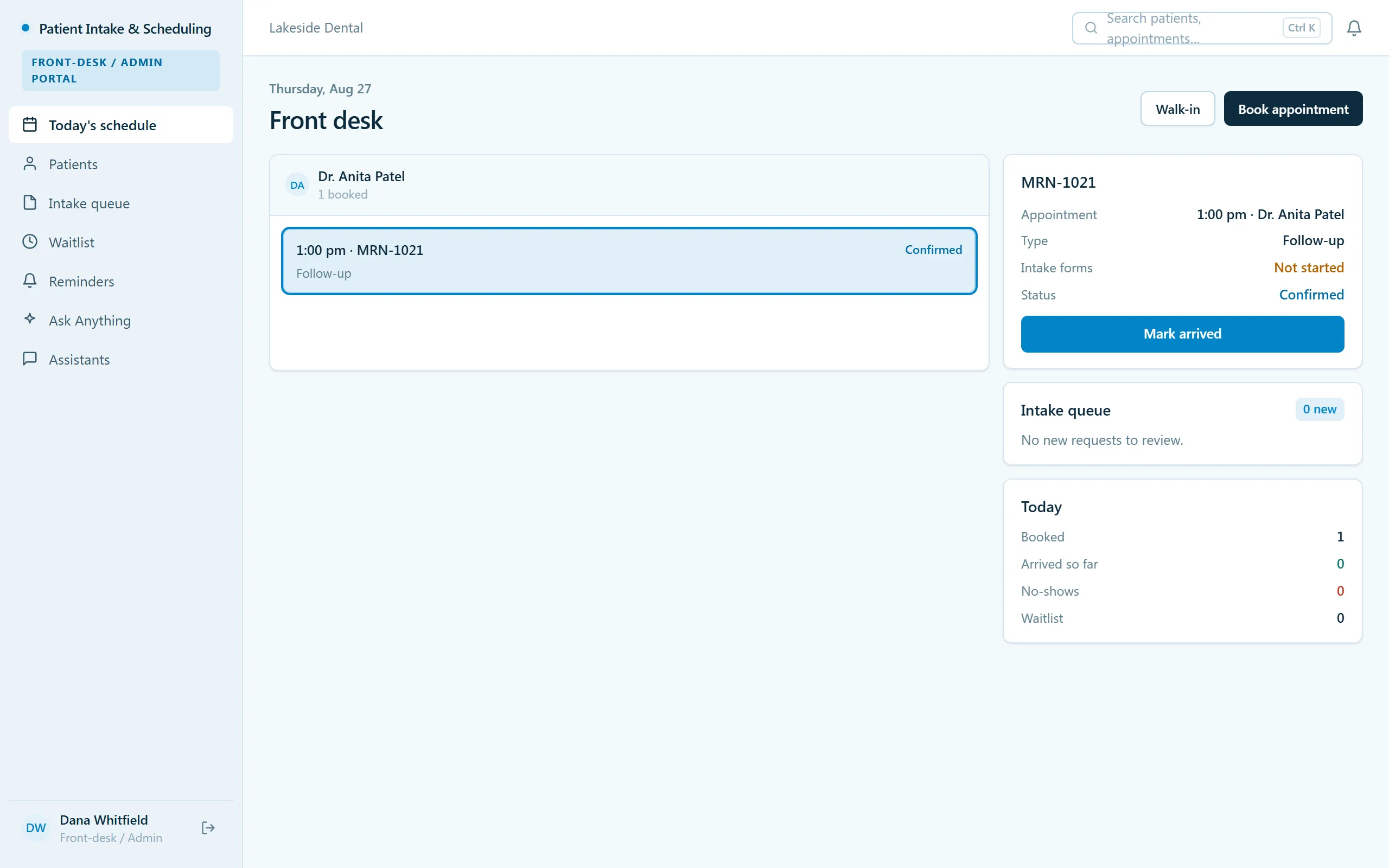
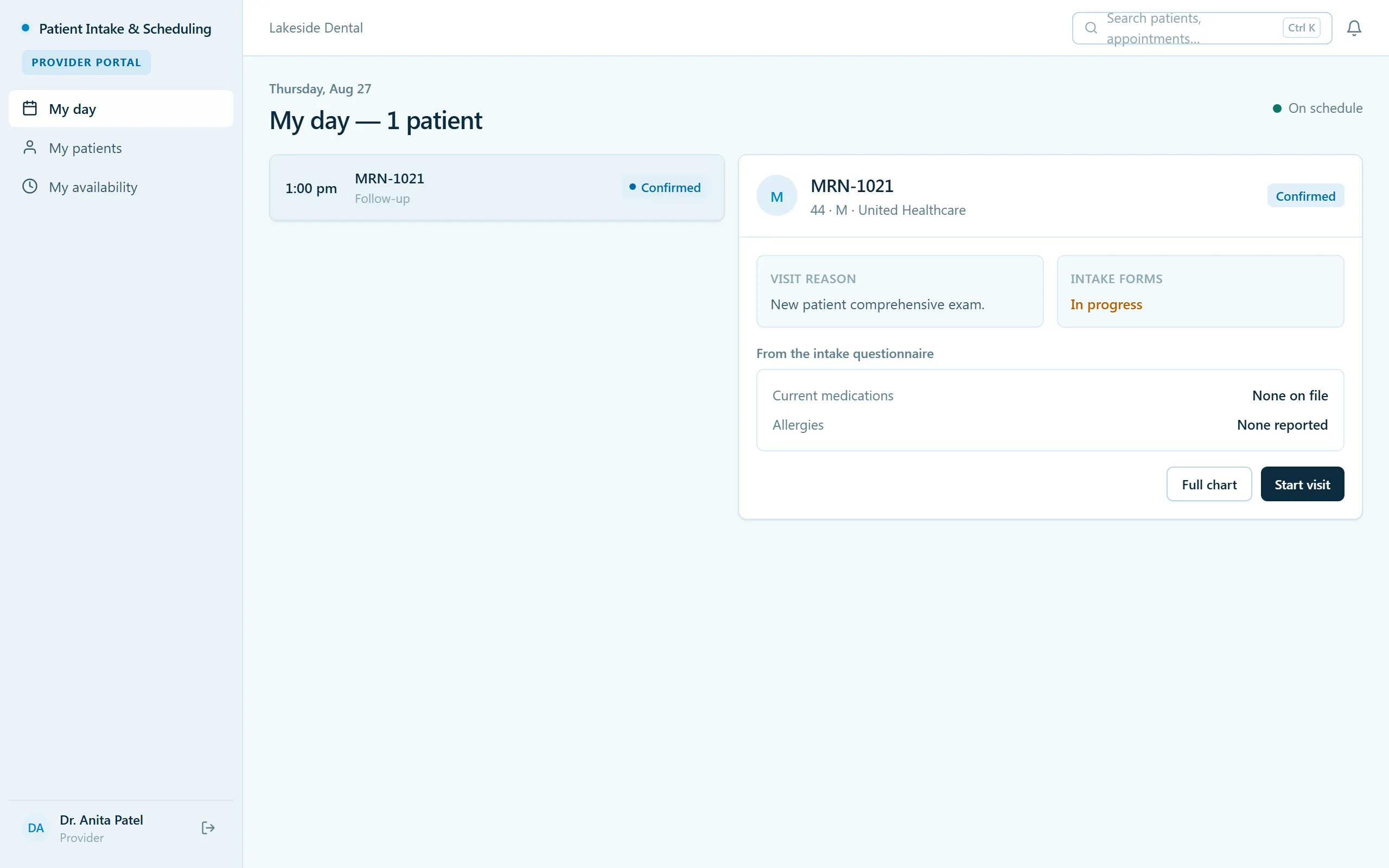
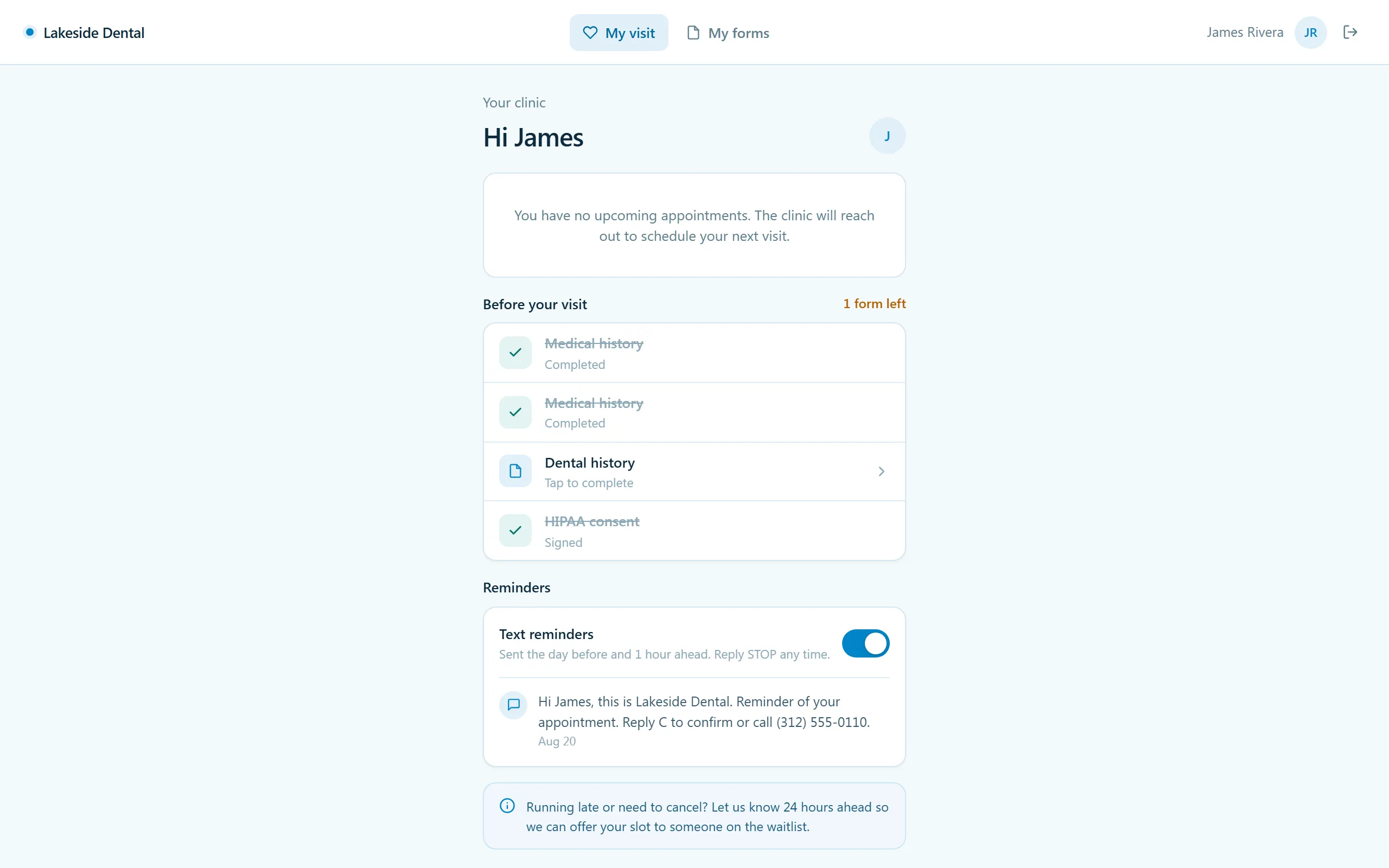
Run the front desk without the pile of clipboards — work today's schedule and the intake queue, fill open slots from the waitlist, capture forms, insurance, and consents digitally, and let automated reminders cut your no-shows. Providers get a clean "my day"; patients handle their forms from a portal.
- Categories
- Scheduling, Healthcare
- Includes
- 5 roles, 11 tables, 21 workflows
Describe your version of Patient Intake & Scheduling — we’ll build it now.
Start from this template, or describe your own version and Tadabase AI builds that instead.
What’s inside.
Everything here installs with the template, running on the same backend as every Tadabase app.
- 5 user roles
- Front-desk/Admin, Provider, Patient, Org Admin/Compliance, Public intake/booking
- 11 data tables
- Patients, Appointments, Appointment Slots, Intake Forms, Insurance, Consents, Waitlist, Reminders
- 21 workflows
- Booking confirmations, TCPA-gated reminders, no-show sweep, waitlist matching
- 9 email templates
- Confirmations, reminders, intake nudges, no-show and waitlist notices
- 6 AI agents
- Intake Verification, Schedule Gap & No-show Risk, Front Desk, Provider, Patient Companion, Compliance
- Sample data
- Demo users for every role + seeded patients, appointments and forms — optional at install
- Security
- Row-level security on every table
The data model, drawn.
11 tables and 25 relationships, with row-level security on all 11. Real tables with real fields, not a mock-up.
-
Clinics 9 fields, row-level security on
Referenced by other tables
-
Audit Log 9 fields, row-level security on
Links to Clinics (Clinic)
-
Providers 9 fields, row-level security on
Links to Clinics (Clinic)
-
Patients 21 fields, row-level security on
Links to Clinics (Clinic), Providers (Assigned Provider)
-
Intake Forms 15 fields, row-level security on
Links to Clinics (Clinic), Patients (Patient), Providers (Assigned Provider)
-
Insurance 14 fields, row-level security on
Links to Clinics (Clinic), Patients (Patient)
-
Consents 9 fields, row-level security on
Links to Clinics (Clinic), Patients (Patient)
-
Waitlist 10 fields, row-level security on
Links to Clinics (Clinic), Patients (Patient), Providers (Preferred Provider)
-
Appointments 19 fields, row-level security on
Links to Clinics (Clinic), Patients (Patient), Providers (Provider), Appointment Slots (Slot), Intake Forms (Intake Form)
-
Appointment Slots 8 fields, row-level security on
Links to Clinics (Clinic), Providers (Provider), Appointments (Booked Appointment)
-
Reminders 10 fields, row-level security on
Links to Clinics (Clinic), Patients (Patient), Appointments (Appointment)
Who does what.
Built for clinic front desks where the morning starts with a full schedule, a stack of intake forms, and a phone that won't stop ringing.
Your front desk can
- Run today's schedule and the intake queue from one screen
- Fill cancellations from the waitlist instead of losing the slot
- Capture intake forms, insurance, and consents digitally — no clipboards, no scanning
Your providers can
- Open "my day" and see just their own visits — who's next, who's checked in
Your patients can
- Complete forms and consents from their own portal before they arrive
- See their upcoming visit details without calling
Your org admin / compliance can
- Verify consents are on file and trace any record's history in the audit log
Appointment reminders schedule and send themselves, so the no-show rate falls without anyone working a call list. Row-level security scopes Front-desk/Admin, Provider, Patient, and Org Admin/Compliance to their own views.
Related templates.
See all templates-
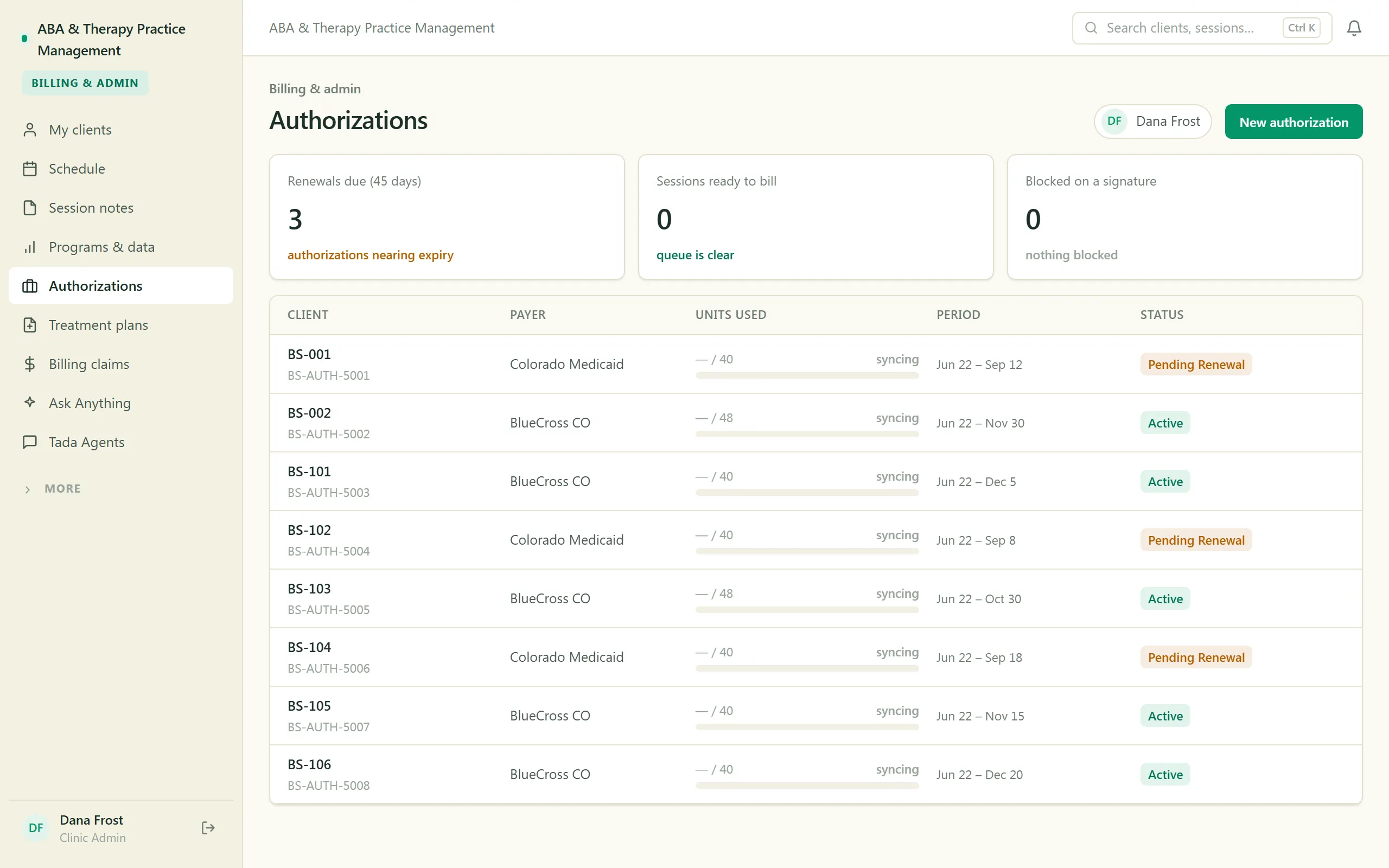
ABA & Therapy Practice Management
Run an ABA practice end to end — scheduling, session notes, treatment plans, authorizations, and billing, with a family portal.
-
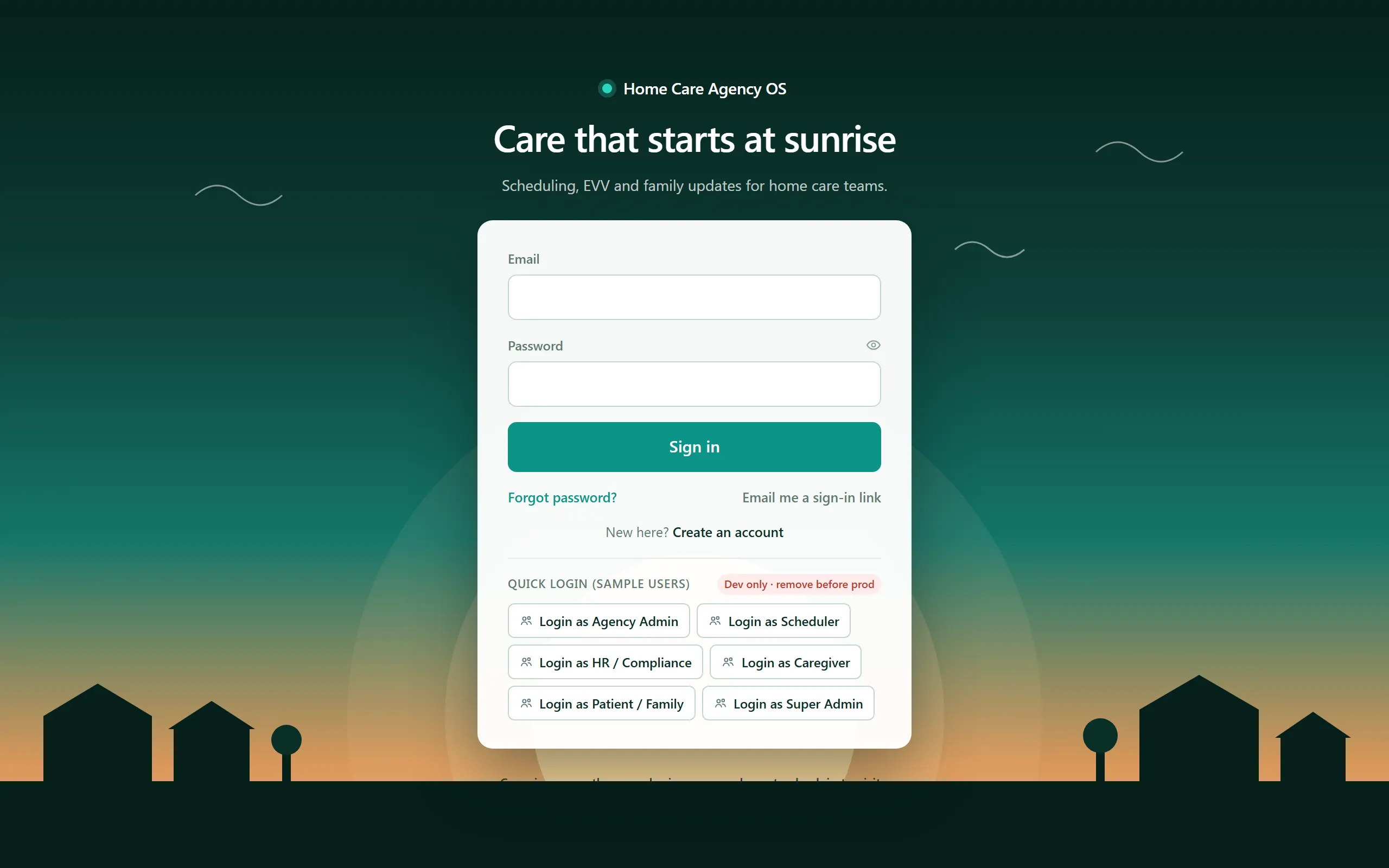
Home Care Agency OS
Field-verified home-care operations — scheduling, EVV, compliance, and a family portal.
-
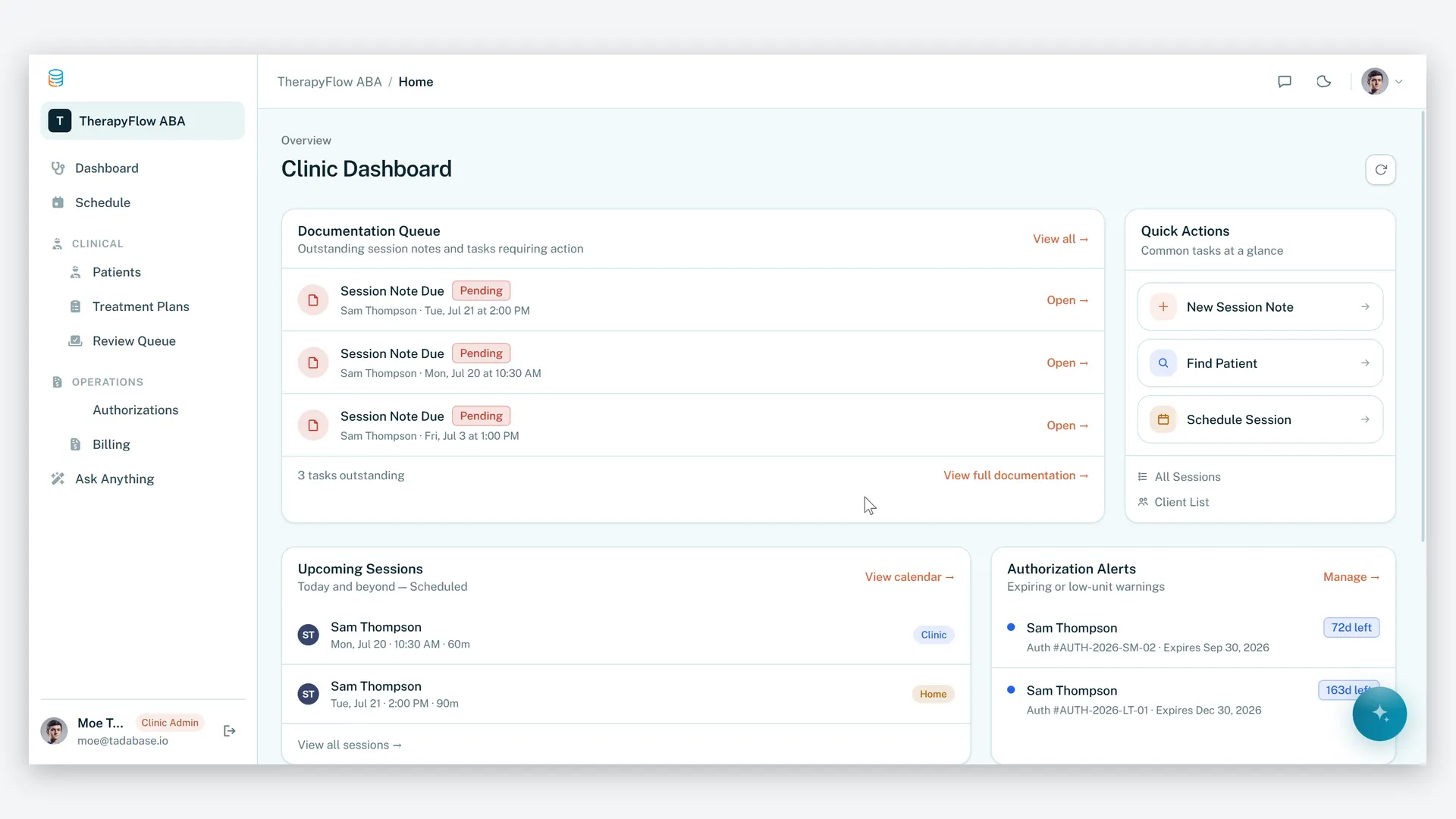
ABA Practice Management
Run your therapy practice with clarity, compliance, and control.
Make it yours.
Start from this template, or describe your version of it and Tadabase AI builds that instead.
- 14-day free trial, no card
- Unlimited app users
- Live on your own domain