
Lookup Fields, Explained
Nine short videos that explain the Lookup field in Tadabase, the way a rate chart or price list is read: each starts with an everyday example, then builds the same idea in the AI Builder with a parcel-shipping app, from a first Lookup to several keys, brackets and tiers, date ranges, reading between two rows, testing it and freezing a value, and ends with when to use a Lookup instead of a connection, Rollup or Equation.
-
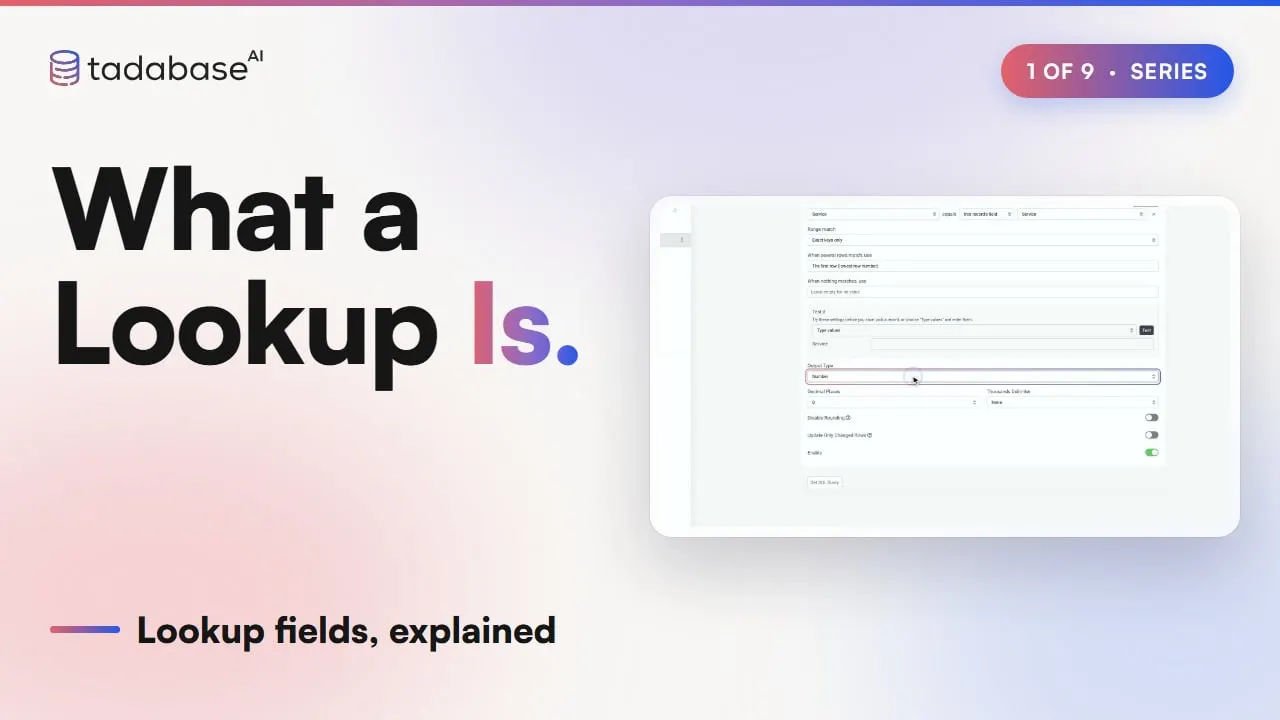 4:10 Watched Video 1 What a Lookup Is Every business has a chart it reads all day. A price list, a rate chart, a table of discounts. A Lookup field reads that chart for you. It finds the right row in another table and copies the value onto your record. This video shows what it is, and how to set up your first one.
-
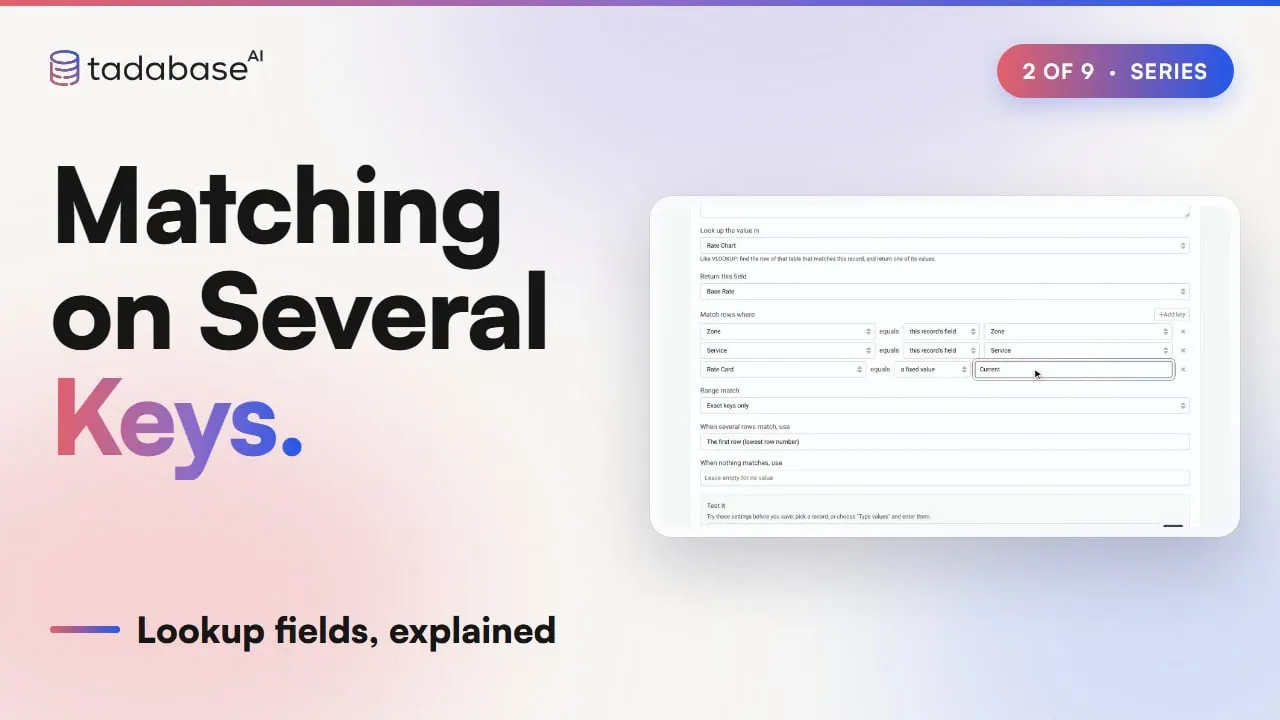 4:00 Watched Video 2 Matching on Several Keys Most rate charts have more than one way in. The price depends on the zone and the service, and sometimes on which price list you're using. This video shows how a Lookup matches on several keys at once, and how a fixed value picks a scenario.
-
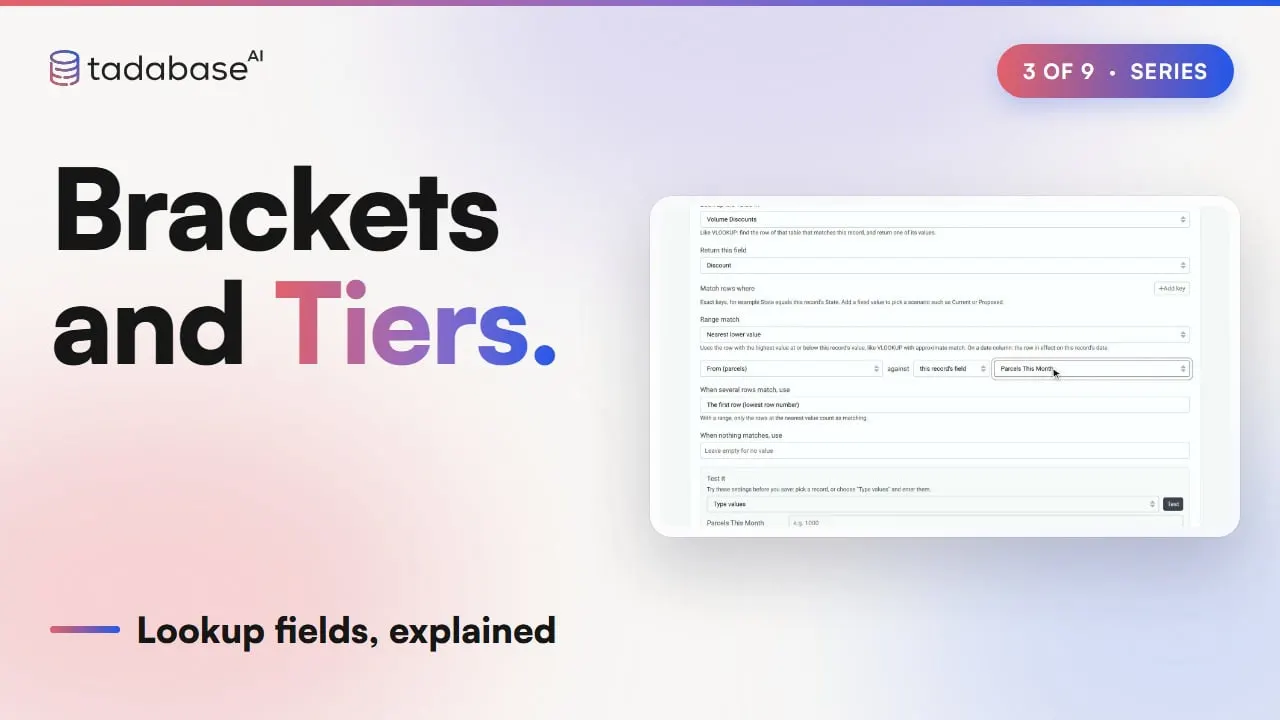 4:21 Watched Video 3 Brackets and Tiers Not every chart lists every number. A discount kicks in at fifty parcels. A stamp covers anything up to five pounds. The value only has to fall in the right bracket. This video shows the two Lookup ranges built for that, nearest lower and nearest higher.
-
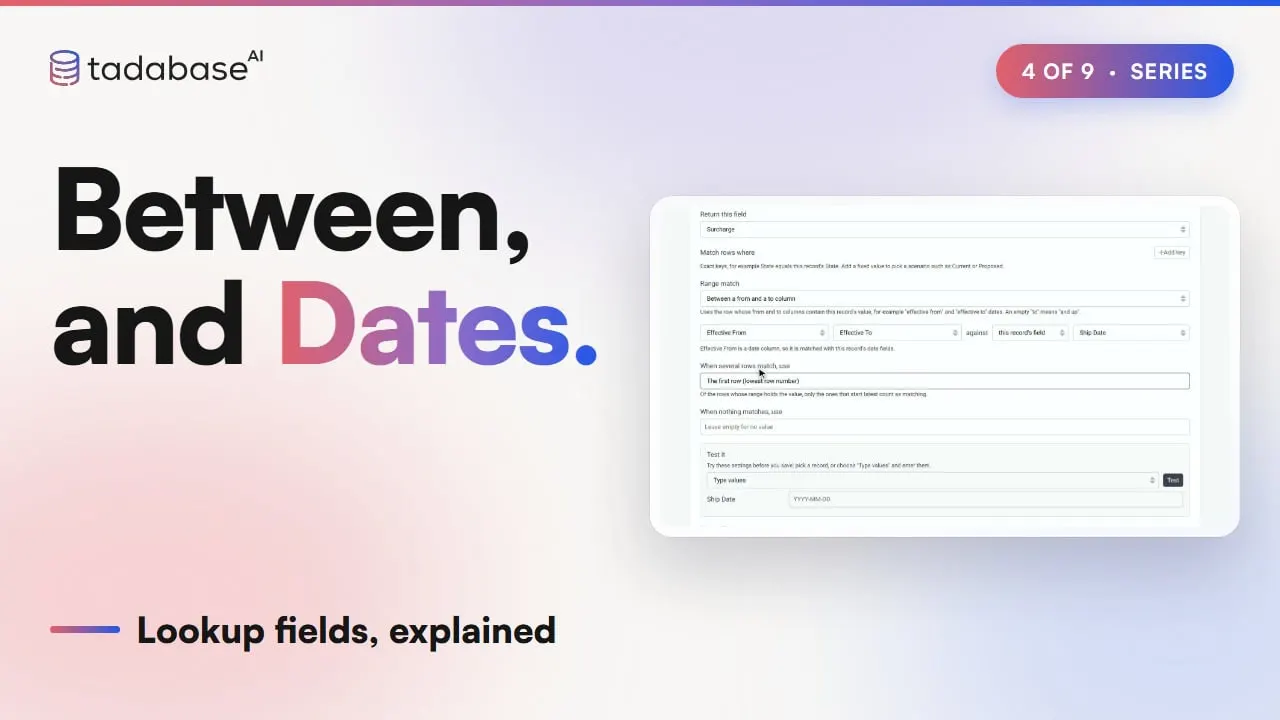 4:28 Watched Video 4 Between, and Dates Some charts change over time. A fuel surcharge is eight percent this quarter and more the next. To price a parcel fairly, you need the rate that was in effect on the day it was shipped. This video shows the between match, and how Lookups handle dates.
-
 5:16 Watched Video 5 Reading Between the Lines Some charts only list a few points, and your number falls between them. A chart lists the cost at five hundred dollars and at a thousand, but your parcel is worth seven fifty. Interpolation reads between the two lines, the way you would with a ruler. This video shows how, with one key and with two.
-
 3:57 Watched Video 6 When Nothing Matches, or Several Do Real charts have holes, and sometimes they have two rows for the same thing. A Lookup has a setting for each case. One for when nothing matches, and one for when several rows match. This video shows both.
-
 4:04 Watched Video 7 Test It, and When It Updates A Lookup with three keys can be hard to check by eye. So every Lookup has a Test it box, which shows the answer, why, and which row it came from, before you save. And once it's saved, it updates by itself. This video shows both.
-
 5:38 Watched Video 8 Freezing Values A Lookup always follows its chart. Change the chart, and every record updates. But once a parcel is billed, its price should never move again. Here are three ways to keep a value, and what each one means.
-
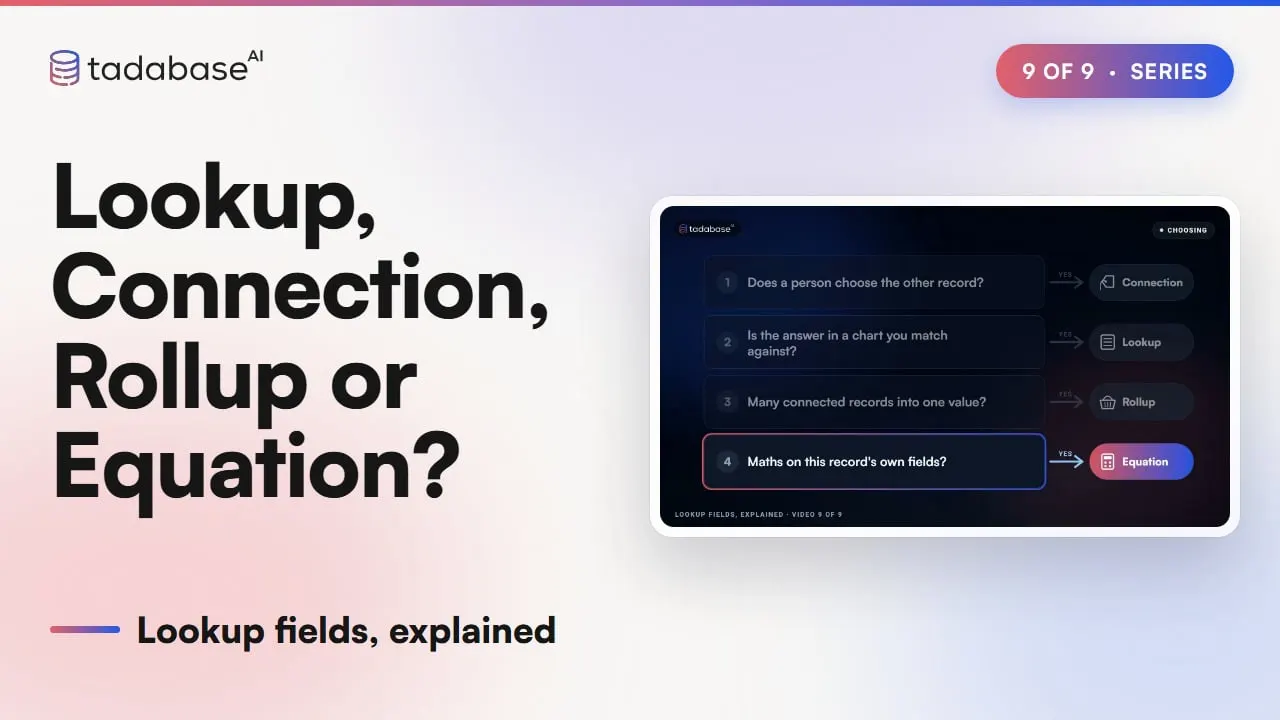 3:29 Watched Video 9 Lookup, Connection, Rollup or Equation? A Lookup, a connection, a Rollup and an Equation can all put a value on a record. They answer different questions, though. This video sets them side by side, so you know which one to reach for.
More series
- Workflows, Explained 31 videos
- Rollup Fields, Explained 6 videos
- All video series
Seen enough?Describe your app.
Tadabase AI builds it, hosts it and keeps it running. Real backend, real domain, real app.
- 14-day free trial, no card
- Unlimited app users
- Live on your own domain