
What a Lookup Is
Every business has a chart it reads all day. A price list, a rate chart, a table of discounts. A Lookup field reads that chart for you. It finds the right row in another table and copies the value onto your record. This video shows what it is, and how to set up your first one.
On this page
Chapters
Read the docs
Transcript
Show the full transcript
0:00 Intro
Every business has a chart it reads all day. A price list, a rate chart, a table of discounts. A Lookup field reads that chart for you. It finds the right row in another table and copies the value onto your record. This video shows what it is, and how to set up your first one.
0:19 The idea
Picture the counter at a parcel shop. A customer hands over a parcel, and the label says Express. The clerk turns to the price chart on the wall. She runs her finger down to the Express row. It says twelve dollars, and she writes twelve dollars on the label. Notice what's not there. No string ties this parcel to the chart. The next Express parcel gets the same twelve dollars, and a Standard parcel gets five. The chart doesn't know any parcel. The clerk matches what's on the label to a row on the chart.
0:52 In your app
In a data table it works the exact same way. Here's a parcel, P one thousand two, with Service set to Express. Below it is a second table, Services, with one row per service and its fee. The Lookup takes the parcel's Service, Express, finds the row where Service is also Express, and copies that row's fee, twelve, into the parcel's Service Fee field. And it does this for every parcel. P one thousand one is Standard, five dollars. P one thousand two, Express, twelve. P one thousand three, Standard, is going to be five. P one thousand four is Overnight, twenty-five. And P one thousand five, Express, is twelve again. A Lookup can bring back text as well as numbers. Same parcel, same match. This time it returns the Delivery Window, one to two days. Set the output type to Text, and the words come across as they are.
1:49 Setting it up
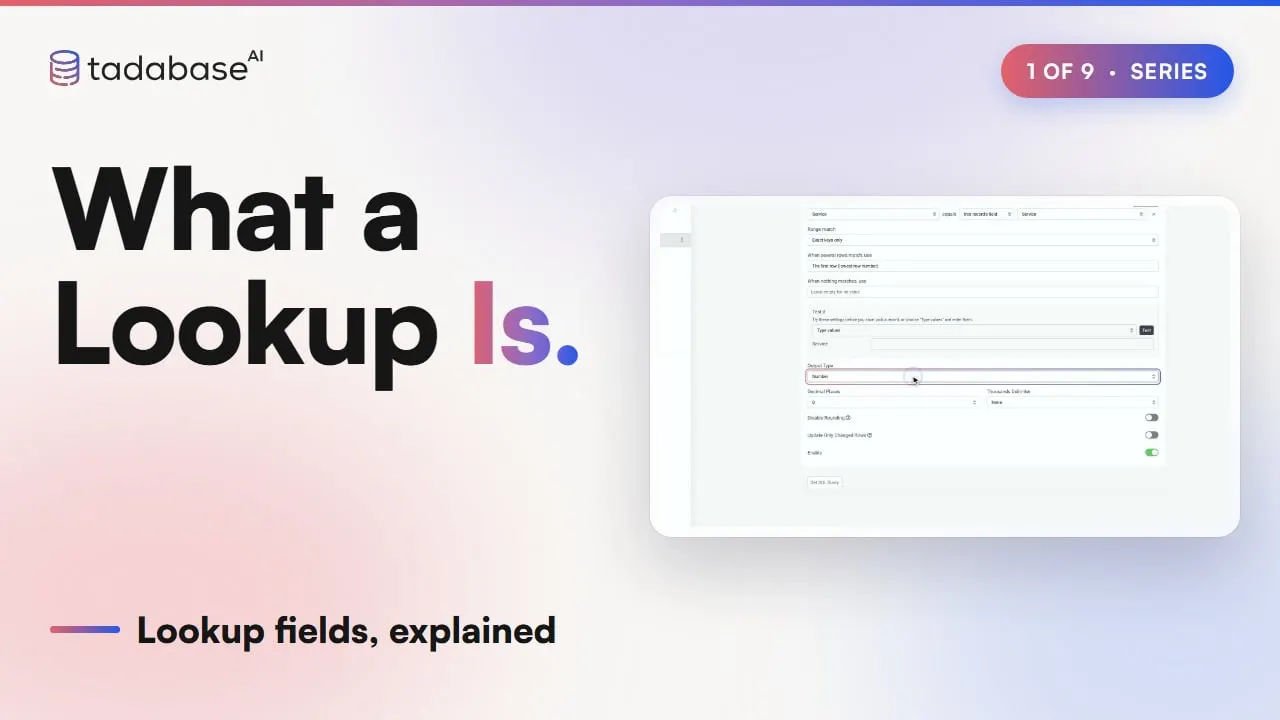
Lookups live in the data builder. Open the Parcels table and its Fields tab, then click Add New Field. Under Equation, pick Lookup. The description says it finds a value in another table, like VLOOKUP in a spreadsheet. Click Add and Configure. Name it Service Fee. Then four choices. Look up the value in, pick Services. Return this field, pick Fee. Under Match rows where, click Add key. Pick the Service column, leave it on this record's field, and pick this record's Service. Set the output to Number with two decimal places, and Save. Back on the Records tab, the new Service Fee column is already filled in. Five, twelve, five, twenty-five, and twelve. Every parcel found its row. That's the simplest Lookup, one key and an exact match. The rest of this series goes much further. Matching on several keys at once. Brackets and tiers. Rates in effect between two dates. Reading between two rows of a chart. What happens when nothing matches, or several rows do. And how to test before you save.
2:57 Rules
Three rules to keep track of. Rule one: a Lookup matches values, not links. This parcel's service was typed as E X P R E S, with one S missing. It's looking for that exact word, and no row has it. So nothing matches, and the field stays empty. Rule two: a Lookup always reads another table. Parcels can look up Services, or a rate chart, or a list of discounts. It can't look up the Parcels table itself. The builder doesn't offer the field's own table, and saving refuses it. Rule three: the value is stored on each parcel, like any other field, and it keeps itself up to date. Change the Express fee in the Services table from twelve to thirteen, and every Express parcel updates on its own. P one thousand two and P one thousand five both show thirteen. So that's a Lookup. A chart in another table. A match on what's written on your record. And the value copied across, stored, and kept up to date. Next up: matching on more than one key, like a zone and a service together, and picking a scenario with a fixed value.
Also on Vimeo · the whole series on Vimeo