
Rollup Fields, Explained
Six short videos that explain every Rollup field function in Tadabase, each with an everyday example first and then the same idea in a data table, with real numbers. Every video ends with how to set it up in the AI Builder and the rules to keep track of.
-
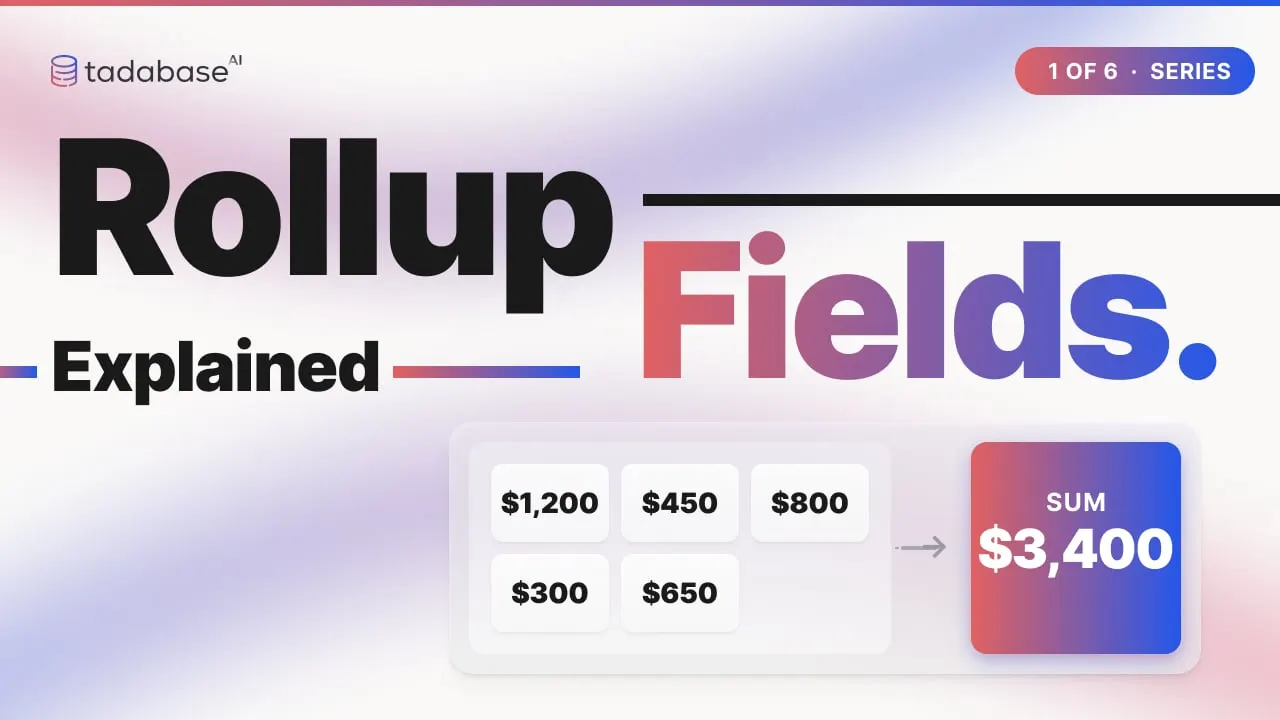 5:10 Watched Video 1 Rollup Fields: Sum, Count, Average, Min, Max and Concatenate How do you turn many connected records into one number on a single record? That is what a Rollup field does. Akiva explains all seven standard functions with one simple example.
-
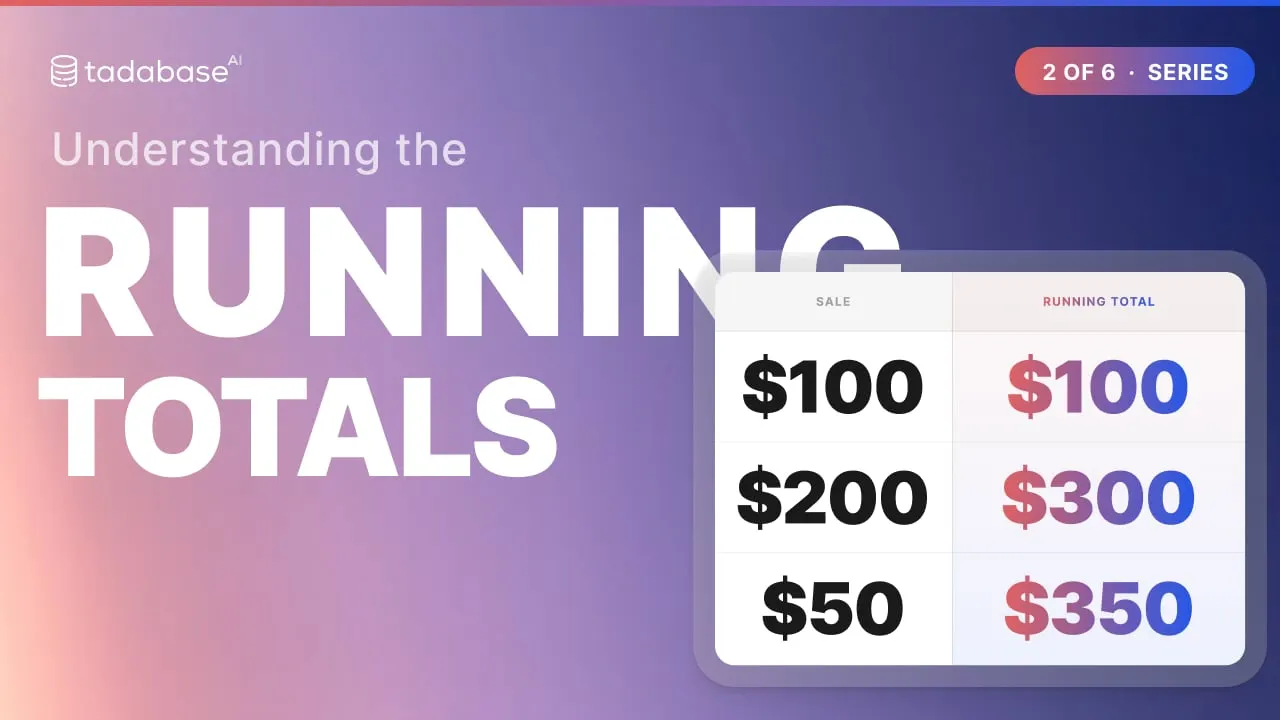 3:28 Watched Video 2 Running Totals: Running Total and Running Average A running total gives every row the total so far, like the balance column on your bank statement. Here is how to build one in a Tadabase Rollup field, and how to restart it per group.
-
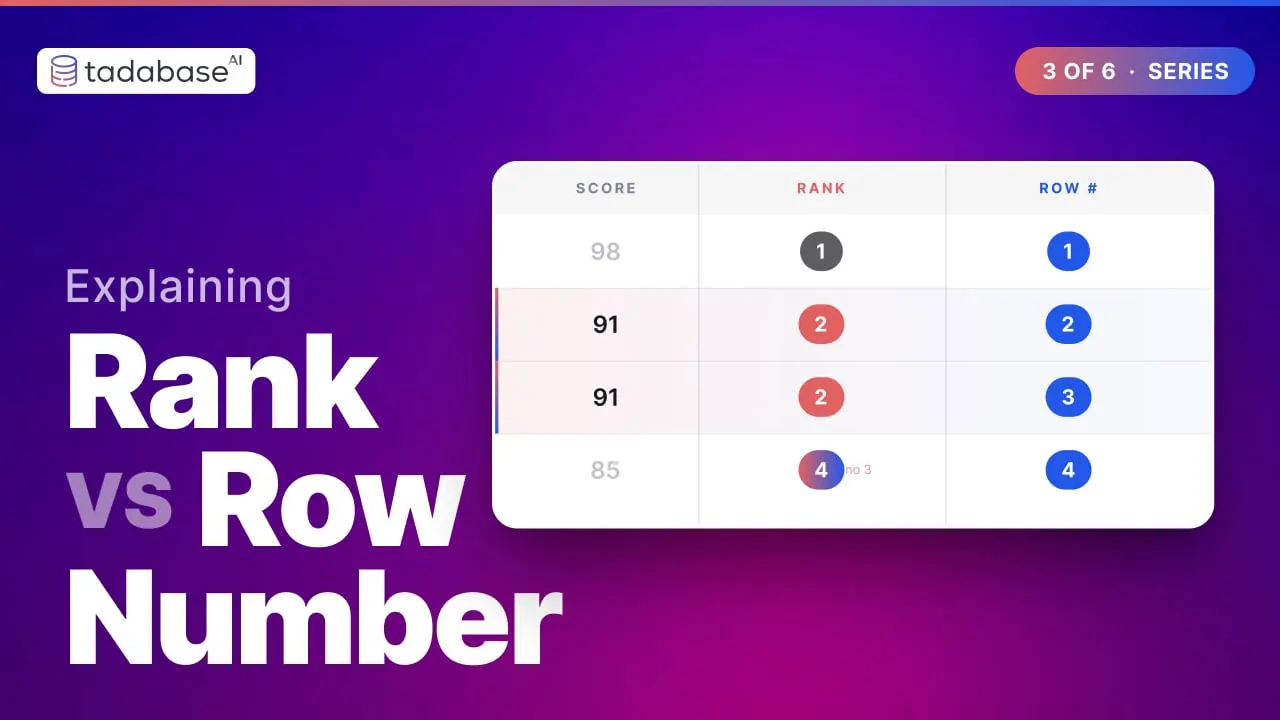 3:22 Watched Video 3 Rank vs Row Number (and Divide into Groups) Rank, Row Number and Divide into Groups all give a record a position. They look alike, and the difference is what happens on a tie. Here is when to use each one in a Tadabase Rollup field.
-
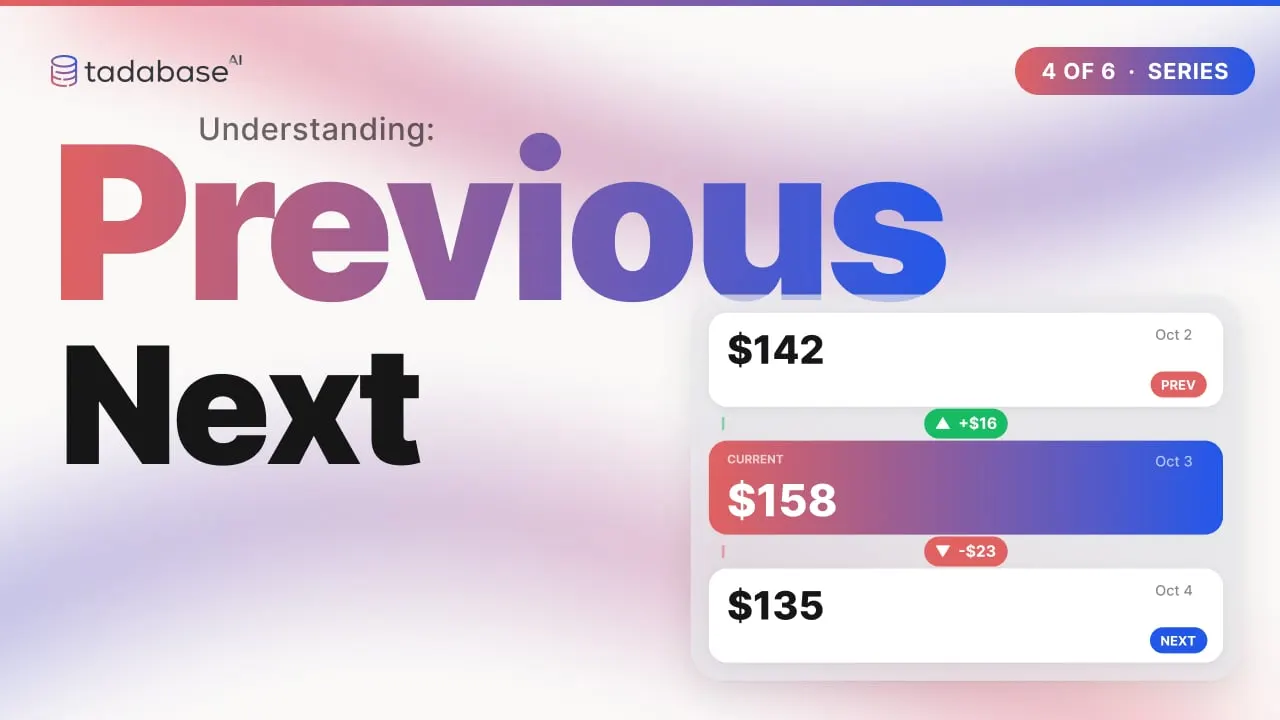 3:17 Watched Video 4 Previous Value and Next Value Previous Value and Next Value let a record see its neighbours. Add an Equation field and you get the change since last time: price increases, meter usage, the gap between orders.
-
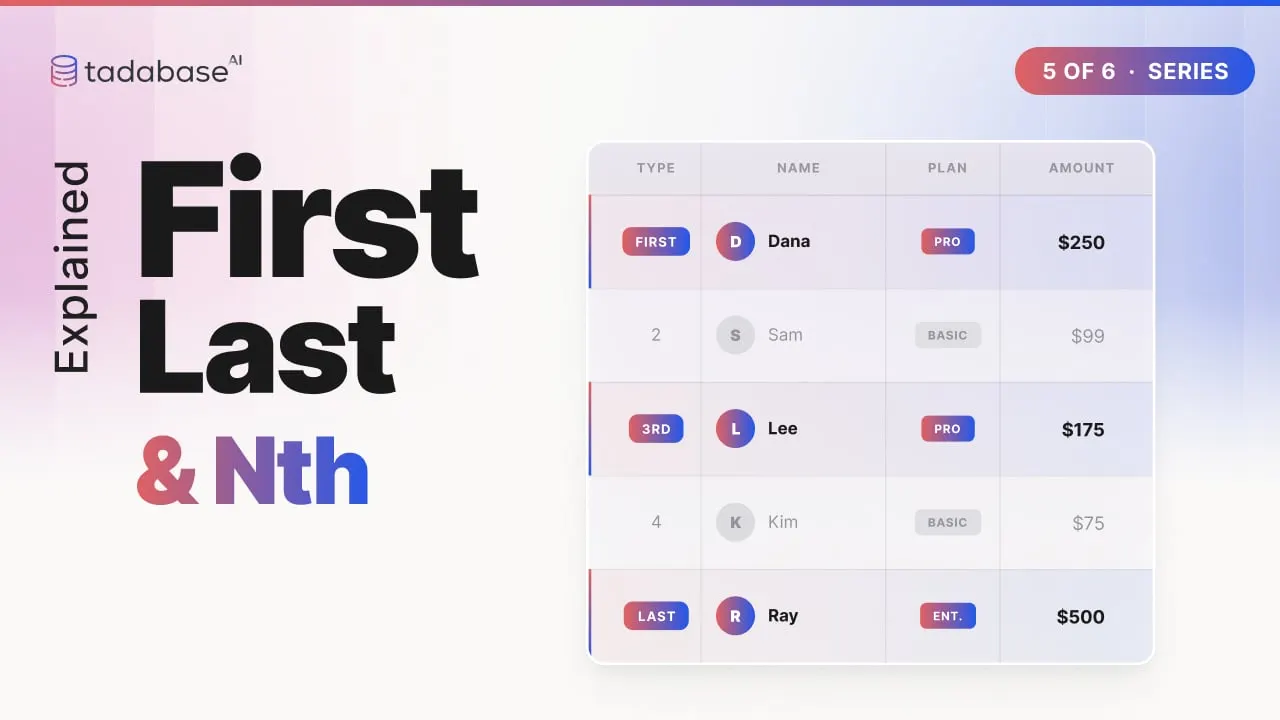 3:02 Watched Video 5 First Value, Last Value and Nth Value Who came first today? What is the latest status? Who was third in line? First Value, Last Value and Nth Value copy one value from the list onto every row of the group.
-
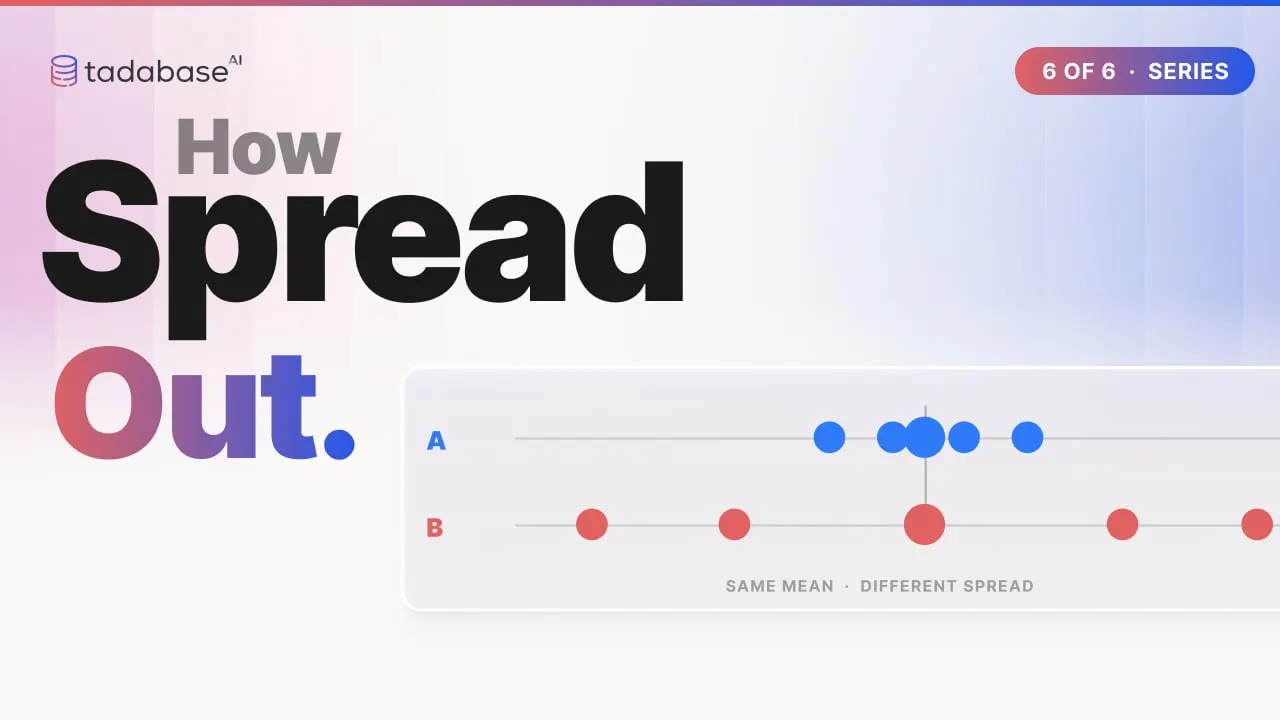 3:24 Watched Video 6 Standard Deviation and Variance Two coffee shops both average a five-minute wait, but one is far more reliable. Standard deviation is the number that tells them apart. Here it is drawn step by step, then built in a Tadabase Rollup field.
More series
- Workflows, Explained 31 videos
- All video series
Seen enough?Describe your app.
Tadabase AI builds it, hosts it and keeps it running. Real backend, real domain, real app.
- 14-day free trial, no card
- Unlimited app users
- Live on your own domain