
Previous Value and Next Value
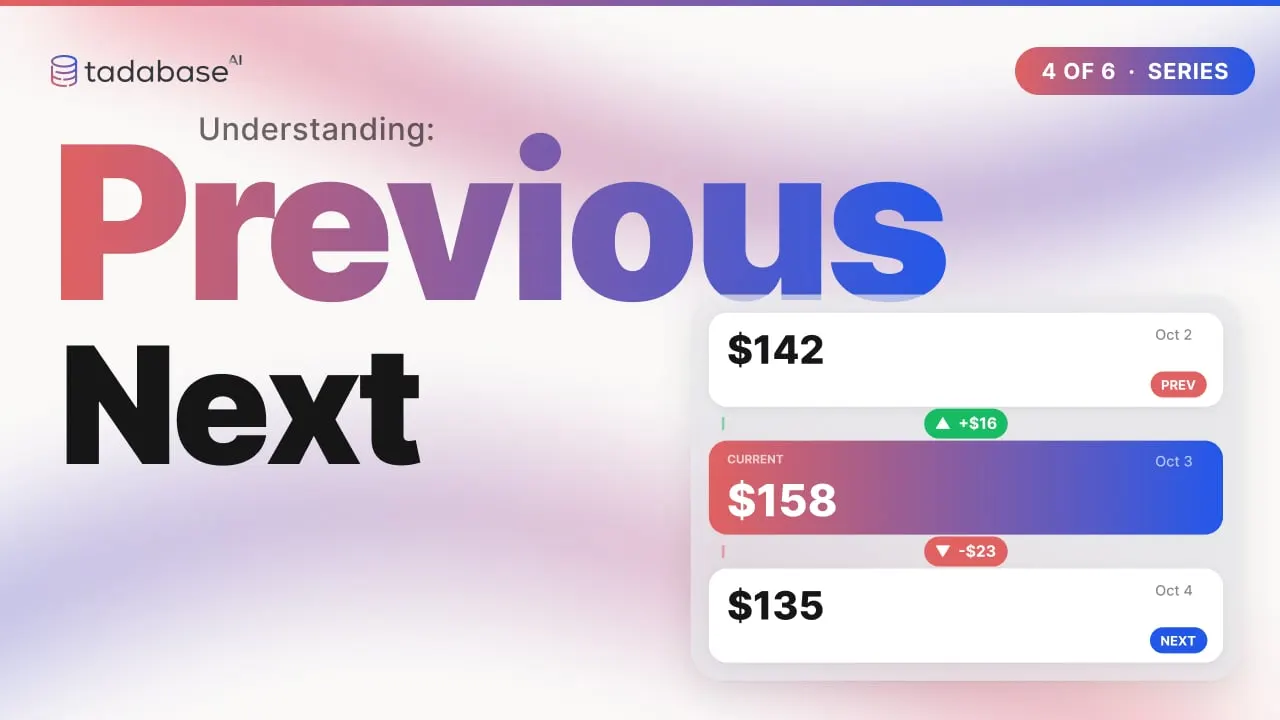
Previous Value and Next Value let a record see its neighbours. Add an Equation field and you get the change since last time: price increases, meter usage, the gap between orders.
On this page
In this video
- The idea, from a step counter
- Previous Value and Next Value in a data table
- Turning that into the change with an Equation field
- Keeping neighbours within the same customer with Group Calculations By
- How to set it up in the AI Builder
- 3 rules: the ends are empty, Order By picks the neighbour, group it or neighbours cross customers
Chapters
- 0:00 Previous Value and Next Value
- 0:11 The idea: a step counter
- 0:29 Previous Value
- 1:04 Calculating the change
- 1:19 Where it helps
- 1:32 Per customer
- 1:50 Setting it up
- 2:12 Rule 1: the ends are empty
- 2:24 Rule 2: Order By picks the neighbour
- 2:41 Rule 3: group it, or neighbours cross customers
- 2:57 Recap
Read the docs
- Summarize connected records with a Rollup field Count connected records, or total, average, find the lowest or highest of, or list a field across them, with optional conditions.
- Window Functions Complete Guide Window Functions are powerful analytical tools that allow you to perform calculations across rows that are related to the current row. Unlike regular…
Transcript
Show the full transcript
0:00 Previous Value and Next Value
Let's look at two small functions that unlock a lot of reports: Previous Value and Next Value. They let a record see its neighbours.
0:11 The idea: a step counter
Think about a step counter. Every day it shows one number. On Wednesday you did forty-nine hundred steps. Is that good? You only know by looking at the day before. Or the day after. The moment a day can see its neighbour, you can say: up by this much, or down by that much.
0:29 Previous Value
In a data table, Previous Value copies the value from the row just before it. Here are five days, in order. Watch each day receive the steps of the day before it. Monday. Tuesday gets Monday's sixty-two hundred. Wednesday gets Tuesday's eighty-one hundred. Thursday, Friday. Monday has no day before it, so it stays empty. That is normal, not an error. Next Value looks the other way. Each day receives the steps of the day after it. Now the last row stays empty, because there is nothing after Friday yet.
1:04 Calculating the change
Why does this matter? Once a day holds the previous value, an Equation field can subtract the two. Steps minus previous steps is the daily change: up nineteen hundred, down thirty-two hundred, up forty-four hundred, down twenty-three hundred.
1:19 Where it helps
The same trick works everywhere. Price minus previous price is the increase. Reading minus previous reading is the usage. Order date minus the previous order date is the gap between orders.
1:32 Per customer
And like every window function, it can restart per group. Here are orders from three customers. Order by order number, grouped by customer, and each order sees that customer's previous order only. Acme's second order sees Acme's first, never Bolt's.
1:50 Setting it up
Setting one up takes a few choices. Add a Rollup field on the table itself. Turn on Show All Tables, and pick this same table. Choose Previous Value or Next Value. Pick the field to copy. Pick the Order By field. And group it if the neighbour should come from the same customer. Save, and every order shows the one before it.
2:12 Rule 1: the ends are empty
Three rules to keep track of. Rule one: the ends are empty. The first row has no previous value, so the change on that row is empty too. If you subtract in an Equation, handle the blank.
2:24 Rule 2: Order By picks the neighbour
Rule two: Order By decides who the neighbour is. Order by day, and the previous value is yesterday. Order by steps, and it is the next-smaller count, from any day. The neighbour is whoever comes just before it in Order By, not whatever order the screen shows.
2:41 Rule 3: group it, or neighbours cross customers
Rule three: group it, or neighbours cross customers. Without a group, Bolt's order sees whatever order came before it, even Acme's. Grouped by customer, every order only sees its own customer's history. That is Group Calculations By.
2:57 Recap
That is Previous Value and Next Value. Every row can see the row before it, and the row after it, and an Equation turns that into change. Next up: First Value, Last Value and Nth Value. Learn more at tadabase.com.
Also on Vimeo · the whole series on Vimeo