
First Value, Last Value and Nth Value
Who came first today? What is the latest status? Who was third in line? First Value, Last Value and Nth Value copy one value from the list onto every row of the group.
On this page
In this video
- The idea, from a line at a door
- First Value, Last Value and Nth Value in a data table (they work on text too)
- One value per customer with grouping
- How to set it up in the AI Builder
- 3 rules: they look at the whole group, direction flips the meaning, fewer than N rows means empty
Chapters
Read the docs
- Summarize connected records with a Rollup field Count connected records, or total, average, find the lowest or highest of, or list a field across them, with optional conditions.
- Window Functions Complete Guide Window Functions are powerful analytical tools that allow you to perform calculations across rows that are related to the current row. Unlike regular…
Transcript
Show the full transcript
0:00 First, Last and Nth Value
Let's look at First Value, Last Value and Nth Value. They answer questions like: who came first today, what was the latest reading, and who was third in line.
0:11 The idea: a line at the door
Picture a line of people at a door. They arrived in a certain order. The first person in line is the first value. The last person is the last value. And the third person, counting from the front, is the Nth value, with N equal to three.
0:27 First Value
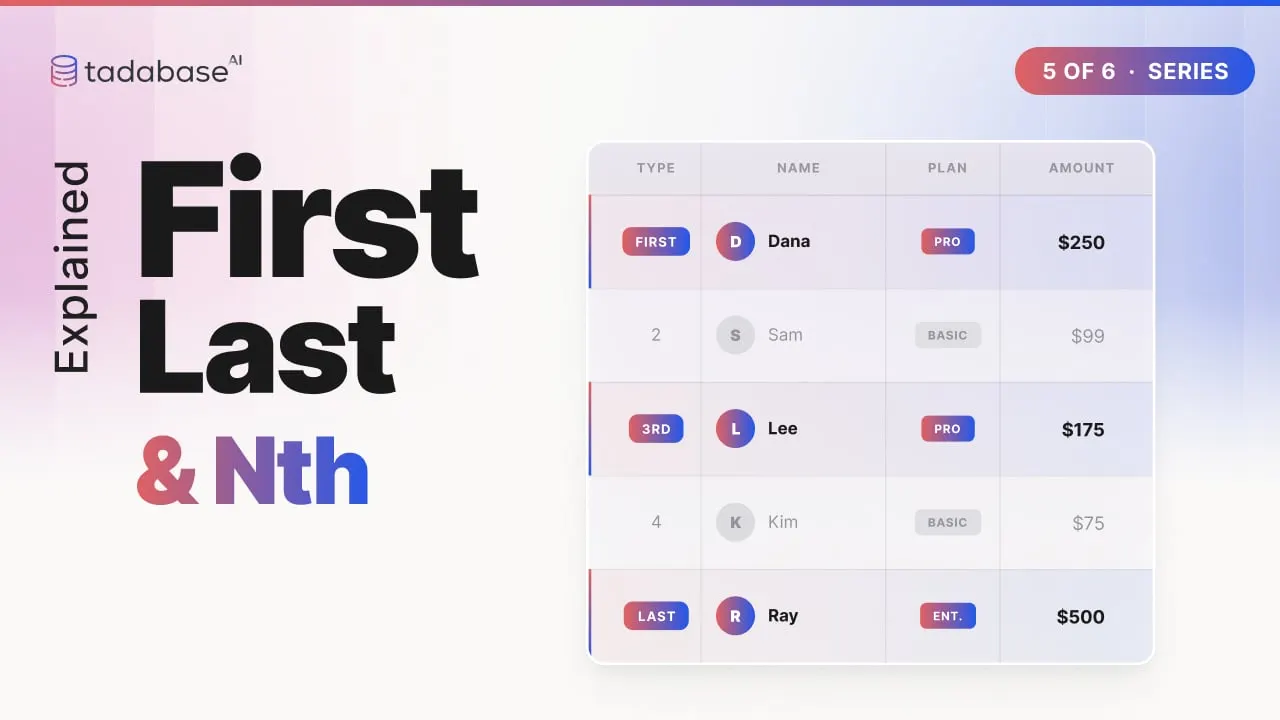
In a data table, First Value copies the value from the first row, in Order By order, onto every row. Here are today's visits, ordered by time. Dana came first, so every row gets Dana. And the field can be text. It does not have to be a number.
0:44 Last Value
Last Value does the opposite. It looks at the whole list and copies the last row's value, Ray, onto every row. Order by a date, and you have the most recent entry on every record. Nth Value takes a number, N. Set N to three, and every row receives the third value in order: Lee.
1:05 Per group
Group it, and each group gets its own first, last or Nth. Here are orders from three customers. Ordered by order number and grouped by customer, every Acme order carries Acme's first order, twelve hundred, and every Bolt order carries Bolt's, four fifty. Where does this help? The first purchase amount, on every order. The latest status, on every record. The runner-up bid, on every bid.
1:32 Setting it up
Setting one up takes a few choices. Add a Rollup field on the table itself. Turn on Show All Tables, and pick this same table. Choose First Value, Last Value, or Nth Value. Pick the field to copy from. Number, date or text. For Nth Value, type the position, counting from one. Pick the Order By field. Save, and every visit shows who was third.
1:57 Rule 1: they look at the whole group
Three rules to keep track of. Rule one: these look at the whole group, not just the rows so far. Even the very first visit already shows Ray, the last one, because Last Value always looks at the entire list.
2:11 Rule 2: direction flips the meaning
Rule two: direction flips the meaning. Ordered ascending, First Value is the earliest visit, Dana. Descending, First Value is the latest, Ray. Pick the direction that matches your question.
2:25 Rule 3: fewer than N rows means empty
Rule three: fewer than N rows means empty. Here is each customer's second order. Acme's is eight hundred, Bolt's is six fifty. Cline has only a single order, so there is no second, and the field stays empty. That blank is correct, not a bug.
2:42 Recap
That is First Value, Last Value and Nth Value. The first, the last, or the Nth in line, stamped onto every row of the group. Last in the series: standard deviation and variance, or how spread out your numbers are. Learn more at tadabase.com.
Also on Vimeo · the whole series on Vimeo