
Rollup Fields: Sum, Count, Average, Min, Max and Concatenate
How do you turn many connected records into one number on a single record? That is what a Rollup field does. Akiva explains all seven standard functions with one simple example.
On this page
In this video
- What a Rollup field is (think of a tab at a coffee shop)
- Sum, Count, Average, Minimum and Maximum, shown on the same five orders
- First and last order dates with Minimum and Maximum on a date field
- Concatenate and Concatenate Unique for text
- Conditions, including one that reads a value from the parent record itself
- How to set one up in the AI Builder, and the 3 rules to keep track of
Chapters
- 0:00 What a Rollup field does
- 0:14 The idea: a coffee-shop tab
- 0:31 Where a Rollup lives
- 0:49 Sum
- 1:15 Count
- 1:27 Average
- 1:39 Minimum and Maximum
- 2:00 First and last order dates
- 2:19 Concatenate and Concatenate Unique
- 2:40 Conditions
- 3:10 A condition from the record itself
- 3:37 Setting it up
- 3:53 3 rules to keep track of
- 4:51 Recap
Read the docs
Transcript
Show the full transcript
0:00 What a Rollup field does
Let's look at Rollup fields. A Rollup takes a pile of records and turns them into one number, or one line of text, on a single record. This video covers the seven standard functions.
0:14 The idea: a coffee-shop tab
Think of a tab at a coffee shop. Every coffee Sam orders goes on the tab. At the end of the week the shop adds them up, and one number sits on Sam's tab. That is a Rollup. Many records in, one value out, on the customer.
0:31 Where a Rollup lives
A Rollup lives on the parent record, and it looks at the child records connected to it. A customer with many orders. A project with many tasks. An invoice with many line items. The connection is what tells the Rollup which records to look at.
0:49 Sum
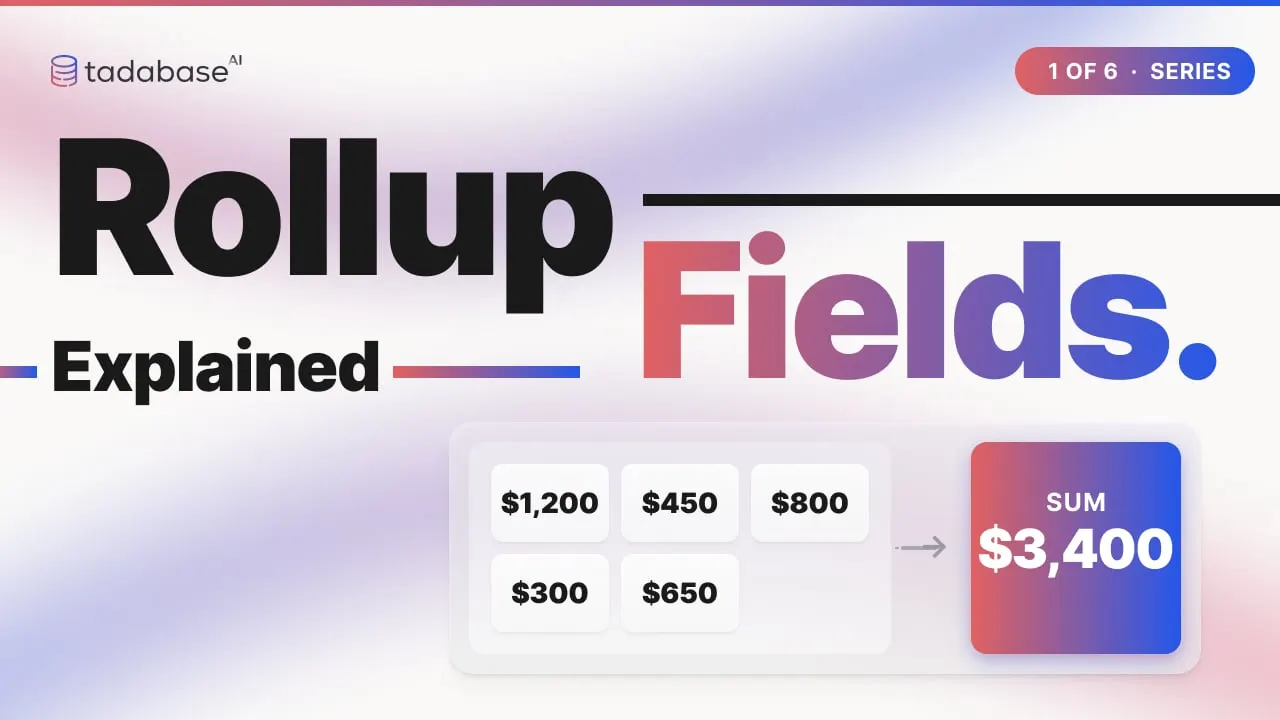
Here are five orders connected to one customer, Acme, and on the customer a Rollup field called Total Spent. Sum takes each order's amount and adds it into that field. Twelve hundred, four fifty, eight hundred, three hundred, six fifty. Thirty-four hundred. Change any order, this one from eight hundred to a thousand, and the total updates on its own.
1:15 Count
Count Records does not care about the amounts. It counts the orders, one, two, three, four, five, and puts five on the customer. Add an order, and the count goes to six.
1:27 Average
Average adds the amounts the same way, thirty-four hundred, and then divides by the count. One, two, three, four, five orders. Thirty-four hundred divided by five is six hundred and eighty.
1:39 Minimum and Maximum
Minimum looks through the orders and keeps the smallest one. Twelve hundred, then four fifty is smaller, then three hundred is smaller still. Three hundred goes on the customer. Maximum keeps the largest. Twelve hundred comes first, and nothing after it beats it. Twelve hundred goes on the customer.
2:00 First and last order dates
Minimum and Maximum also work on dates. Minimum on the order date keeps the earliest one, February twelfth, and the customer shows their first order. Maximum keeps the latest, April second, the last order. Two Rollups, and every customer shows when they started and when they last bought.
2:19 Concatenate and Concatenate Unique
Concatenate is for text. A project with five tasks, each with an assignee. Concatenate joins the names into one line, in order. Maya, Omar, Maya, Lena, Omar. Concatenate Unique drops the repeats, the second Maya and the second Omar, and the project shows Maya, Omar, Lena.
2:40 Conditions
Every one of these functions can take conditions. Acme again, five orders, two of them unpaid. Without a condition the sum adds all five, thirty-four hundred. Add a condition, Status is Paid, and the unpaid orders drop out. The field becomes twenty-three hundred. One function, many answers. Paid total, where Status is Paid. Open tasks, where Status is not Done. Large receipts, where Amount is over fifty dollars.
3:10 A condition from the record itself
A condition can also read a value from the parent record itself. Acme has a field called Subscribed On, March first, and its orders go back to February. Without a condition the sum is everything, twenty-seven hundred. In the condition, instead of typing a date, pick This Table Record Value and choose Subscribed On. The February orders drop out and the field shows nineteen hundred.
3:37 Setting it up
Setting one up takes four choices. Add a Rollup field on the parent table. Pick the connected table to roll up. Pick the function. Pick the field to calculate from. And add any conditions. Save, and every parent record gets its value.
3:53 3 rules to keep track of
Three rules to keep track of. Rule one: a Rollup only sees the records connected to it. Acme, and five orders. Three are connected to Acme. Two belong to someone else, so the Rollup never sees them. Only the connected orders are added up. No connection, no value. Rule two: numbers need number fields. Sum, Average, Minimum and Maximum want a Number, a Currency, or a Date field. A text field cannot be added up. Text goes to Concatenate, which joins anything. Rule three: the value is stored, and refreshed when a connected record changes. It is written onto the customer like any other field. When an order changes, the number is refreshed. So if a number looks wrong, check the connected records first. A missing connection or a wrong value on an order is almost always the reason. If it still looks stale, re-saving the Rollup field runs it again.
4:51 Recap
That is the standard Rollup. Many records in. One value out. Stored on the parent record. In the next video we go one step further, with running totals, where every row gets its own answer. Learn more at tadabase.com.
Also on Vimeo · the whole series on Vimeo