
Choose which records a component shows
Pick a data component's records: all of a table, those connected to the logged-in user or to the page's record, then narrow them with data source filters.
- Verified Nov 17, 2026
- Classic builder
Every data component, such as a table, list or chart, works with one table's records. When you add it, you choose which of those records it shows. You can then narrow the list further with data source filters. Both are applied on the server, before any data reaches the browser.
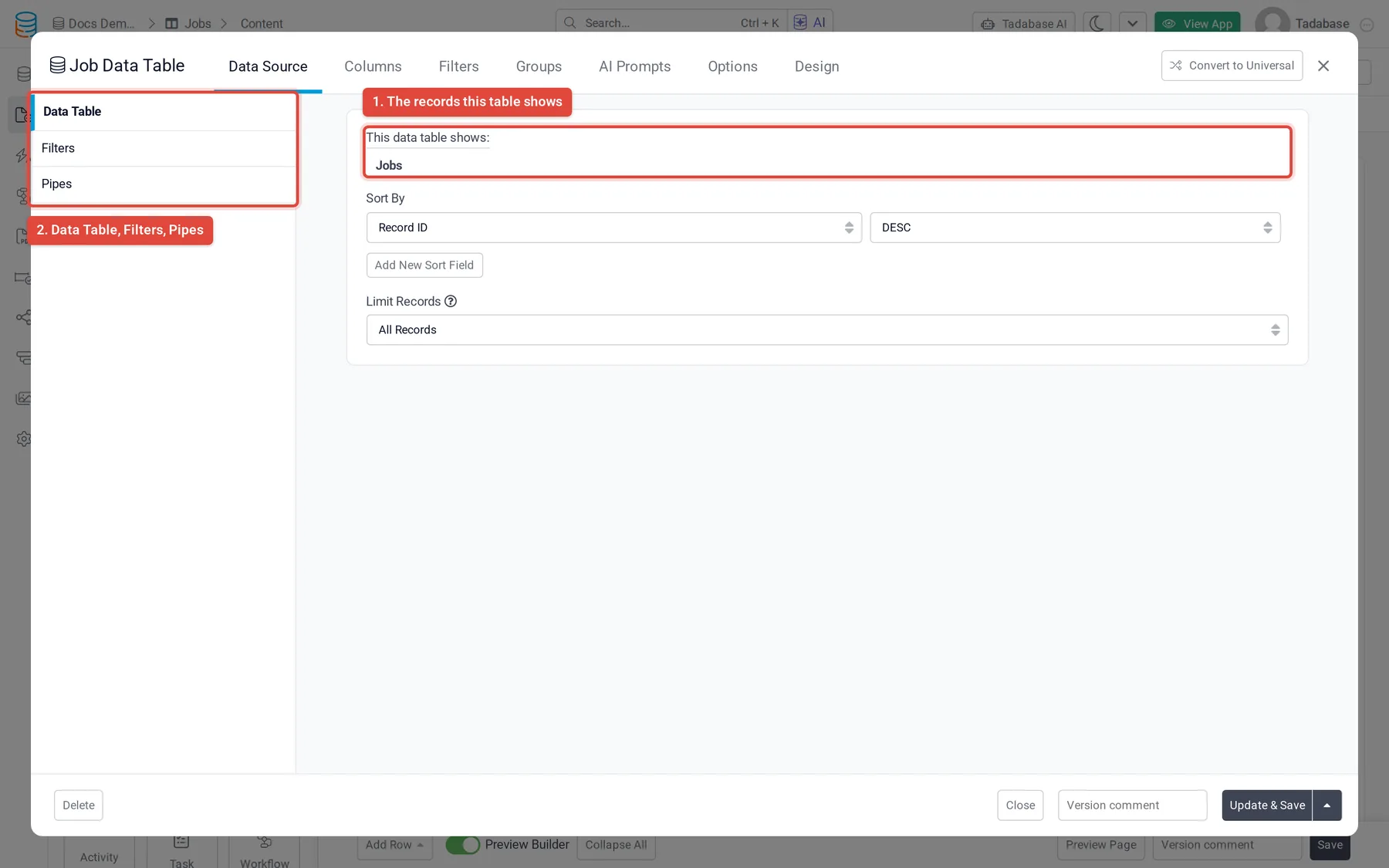
Pick the records #
When you add a data component, the builder asks Which records should this table display? (the wording follows the component). The choices depend on your connections and on the page:
| Option | When you see it | What the component shows |
|---|---|---|
| Select the data table | Always | Every record in the table you pick. Add filters to narrow it. |
| Records connected to the logged in user | When a table has a connection field to or from the Users table | Only the records connected to the person who is signed in. Each connection field is listed as its own choice. |
| Records connected to this (record) | On a page that shows one record, such as a details or edit page | Records connected directly to the page's record, for example the jobs of the customer being viewed. |
| Records Related to this (record) | On a page that shows one record | Records one connection further away, for example the invoices of all jobs of the customer being viewed. |
Each choice names the connection field it uses, which helps when two fields connect the same tables.
Narrow the records with filters #
- Open the component Hover over the component on the page and click the pencil (Edit).
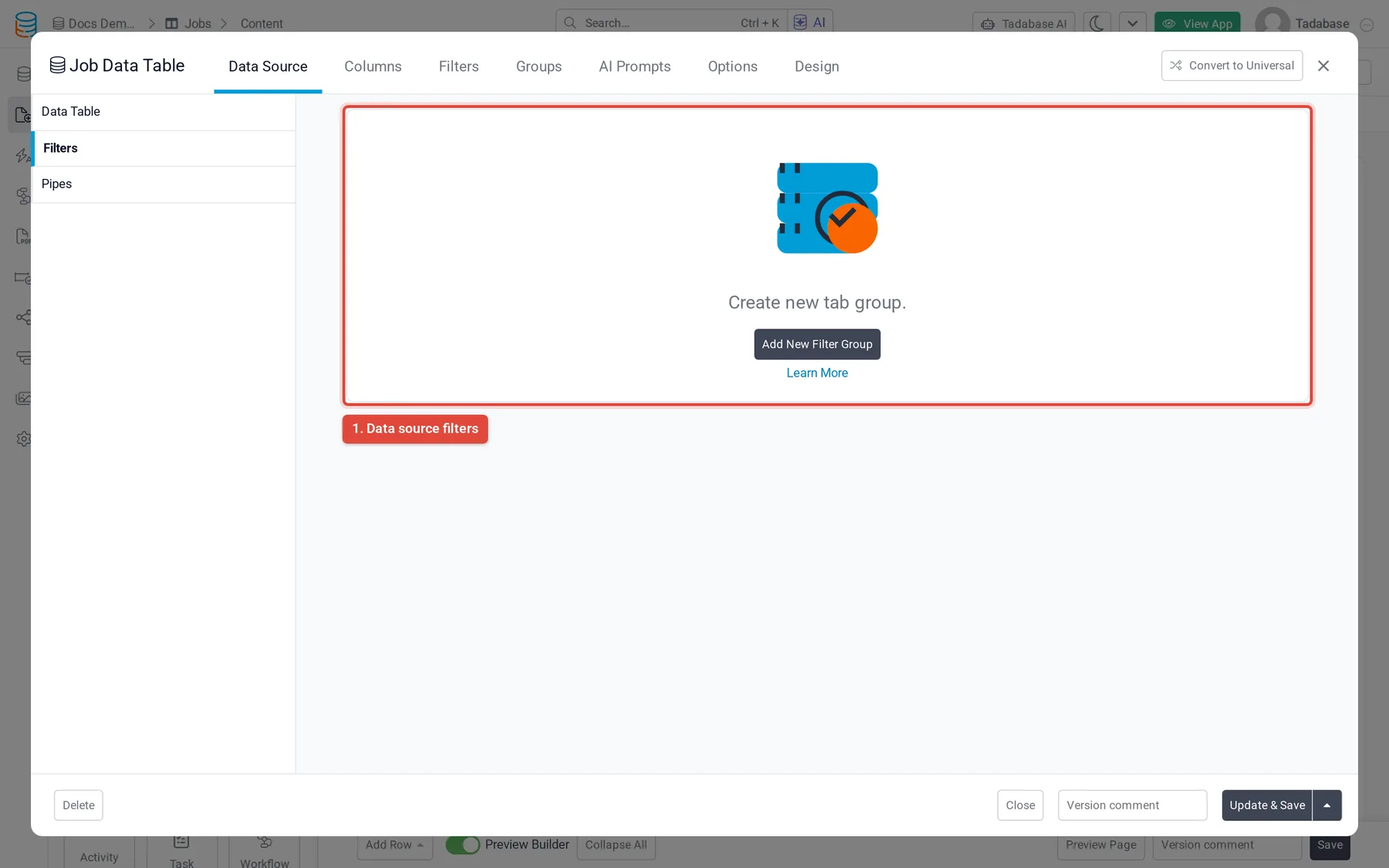
- Open the filters On the Data Source tab, select Filters.
- Add a filter group Click Add New Filter Group (or Add Filter Group if one exists), then pick a field, a condition and a value.
- Save the component The component now shows only records that match.
Connection fields offer conditions that depend on who is signed in or which record is open, such as is logged in user, is connected to logged in user and is connected with current record. For every condition and how groups combine, see Data source filtering.
Let users filter and search #
The filters above are set by you and always apply. To let people filter for themselves, a table component has Filter Tabs on its Filters tab (buttons above the table that each apply a filter) and Enable Search on its Options tab. These only narrow what the component already shows. See Table component.
For more on data sources, see Data source.
Was this page helpful?
Something wrong or missing on this page? Tell us.