
See every API request in the logs
Count the REST API requests each key made per day, and list single requests with their method, URL, IP address and duration.
- Verified Nov 17, 2026
- Classic builder
On this page
Tadabase counts every REST API request your app receives. Use the daily usage view to see how many requests each API key made, and the API Logs list to see single requests. Both help you find the integration that uses up your rate limit or check that a call reached your app.
See how many requests each key made #
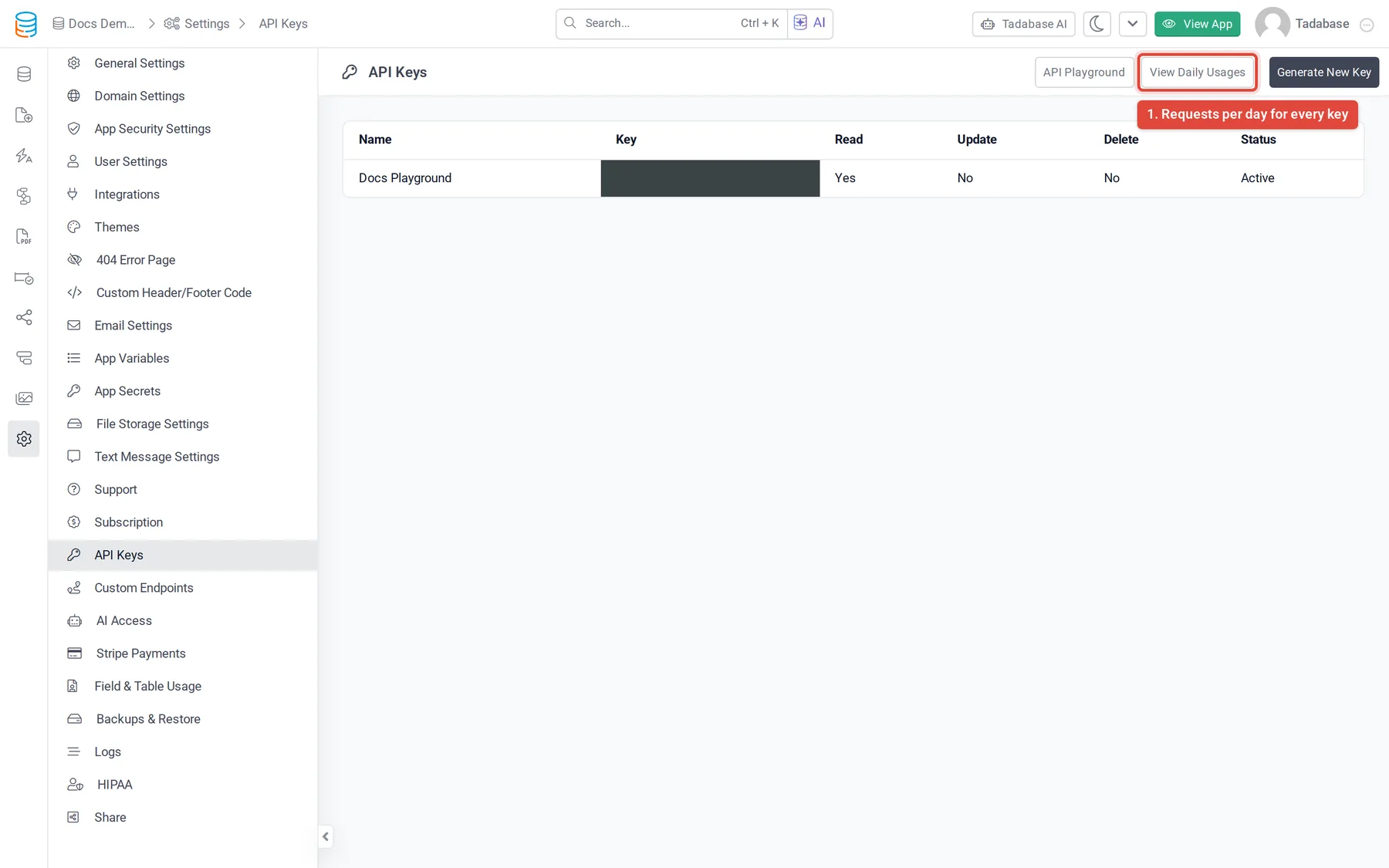
- Open API Keys In the builder, open Settings and choose API Keys.
- Open the daily usage Click View Daily Usages. The API Usage Logs window opens on the By Day tab.
- Split it by key Click By API Key to see each key's requests on each day.
| Column | What it shows |
|---|---|
| Date | The day of the requests. |
| API Key | The name of the key that made them (By API Key tab only). |
| Total Requests | How many requests were made that day. |
| Last Used | When the key last made a request (By API Key tab only). |
| Served and Refused | Shown on some apps. Served counts requests the API answered; Refused counts requests turned away because the key was rejected (401 or 403) or the rate limit was reached (429). When these columns show, the days are in your app's time zone and the window covers the last 30 days. |
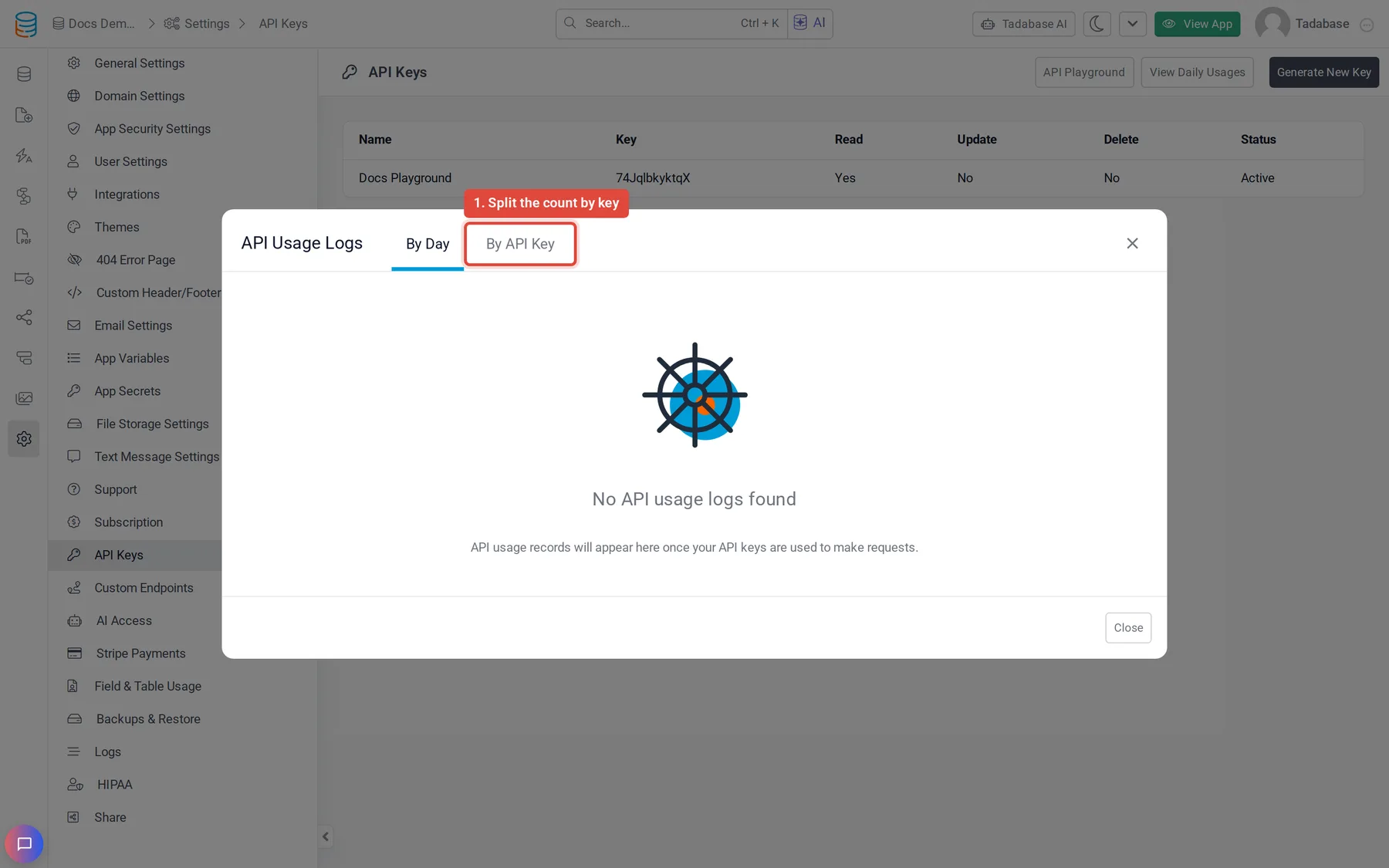
To see one key only, click the key in the list to open it, then click View Daily Usages at the top of the key. The window then lists only that key's requests.
Only the app owner and builders with access to Settings can open these views.
List single requests #
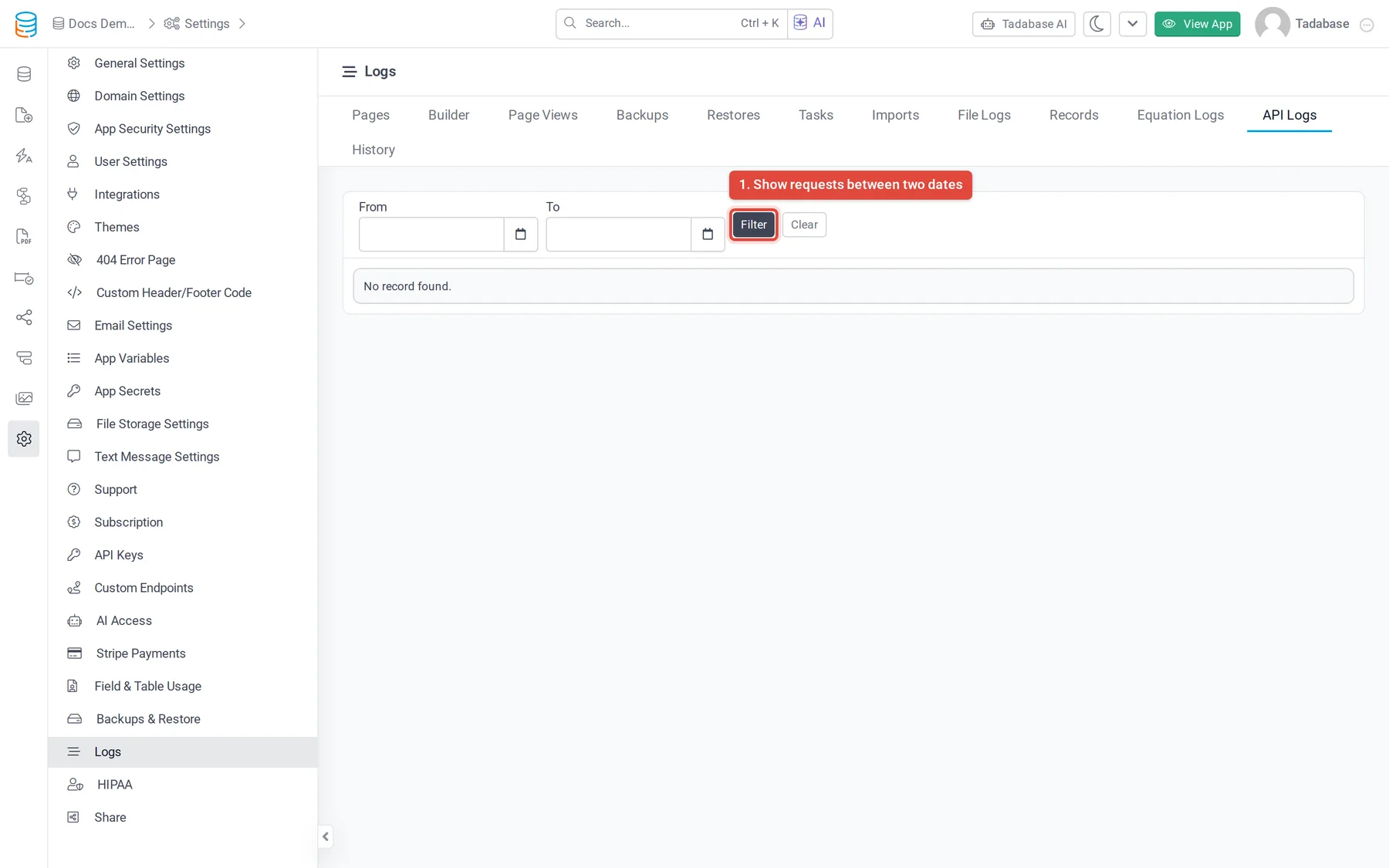
Open Settings > Logs and click the API Logs tab. Each row is one request made with your app's API keys, newest first.
| Column | What it shows |
|---|---|
| Created At | When the request was received. |
| Method | The HTTP method, such as GET or POST. |
| URL | The full address that was called, including the query string. |
| IP | The IP address the request came from. |
| Duration | How long the request took, in seconds. |
To narrow the list, pick a From and a To date and time, then click Filter. Clear removes the dates. Use the page arrows at the top right to move through older requests.
How long logs are kept #
API logs are kept for the number of days your plan's log retention allows; older entries are removed. Compare plans on the pricing page.
Read the logs through the API #
You can also read API logs with the REST API, for example to feed them into your own monitoring. GET /api/v1/logs/api-logs returns 50 requests per page; add page for the next ones and method to keep one HTTP method. The key needs Allow Logs, and your plan must include logs through the API. See Logs API.
Was this page helpful?
Something wrong or missing on this page? Tell us.