
Convert units with the Unit Conversion pipe
Use the Unit Conversion call of the Tadabase Number Utilities pipe to convert an amount between units, such as centimeters to inches, to a set precision.
- Verified Nov 17, 2026
- Classic builder
On this page
Unit Conversion is a call in the Tadabase Number Utilities pipe. It converts an amount from one unit to another, for example 500 centimeters to inches, and rounds the result to the number of decimal places you choose.
Install the pipe #
- Open Pipes In the builder, click Pipes in the left menu, then click Install Pipe.
- Find the pipe Type
Number Utilitiesin the Search... box and click the Tadabase Number Utilities card. Unit Conversion is listed under Available Actions. - Install it Click Install. If the pipe is already installed for another call, skip this; all its calls come with it.
Parameters #
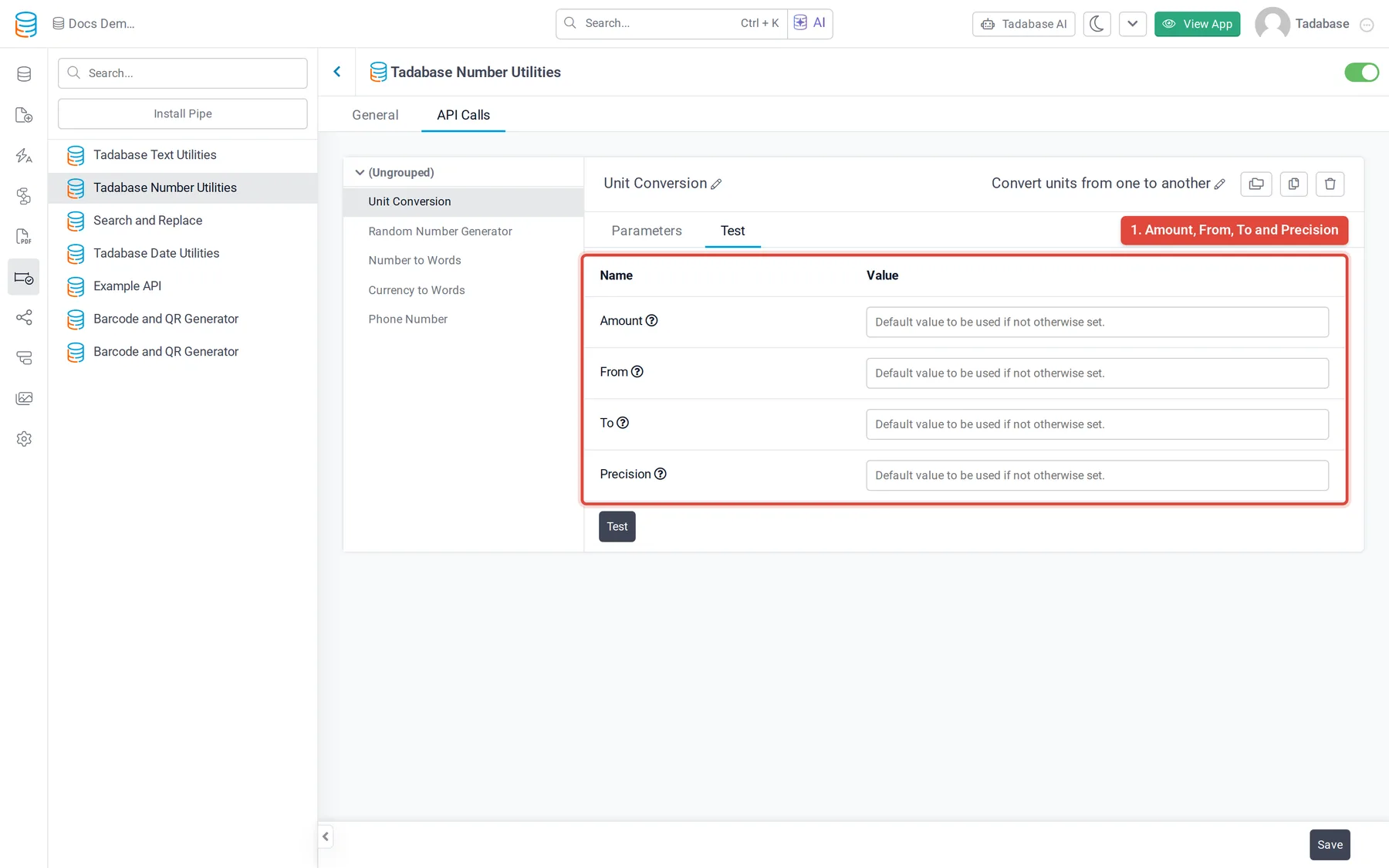
| Parameter | What to enter | Example |
|---|---|---|
| Amount | The number to convert. | 500 |
| From | The abbreviation of the unit the amount is in. | cm (centimeters) |
| To | The abbreviation of the unit to convert to. | in (inches) |
| Precision | How many decimal places to keep in the result. | 1 |
The converted amount is returned as Response, as a number.
Run it on load or on save #
Where you add the pipe decides when it runs. Use pipes in your app covers each place.
- When data is loaded: add the pipe in the Pipes part of a component's Data Source tab to show the converted amount each time the component loads.
- When a record is saved: run the pipe from a workflow with a Trigger Pipe action and save Response to a number field.
- Choose the call In the workflow's Trigger Pipe action, choose Unit Conversion in Pipe Method.
- Map the input Under Parameters, set Amount to your number field, and From, To and Precision to typed values or to fields that hold them.
- Save the result In a later step, update a number field with the Response value.
Was this page helpful?
Something wrong or missing on this page? Tell us.