
Store structured data in a JSON field
Keep a webhook payload, API response or other structured data in one field. Only valid JSON is saved, and the API and workflows read it as data.
- Verified Nov 17, 2026
- Classic builder
On this page
A JSON field stores structured data, such as a webhook payload, an API response or a list of line items, as JSON. Tadabase checks that every value is valid JSON, and the API and workflows read it back as data rather than as text.
Add a JSON field #
- Open the table In Data Builder, open the table and click Add New Field.
- Pick JSON Under Text, click JSON, then Add and Configure.
- Name and save it Enter a Name, optionally a Placeholder for forms, and click Save.
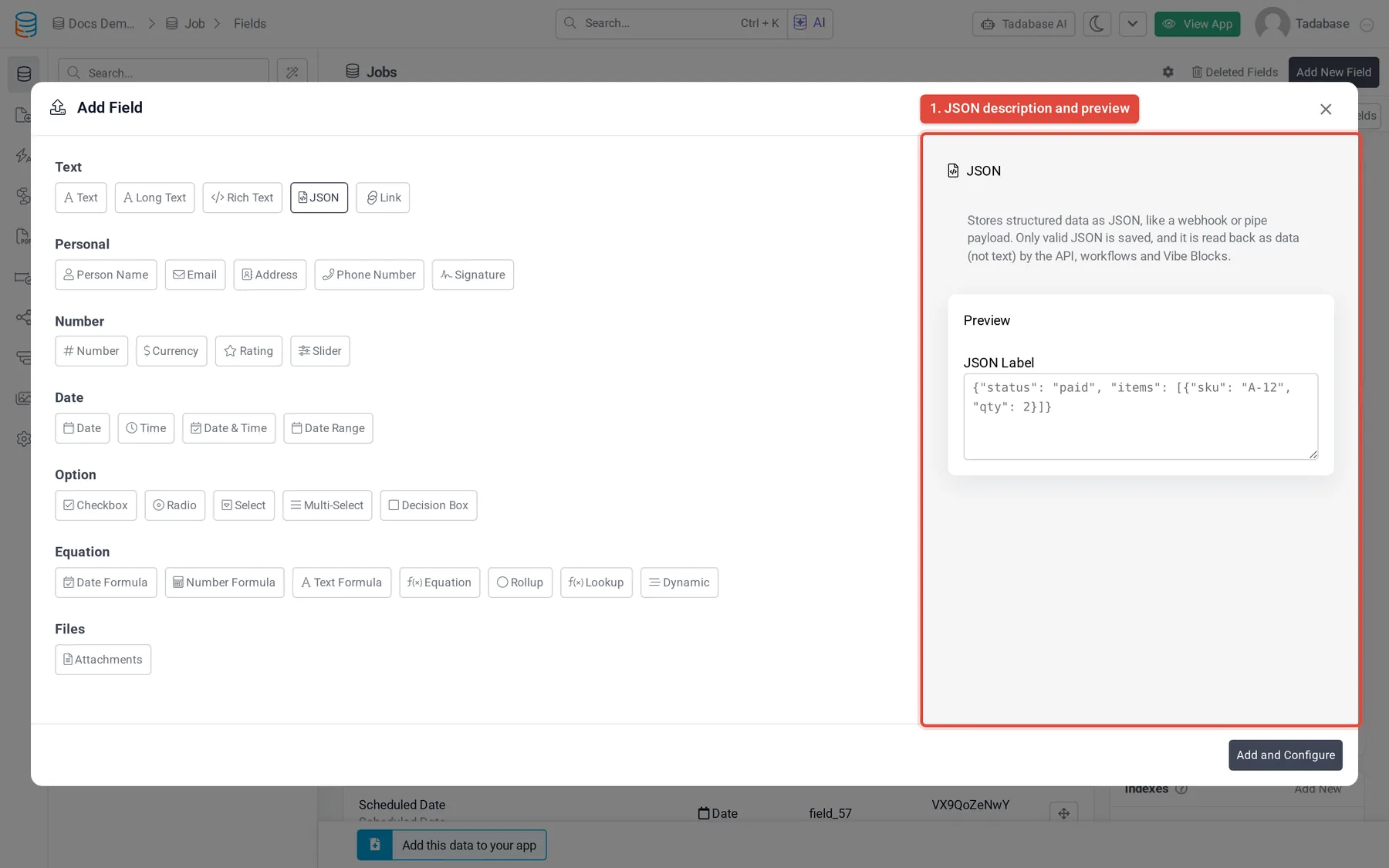
What is saved #
- Only valid JSON is saved: an object, a list, or a single value such as a number. Anything else is refused with the field name and This is not valid JSON, plus the reason.
- This check runs wherever a value comes from: a live-app form, the Data Builder, the REST API, an import or a workflow.
- The JSON is stored in a compact form, so indentation and extra spaces are not kept.
- An empty value means the field has no value.
- One value can be up to 256 KB.
How it shows in your app #
- In tables and lists, a JSON value shows as a one-line summary, such as
{3 keys: status, items, total}or[12 items]. - On details pages, it shows as indented JSON.
- A stored value that is not valid JSON shows as Invalid JSON.
- In forms, people enter JSON in a text box. The default placeholder is
{"key": "value"}.
Use it in the API and workflows #
- The REST API returns a JSON field as JSON (an object or a list), not as a string, and accepts JSON when you write it.
- In a workflow, the Transform JSON action can read a JSON field of the record as its source, and record actions can write JSON values into the field.
Change a field to or from JSON #
- A Text or Long Text field can be changed into JSON only when every stored value is valid JSON. If some are not, the change is refused and the message names a few of the records to fix or clear.
- A JSON field can only be changed into Long Text.
Was this page helpful?
Something wrong or missing on this page? Tell us.