
How Workflow Pricing Works
This last video is about how workflow pricing works. Workflows run on workflow credits. Here's what uses them, what's free, where you see them, and how to use fewer.
On this page
Chapters
Transcript
Show the full transcript
0:00 Intro
This last video is about how workflow pricing works. Workflows run on workflow credits. Here's what uses them, what's free, where you see them, and how to use fewer.
0:13 The idea
Think of a car wash that charges for each service on each car. Five cars come through for a wash and a wax. Two services on five cars is ten in all. And the attendant who checks each car to decide on the wax charges nothing.
0:29 In your app
Workflows count the same way. One workflow credit is one action applied to one record. Brookside's morning reminders workflow has two actions, and today it runs for forty appointments. Two times forty is eighty workflow credits. Some steps cost nothing. Conditions and branches are free. So is the loop step itself. A step that fails, or is skipped, is free. And a test run walks every step without changing anything, sending anything, or using workflow credits. Every action counts the same way, once per record. Creating or updating a record, or Find Records. Sending an email, a text, or a PDF. Calling an API, a connector, or an AI Prompt. An AI Prompt also uses AI credits, counted separately. Loops multiply. Dr. Okafor is out today, so a workflow loops over her four appointments. Two actions run for each one: update the appointment, and text the patient. That's eight. Plus one for the email to the front desk. Nine credits for one run. Custom code is counted by time. Each run of the step uses one credit for every tenth of a second it takes. A quick script counts once. One that takes a quarter of a second counts three.
1:50 Where you see it
You can see the count before a run. Run now estimates it: about eighty workflow credits, two actions times forty records. With a loop or custom code, it adds that the final number can be higher, because those are counted as they run. And after. In Run history, each run shows its credits next to its time. Open this morning's run, and every step shows its own. Run details has a Credits card: seventy seven for the whole run, step by step. The three texts that failed were free. For all your workflows at once, open Usage, then Workflows. Under Workflow credits are the credits used, the runs and records behind them, and custom code time. Then credits by workflow, by app, and by day, so you can see what uses the most.
2:40 Running low
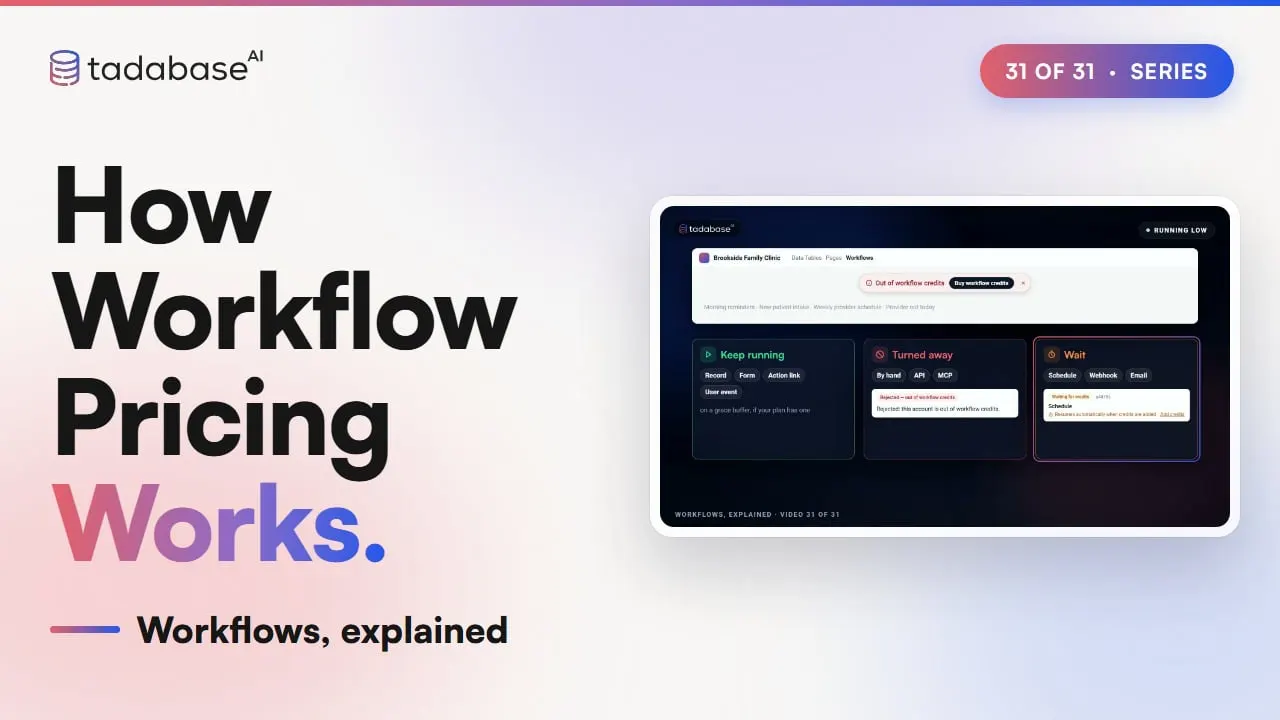
When credits run low, a banner in the builder says so, with a button to add more. If you run out, record, form, action link and user event workflows keep running on a grace buffer, if your plan has one. Runs started by hand or from the API are turned away. Scheduled, webhook and email runs wait, and start on their own once credits are added.
3:03 Using fewer
A few habits keep the count down. Filter before you loop. Without a filter, Dr. Okafor's loop runs for all seven appointments: fifteen credits. Filter to her appointments today, and it runs for only four: nine. Put a free Condition before an action that isn't always needed. Appointments are edited all day, but the provider only needs an email when one is cancelled. Check Status is Cancelled first, and twenty edits send two emails: two credits, not twenty. Filter schedules, too. Without Record Selection, the morning run goes through all twelve hundred appointments: twenty four hundred credits. With Date is today, it's forty appointments, and eighty credits.
3:45 Rules
Two rules to keep track of. Rule one: a workflow started by another one counts its own credits. When a step's update starts a second workflow, that run is counted on its own. If you don't need it, turn off Trigger other workflows on that step. Rule two: one account, one balance. Every app you own uses the same workflow credits, so a busy workflow in one app uses credits for all of them. Usage shows which app it is. That's workflow pricing. One action on one record is one credit. Conditions, failed steps and tests are free. Loops multiply. And run history and Usage show where it goes. What each plan includes is on the pricing page at tadabase.com. That's the whole series. Thanks for watching Workflows, explained.
Also on Vimeo · the whole series on Vimeo