
Branches
Let's look at branches. A condition gives a record two paths, Yes and No. Branches give it as many paths as you need, A, B, C and more. In this video, we'll look at how branches pick a path, and how to set them up.
On this page
Chapters
Read the docs
Transcript
Show the full transcript
0:00 Intro
Let's look at branches. A condition gives a record two paths, Yes and No. Branches give it as many paths as you need, A, B, C and more. In this video, we'll look at how branches pick a path, and how to set them up.
0:15 The idea
Think of a post office sorting room. A letter comes in, and the sorter reads the address and checks the bins in order. Letters for the north side go in bin A, letters for the south side go in bin B, and anything else goes in the last bin, to be sorted by hand. Every letter lands in one bin.
0:34 In your app
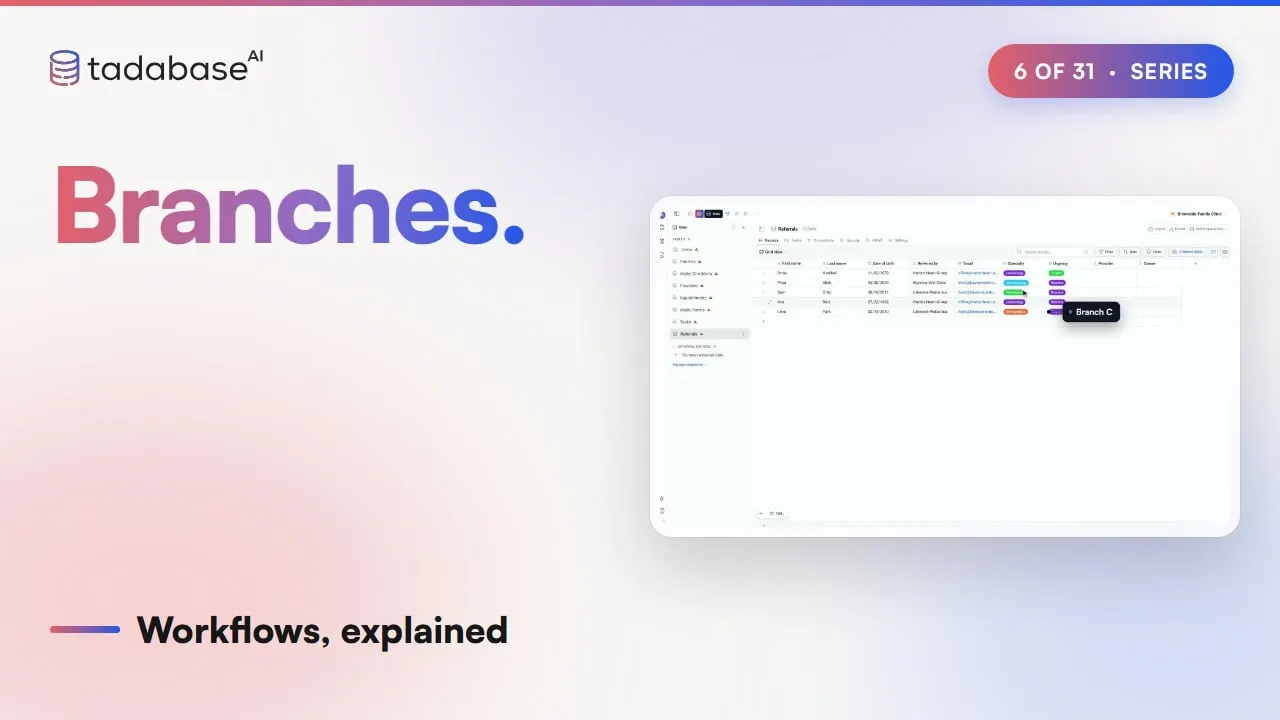
In an app, it works the same way. At Brookside Family Clinic, referrals come in for different specialties. When a referral is added, branches check its specialty. Cardiology goes to Dr. Shah, pediatrics goes to Dr. Okafor, and everything else goes to the triage queue, for the front desk to sort. Here are five referrals. Ana Ruiz is cardiology, so she goes to Branch A. Sam Ortiz is pediatrics, so he goes to Branch B. Priya Shah is dermatology, which isn't A and isn't B, so she goes to Branch C. Lena Park is orthopedics, so she goes to C too. And Omar Haddad is cardiology, so he goes to Branch A. You could build this with conditions. The first one asks, is it cardiology? If not, a second condition asks, is it pediatrics? Every new specialty adds another step to the staircase. One Branches step holds every path side by side, so a new specialty is one more branch.
1:30 On the canvas
On the canvas, the Branches step says Evaluate conditions in order. Each branch shows how many conditions it has, along with its letter and its name, and that branch's own steps go underneath it. The plus on the right adds a branch. And steps under All paths continue here run once, whichever branch ran.
1:49 First or every match
Now let's add Branch D, Urgent, which emails the on-call nurse. Branches are checked from the top down, and by default, the first one that matches wins. Omar's referral is urgent, but it matches A first, so A runs, and D is never checked. The nurse never hears about it. Turn on Run every matching branch, and now every branch that matches runs, one after another. Omar gets Dr. Shah from A, and the nurse gets an email from D. Every condition is checked before any branch starts, so what A changes never decides whether D runs.
2:21 From a condition
A lot of workflows start out as a condition, and then need a third path. The condition's menu has an option called Change to Branches. The Yes path becomes Branch A, with the condition's rules. The No path becomes Branch B, with its steps, but no rules. So give Branch B a rule right away, because a branch with no rules never runs.
2:46 Setting it up
Setting it up takes a few choices. Click New workflow, and the trigger is already set to Record Created. Pick Referrals, click Add First Step, and choose Branches. It starts with one branch, A. Rename it Cardiology, click Add Condition, and set the Specialty is Cardiology. Each time you click Add branch, you get the next letter, so you add Pediatrics, Everything else, and Urgent. Each branch's plus button adds its steps, like Update Record, with the provider set to Dr. Shah. Turn on Run every matching branch, save, and it's live. The same routing works for any business. When a support desk gets a new ticket, billing questions go to the billing team, bug reports go to engineering, and everything else goes to the general queue.
3:34 Rules
There are two rules to keep track of. Rule one: when the first match wins, the order matters. If Urgent is checked last, Omar gets Dr. Shah, but the nurse never hears. If Urgent is checked first, the nurse hears, but Omar gets no doctor. So put the branch that has to win first, or turn on Run every matching branch. Rule two: always end with a catch-all. There's no Otherwise branch. With only Cardiology and Pediatrics, Priya's dermatology referral matches nothing, and nobody gets it. An empty branch doesn't help either, because a branch with no rules is never taken. So give the last branch rules that catch the rest, like Specialty is not Cardiology, and is not Pediatrics. Now Priya lands in triage. That's branches. Each record is checked against the branches from the top down. The first match wins, unless you turn on every match, and the last branch catches the rest. In the next video, we'll look at create, update and upsert. You can learn more at tadabase.com.
Also on Vimeo · the whole series on Vimeo