
Workflows and Formulas
Many fields in your app calculate themselves: a total, a balance, a count. Workflows read those values all the time. This video covers when a workflow sees the new value, and how to keep it that way.
On this page
Chapters
Read the docs
- Count, total and summarize with Aggregate Use the Aggregate action to count, sum, average or list values from records or a JSON list, group the results, and use them in later workflow steps.
- Calculate values with an Equation field Build a formula from a table's fields and functions, choose a Text, Number or Date result, and use IF statements to calculate a value for every record.
Transcript
Show the full transcript
0:00 Intro
Many fields in your app calculate themselves: a total, a balance, a count. Workflows read those values all the time. This video covers when a workflow sees the new value, and how to keep it that way.
0:15 The idea
Think of baking bread. You mix the dough, and it needs time to rise. Slice it too early, and it comes out flat. Wait until it has risen, and every slice is right. The formulas are the dough. The workflow is the knife.
0:30 In your app
In an app it works the same way. The front desk adds a sixty dollar charge to an invoice for Ana Ruiz, and saves. The invoice's Amount due formula recalculates, to one hundred five dollars. So does the Balance rollup on her patient record. Only then does the workflow start, and the statement it emails shows the new balance. If you have ever seen an email go out with the old total, here's why. Record workflows used to start before the formulas were done, so a step could read forty-five dollars. Now the save calculates the formulas first, and the workflow starts after, every time.
1:09 Inside the run
The same goes for the workflow's own steps. Say a step adds a ten dollar credit to the invoice. Amount due recalculates right after that step, so the email step after it reads ninety-five dollars. The balance lives on another record, Ana's patient record. Its rollup counts this invoice, so the same save recalculates it. A Condition can read it straight from the connected Patients record, at the moment the condition runs.
1:36 Table rules
Apps from the classic Tadabase builder can also have table rules. Here's the order on one save. The record is written. Table rules run first. Then the formulas are calculated. Then the workflow starts. So a table rule sees the formulas from before the save, and the workflow sees the new ones.
1:54 Equations Update
A workflow that writes many records spends time recalculating after every write. The trigger has a setting for that, under Equations: Equations Update. Default recalculates after every write. Send Equations to the Queue does it in the background, after the run. Run Entire Table Equations does each changed table once, at the end. And Don't run Equations leaves them as they are. None of these hands a step an old value. When a later step reads an equation, the records it depends on are recalculated first, and the run log says so. A loop has the same choice, Recalculate equations, from video nine.
2:37 Setting it up
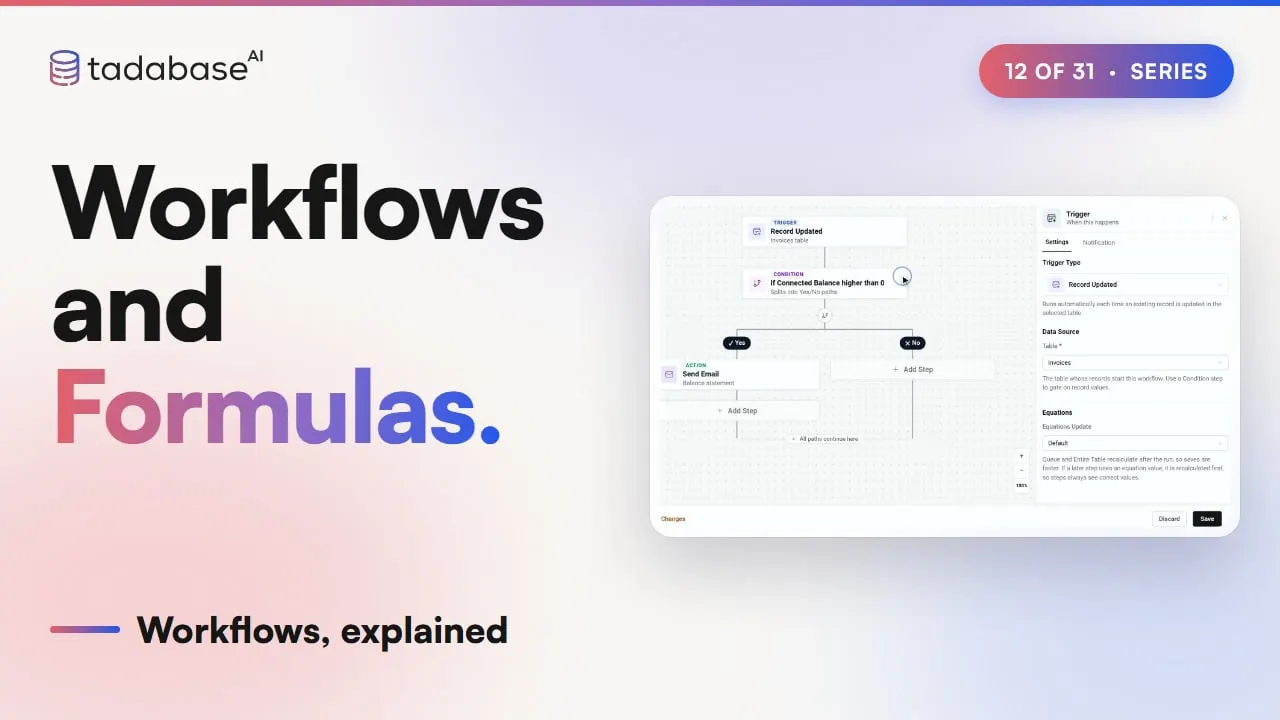
Setting it up takes a few choices. Click New workflow, open the trigger, and change it to Record Updated. Pick the table, Invoices. Add a Condition. For the field, open the connected Patients record and pick Balance. Choose higher than, type zero, and apply. On the Yes path, add Send Email with the Balance statement template. Leave Equations Update on Default. Save, and it is live. One case needs something else. Some values change with time, not with a save, like days past due. Nobody saves the invoice, so no record workflow starts. A schedule checks them every morning instead. That is the next video. The same pattern fits any business. At a wholesaler, a line item is added to an order. The order total updates, and the workflow emails the customer the new total.
3:30 Rules
Three rules to keep track of. Rule one: workflows see the finished formulas. The save calculates them before the workflow starts, each step that changes a record recalculates its own, so the next step reads the new number. Rule two: don't let a table rule and a workflow write the same field. The rule sets Statement to On hold. The workflow runs after it and sets Sent. Sent is what stays, and the rule's choice is quietly lost. Rule three: Don't run Equations leaves old values behind. The workflow updates forty invoices. No later step reads their totals, so nothing recalculates them. The stored Amount due stays old, on every page and report, until something recalculates it. That is workflows and formulas. The save calculates the formulas, the workflow starts after, and Equations Update decides when a big run recalculates. What each plan includes is on the pricing page at tadabase.com. In the next video, we look at schedules.
Also on Vimeo · the whole series on Vimeo